

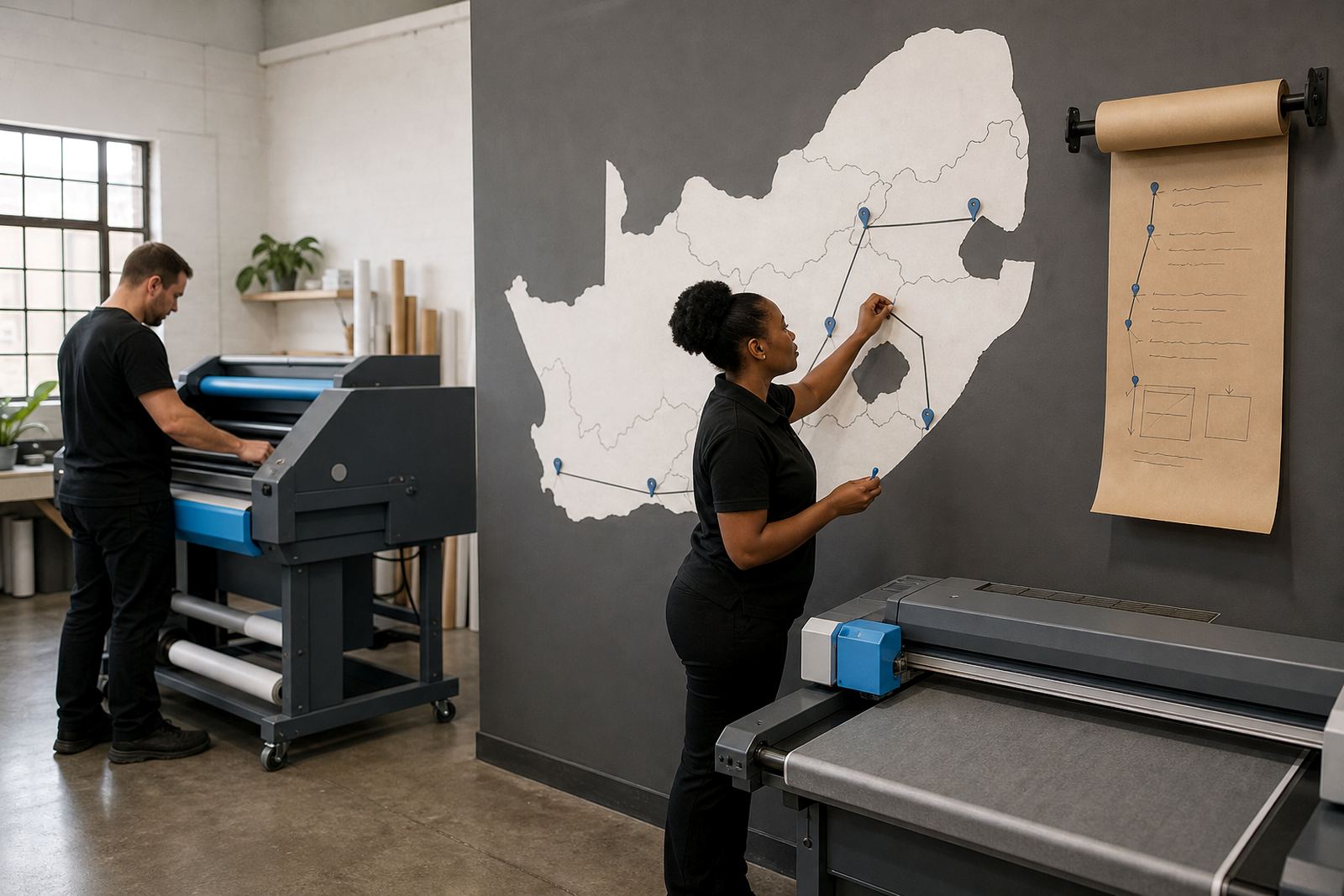



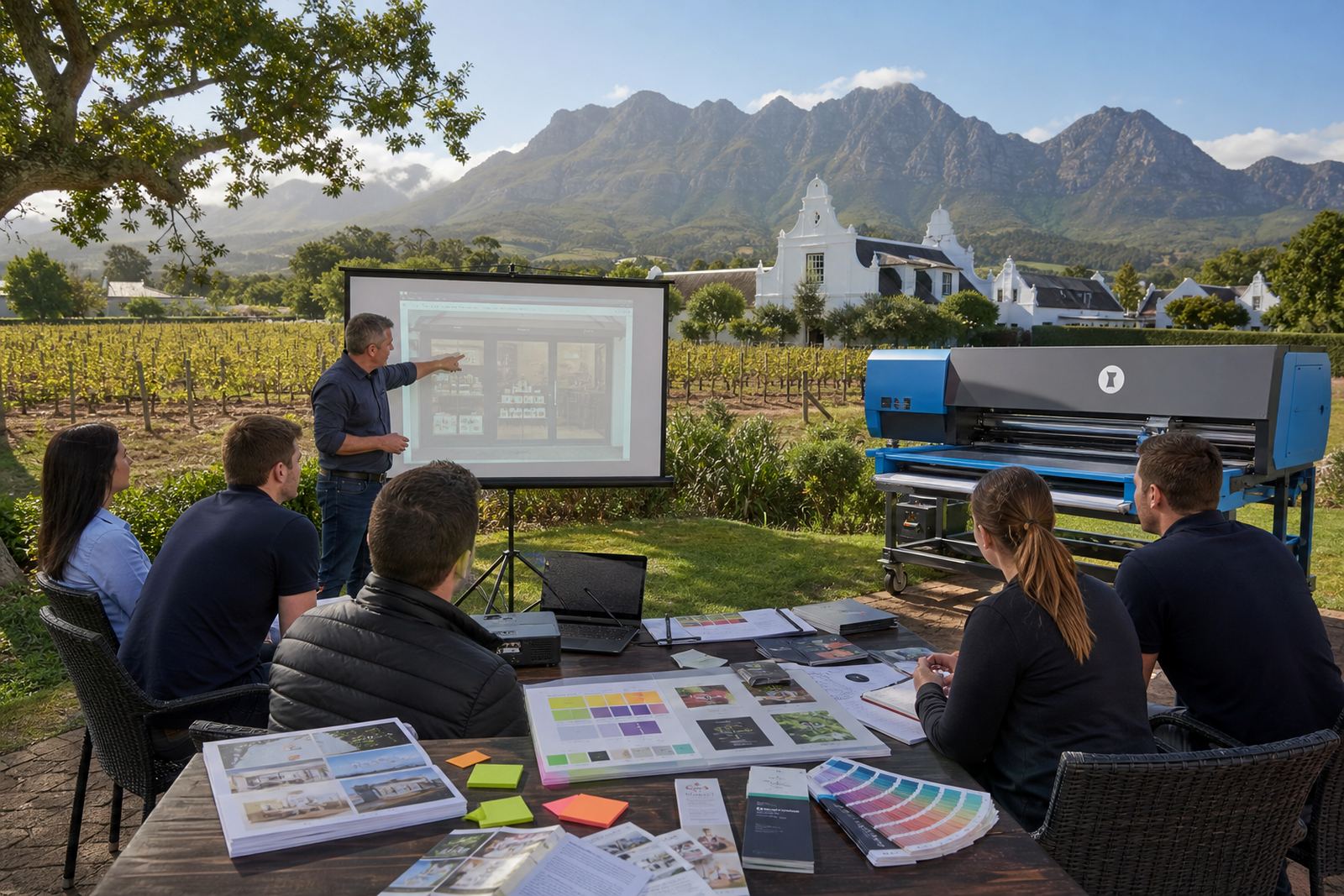
Durbanville base, national rollout
Our Durbanville team builds storefront software for print businesses that need product builders, artwork checks, pricing rules and order tracking in one place. Some shops want a clean online quotation path, while others need a fuller B2B portal for repeat corporate ordering, approver roles and stored templates.
The region pages below help you map the right setup for your branch, your customer mix and the way your staff already work. A shop serving trade clients in Cape Town will usually need different catalogue structure to a team handling school apparel, labels or large-format work across several provinces.
How the major client areas differ
Not every city needs the same storefront structure. A local retail shop in Stellenbosch may want a smaller catalogue with tighter proofing rules, while a national print business in Johannesburg can need multi-site pricing, account controls and deeper workflow notes for production handover.
- Cape Town and Durban often need strong courier and collection choices for busy local deliveries.
- Pretoria and Johannesburg usually need more layered user access for corporate ordering.
- Bloemfontein can benefit from simpler navigation and a narrower catalogue tree.
- Paarl and Stellenbosch often prefer shorter approval paths and clear artwork upload instructions.
These are practical patterns, not hard rules. The region pages are there to help you think through catalogue depth, customer permissions and the pace of internal sign-off before you move into setup.
What a regional setup usually covers
When a print shop rolls out web-to-print software, the region matters because delivery routes, customer behaviour and internal admin all shape the final build. We work through storefront setup, template build, price matrix setup, artwork rules and proofing workflows so the online front end matches the way production runs behind it.
- Storefront Setup for the public ordering path and category structure.
- Template Build for business cards, flyers, labels, apparel or signage.
- Price Matrix Setup for size, quantity, substrate and finishing rules.
- Artwork Rules for bleed, resolution, trim and file checks.
- Proofing Workflows for approvals, reproofing and admin control.
Where a print business serves both walk-in buyers and trade accounts, the portal often needs separate price views and account permissions. That keeps checkout clear for clients in Durban, Pretoria or Bloemfontein without forcing one process onto every buyer.
Training that fits the branch and the team
Software only helps if the staff can use it without guesswork. Training needs to suit the people who will load templates, check artwork, handle orders and push jobs into production. In some branches, one person manages most of that work; in larger teams the tasks are split between admin, sales and production.
Our training covers admin tasks, order handling, product updates and launch support. When a shop has more than one branch or a mixed team, we also look at who handles courier settings, payment rules and portal access so the setup stays consistent across locations.
Payment, delivery and production flow by region
Regional buying habits often shape the payment and delivery structure. Some businesses want card payments for smaller orders and account billing for corporate clients, while others need a cleaner split between collection, local courier routes and out of province delivery notes.
- Payment rules can differ between retail orders and B2B accounts.
- Delivery settings should match local collection points and courier zones.
- Production tracking helps staff see where each order sits after proof approval.
- Workflow review is useful when multiple branches share one print system.
That kind of structure matters in a print shop, because the job can move from quote to proof to production very quickly if the layout is organised properly. A regional rollout should make those handovers easier, not add more admin.
Choosing the right regional page
If your print shop serves only one area, the local page will usually point to the setup details that matter most for that town and its delivery pattern. If you work across several centres, the regional pages help you compare storefront depth, catalogue structure and training needs before you move ahead with a build.
The list of areas includes Durbanville, Cape Town, Johannesburg, Pretoria, Durban, Bloemfontein, Stellenbosch and Paarl. Each page gives a clearer picture of how the software setup can support the way that branch or client group orders, approves artwork and tracks work into production.