




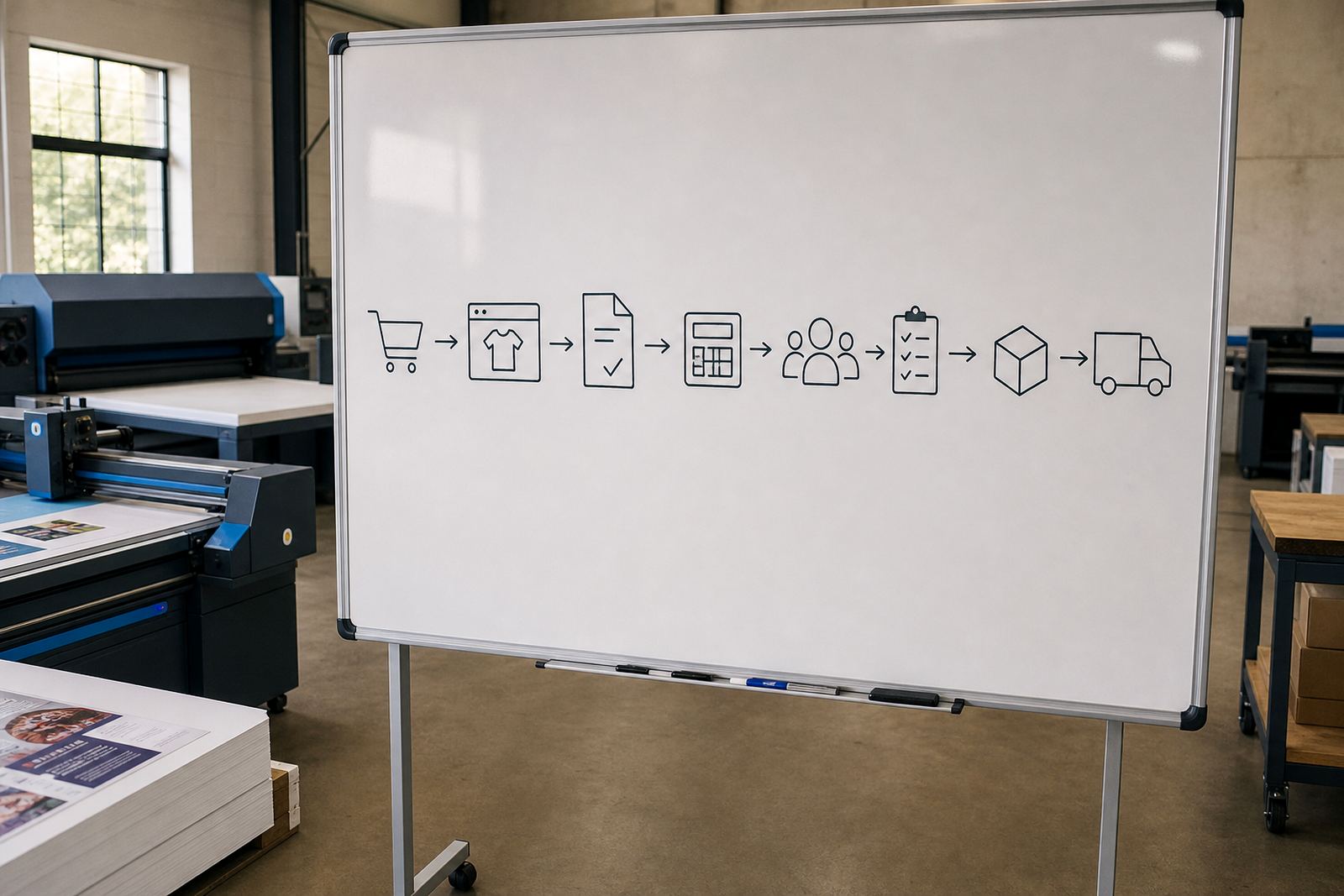







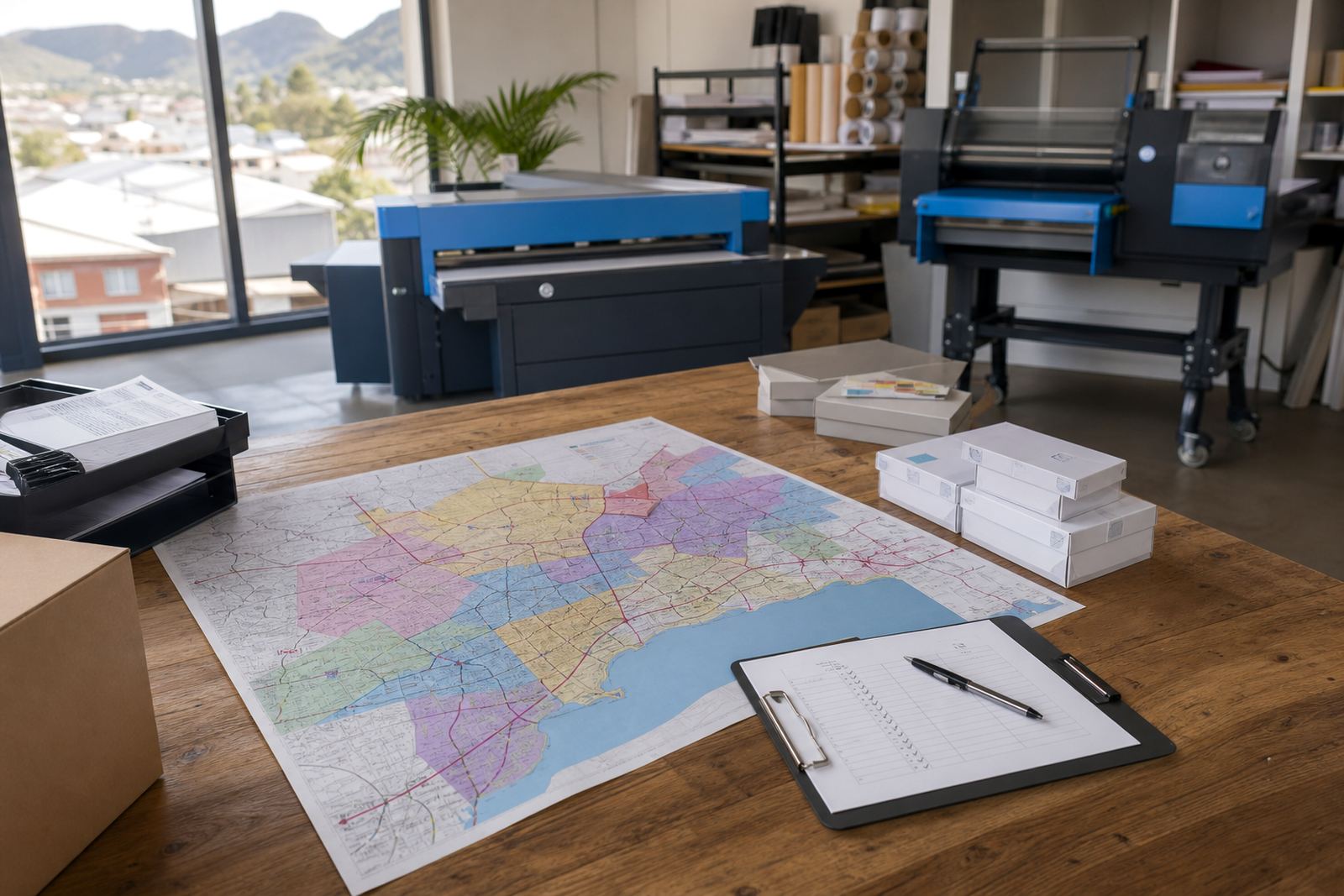

What this guide hub is for
It brings together practical reading for print shops that are weighing up web-to-print storefront software. The focus stays on the parts that affect quoting, artwork handling, customer ordering and handover into production, so the process is easier to judge against your own shop floor.
Use it when you are mapping a new online sales channel or tightening an existing one. Some shops need clearer product setup, others need cleaner proofing steps, while larger teams often want B2B controls for recurring corporate orders and branch users.
Product builders that suit real print buying
A good product builder does more than collect a name and phone number. It should let a buyer choose size, stock, finish, quantity and artwork position without forcing your team to rewrite the order later.
- Options should match how the item is quoted in the shop.
- Artwork fields must reflect the file types your team accepts.
- Variable products need sensible controls for size, colour and finishing.
- Custom items should still carry clear specifications into production.
Pricing rules that do not fall apart mid-order
Price matrices are where many storefronts become useful or troublesome. The logic has to cope with quantity bands, paper choices, finish costs and size differences without creating confusion for the buyer or the admin team.
These guides explain how to think about pricing structures before a store is launched. That helps avoid awkward manual adjustments, especially when a product range includes short runs, trade pricing, or tiered customer groups.
Proofing and artwork control before print
Proofing workflows should make artwork approval part of the order path, not an extra scramble after checkout. Shops often need file checks, proof uploads, revision notes and approval status tracking in one place.
- Artwork rules should spell out bleed, safe areas and file size limits.
- Preflight steps help catch missing fonts, low resolution files and wrong colour modes.
- Approval history is useful when jobs move through several hands.
- Clear status labels keep both staff and clients looking at the same version.
B2B portals for account-based customers
B2B portals serve companies that order often, need multiple users or work within internal approval chains. These setups usually need account pricing, stored delivery details, order histories and role-based access for different people in the same business.
For print shops in Durbanville, Cape Town, Johannesburg, Pretoria, Durban, Bloemfontein, Stellenbosch and Paarl, this can cut down on repeated admin and keep recurring work better organised across branches or departments.
From checkout to courier handover
Payments and delivery rules should fit the way printed work actually moves. That means looking at card payments, EFT handling, courier methods, collection options and any delivery limits tied to parcel size or turnaround assumptions.
Good guides also cover order tracking into production. When an order moves from payment to artwork review, then into print, finishing and dispatch, staff need a clean trail that shows where the job sits and what still needs attention.
How to use these guides when comparing systems
Start with the areas that affect your busiest jobs. If your shop handles high-volume standard items, product setup and pricing logic may matter most. If you run custom work, artwork rules and proofing may carry more weight. If you serve corporate accounts, portal controls and order history become central.
- Match the guide to the job type you sell most often.
- Check whether the workflow suits your current admin team.
- Look for gaps between ordering, approval and production.
- Use the notes to brief staff before a rollout or upgrade.
These pages are meant to help print shops ask sharper questions and compare options with more confidence, without losing sight of daily production reality.