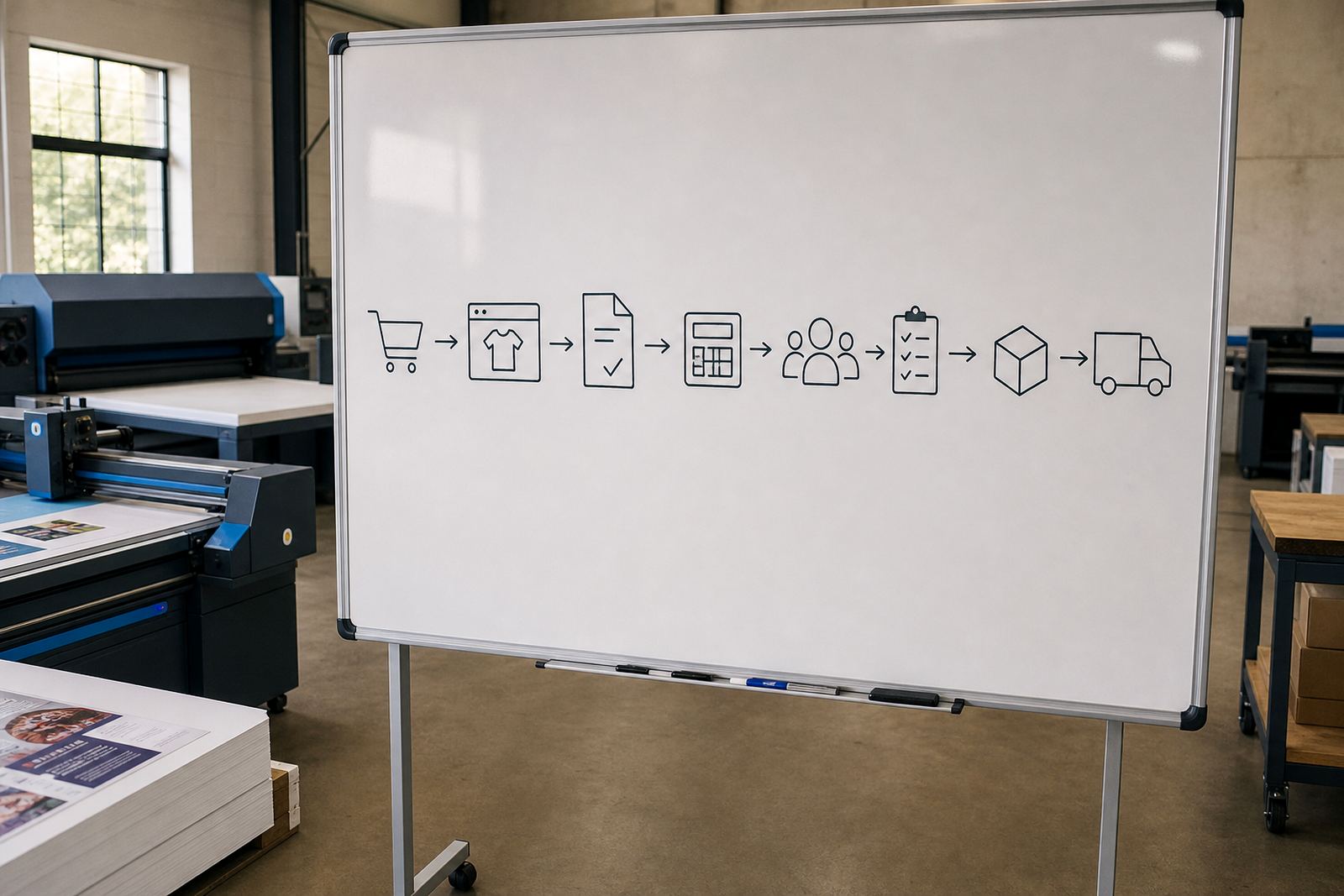
Start With The Paths Customers Will Actually Use
Before a storefront goes live, every common route should be tried as if a customer is using it for the first time. Open the catalogue, pick a product, move through size or finish options, upload artwork, and reach the point where an order can be placed without staff intervention. If a customer in Durban or Johannesburg takes a different path from the one the team planned, the store should still hold together.
Focus on the steps that create orders, not the parts that look neat in a demo. A good test covers product selection, artwork upload, proof approval, cart totals, payment handoff and the final order note that lands in production. If any step feels unclear, the wording, pricing logic or layout still needs attention.
- Open each key product from the homepage and the category page.
- Check that required fields block incomplete orders.
- Confirm uploaded files attach to the correct line item.
- Review totals after every option change, not just at the end.
Price Matrices Must Hold Up Under Pressure
Price matrix setup is easy to admire on paper and easy to break in live use. Test every combination that affects price, especially when quantities, sizes, paper choices, finishing and turnaround bands are tied together. A customer in Pretoria should see the same logic as a client in Cape Town, with no odd jumps between quantities or hidden amounts surfacing late in the checkout.
Check rounding, minimum charges and any rules that apply when a product crosses into a different production method. If a variation is meant to trigger a special quote instead of an instant price, that behaviour needs to happen cleanly. The goal is not perfection on day one, but a pricing table that behaves predictably under real ordering pressure.
- Test low, middle and high quantities on each core product.
- Compare single item orders with bulk orders.
- Watch for missing surcharges on special finishes.
- Make sure zero or blank values cannot slip through.
Artwork Rules Need To Stop Problems Before Production
Artwork preflight and proofing workflows should catch the issues that waste plates, time and material. Check that the system flags incorrect bleed, low resolution images, missing fonts or the wrong file type before the order is released. If a proof is part of the process, make sure the customer knows whether approval is required before print, and what happens when a file is revised.
Do not rely on staff memory for these checks. The rules need to live inside the workflow so that each order follows the same path. A clean proofing setup also helps when a client across South Africa sends work from an office team, a franchise branch or a marketing department with several approvers.
- Upload a clean file and a faulty file to test the warnings.
- Confirm that proof status is visible on the order record.
- Check that approved files cannot be changed silently.
- Verify the customer sees the correct proof instructions.
Payments, Delivery And Courier Fields Must Match The Job
Payment and delivery settings need careful checking before launch. If payment is taken upfront, part payment, or after invoice, the rule should be clear to both customer and staff. Delivery zones, collection options and courier choices must fit the way the shop works from Durbanville to the other towns the team serves. If a job is collected in person, the order should not behave as if a courier booking is required.
Delivery notes matter more than many teams expect. The right suburb, branch or collection point must follow the order into production and dispatch. Where a courier integration is used, test labels, tracking references and any cut-off logic that affects same-day dispatch planning. Small mistakes here create avoidable phone calls and rushed rework.
- Test every payment route that will be offered at launch.
- Check delivery fees against distance, parcel size or zone rules.
- Confirm collection orders never trigger delivery charges.
- Review tracking fields before the first live order is accepted.
Staff Training Should Cover The Parts That Break In Real Life
Training is not only about showing people where the buttons sit. Staff need to know how to correct a bad upload, amend an order note, spot a proof that is still pending, and move a job through production without losing the customer record. The team in the office should be able to read the order trail the same way the production floor does.
Admin training matters too. Someone must know how to update product templates, edit pricing, add a new finishing option and adjust wording when a rule changes. If only one person understands the setup, the launch becomes fragile. A workable handover gives the business a clear way to manage catalogue changes after go-live.
- Walk through a normal order from start to finish.
- Show staff how to pause an order for artwork correction.
- Test who can edit templates and who can only view them.
- Confirm that order comments are visible where they are needed.
First-Day Support Needs A Calm Production Rhythm
The first live orders tell you more than any test environment ever will. Keep a close watch on the order queue, proof status, payment confirmations and dispatch notes. If something unexpected appears, fix the process rather than forcing people to work around it. That keeps the storefront steady while the team learns how customers actually use it.
A launch should leave a clear trail for what is working, what needs a rule change, and which product needs another template pass. In the first few days, the aim is controlled production, not extra complexity. Once the order flow settles, catalogue expansion and workflow review become much easier to plan.
- Check new orders against payment status and artwork status.
- Watch for duplicate entries or missing contact details.
- Review any failed uploads before they reach production.
- Keep a short list of fixes for the next admin update.