








Retail counters that need a cleaner online order path
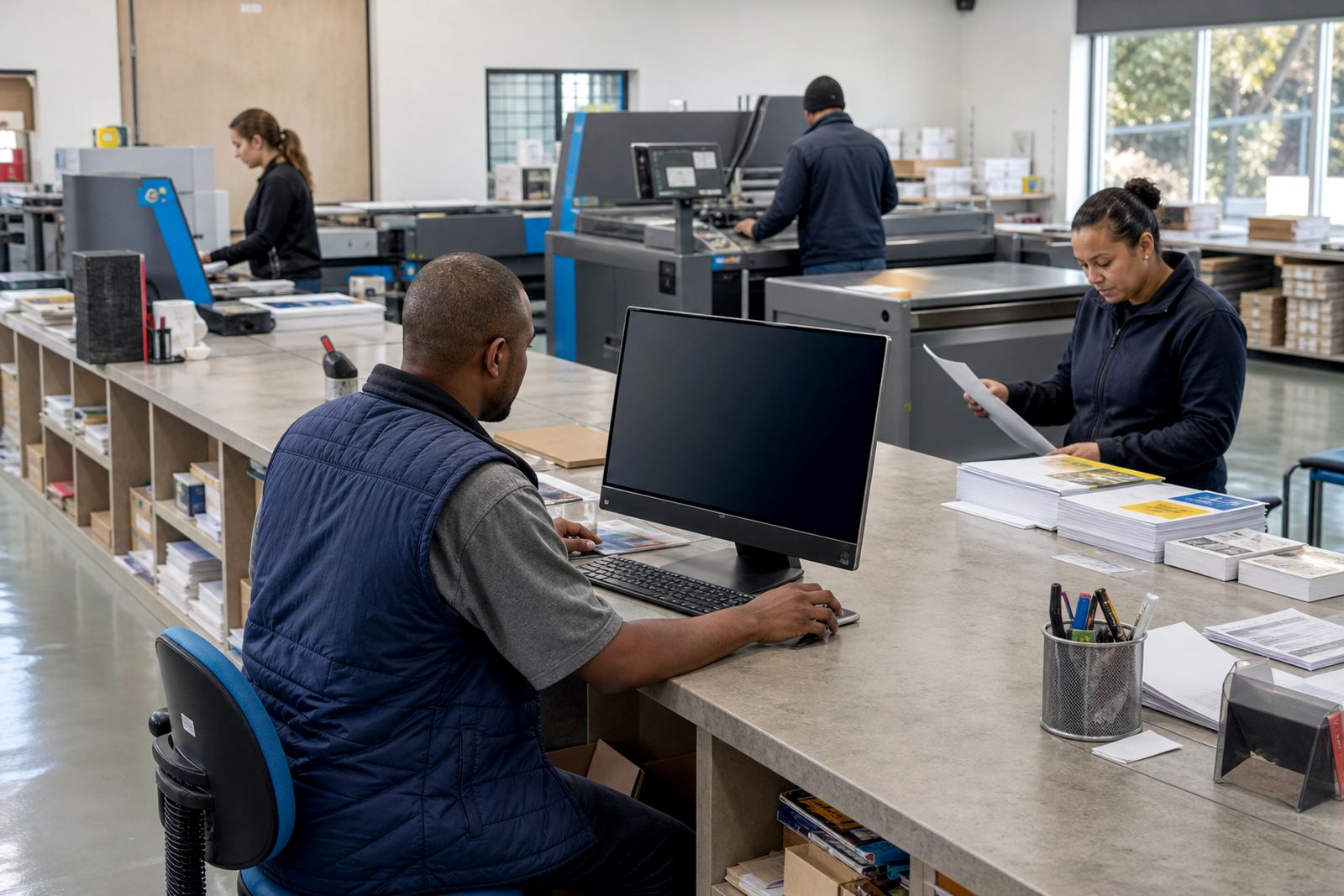
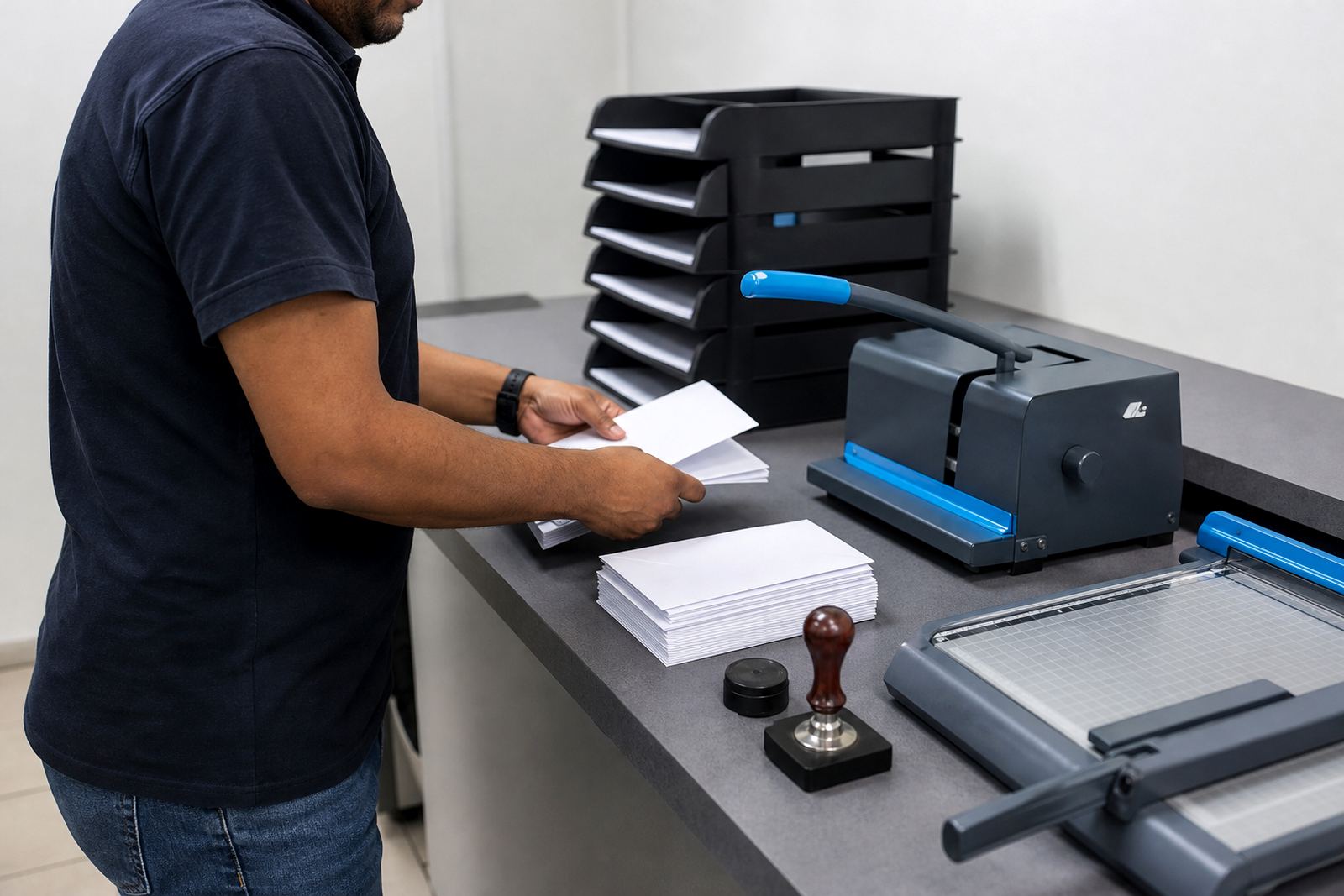
Some print shops work from a busy counter and need the website to take routine orders out of the queue. That can include business cards, flyers, menus, banners and basic stationery with fixed sizes, set finishes and clear artwork rules. A product builder helps the customer choose size, quantity and finish without sending the team a long back-and-forth message trail.
For these shops, the stronger setup usually sits around price matrices, artwork upload and proofing before production starts. If the order should move straight into the job list after payment, that can be built in too, with courier choices matched to the delivery area and the item type.
Trade print shops handling reseller and agency work
Trade printers often need a different structure from a public-facing retail shop. The storefront may need account-level pricing, controlled product visibility, upload rules for print-ready files and a proofing stage that keeps everyone on the same instruction set. A B2B portal is useful when repeat clients place regular jobs and need a cleaner way to manage multiple users under one company account.
- Set up customer groups with their own price logic
- Limit products to the correct print methods and file specs
- Route approvals to the right person before release
- Track each order from upload through to dispatch
That setup helps a print business serve design studios, marketing teams or resellers that need steady output across recurring jobs.
Corporate ordering portals for multi-user buying teams
Some businesses need a portal that looks less like a public shop and more like a controlled buying space for staff, branches or departments. These setups work well for corporates placing branded stationery, internal forms, presentation folders and recurring items with approved artwork. The aim is to keep the brand rules tight while still making ordering practical for several people.
In this kind of setup, approval steps matter as much as price. The portal may need role-based access, saved templates, restricted artwork changes and a record of each order for internal checks. When a company has offices in Cape Town, Johannesburg, Durban or Pretoria, the delivery logic may also need location-based options.
- Branch-specific product lists
- Approval controls for finance or marketing teams
- Repeat ordering from saved templates
- Delivery tracking for each destination
Shops that print on demand, not from a shelf
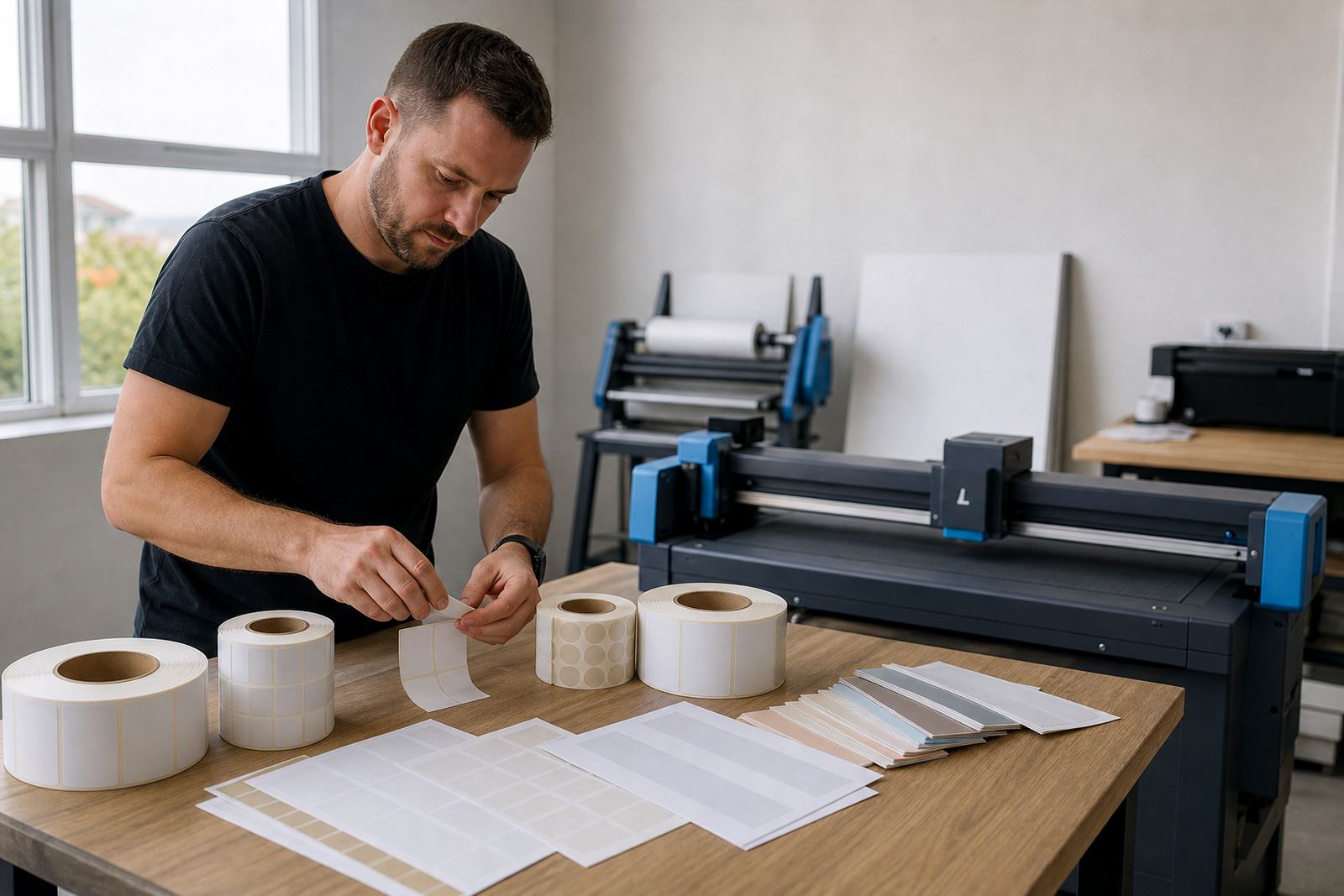
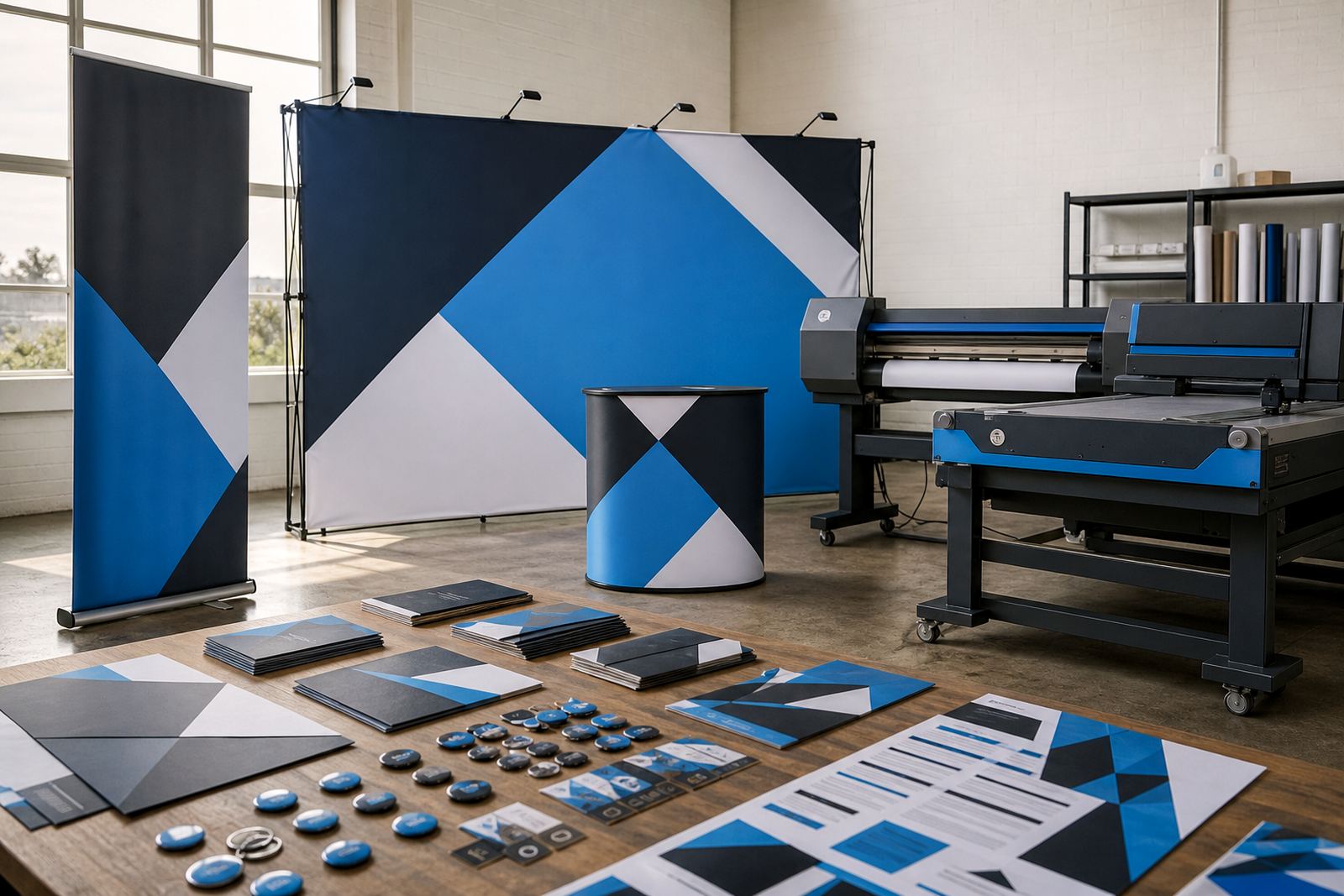
Not every print shop carries stock in the same way. Some build each job after the order is placed, with the web store acting as the front end to the production line. That suits personalised items, short-run packaging, labels, business gifts and products where quantity changes often and the price needs to update with every selection.
For these shops, catalogue structure matters. The product page has to guide the buyer through a sensible sequence, while the admin side must capture the right specs for finishing, artwork checks and handoff to production. If the shop runs from Durbanville but serves clients in Stellenbosch, Paarl and farther afield, courier and collection rules need to be clear from the start.
When pricing changes with size, quantity or finish
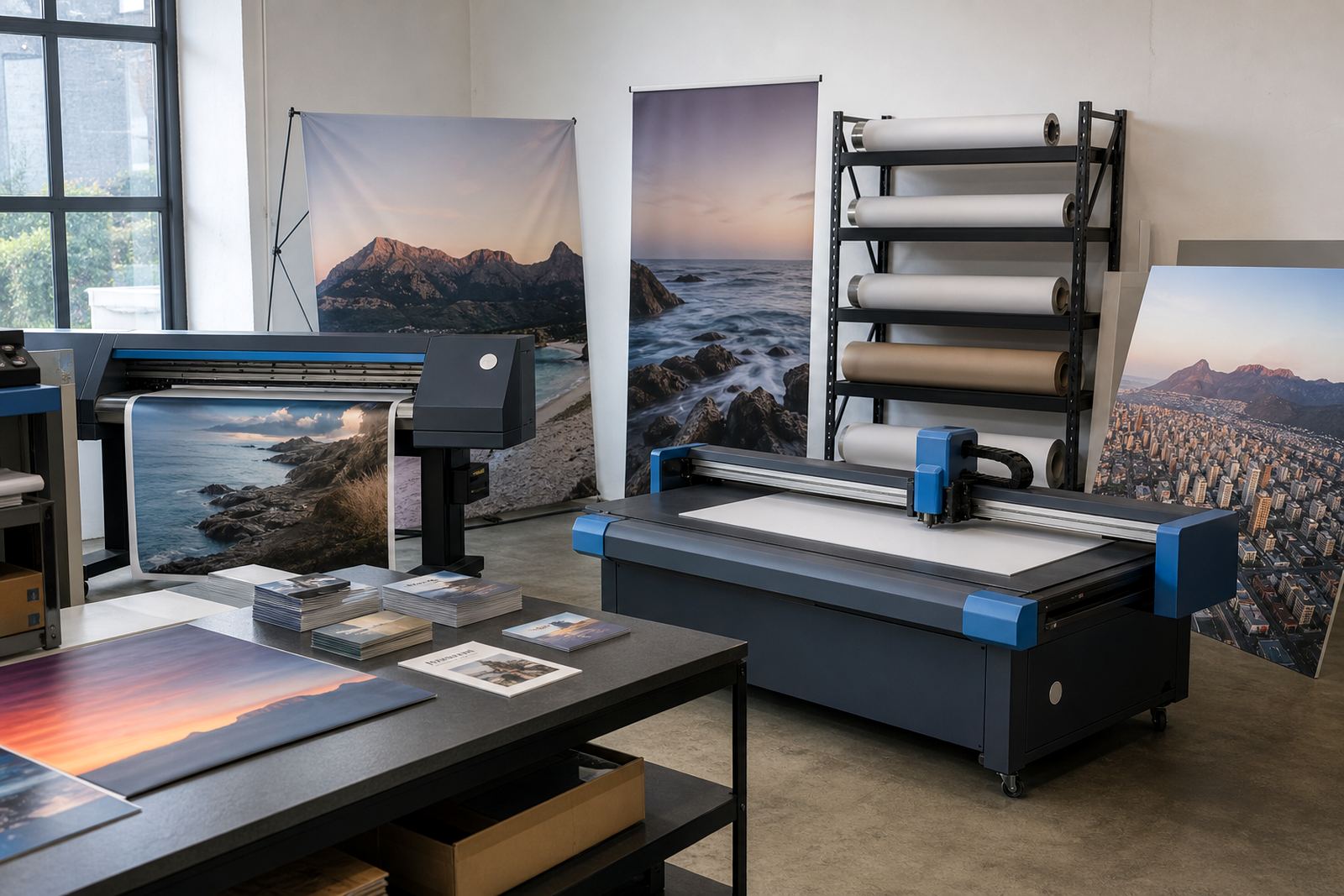
Price matrices are often the part that makes or breaks the setup. A print store may need one price path for standard paper products, another for laminated work, and a separate structure for rigid boards or large-format items. Quantity breaks, finish options and size changes all have to work together without confusing the buyer.
Good pricing logic also helps the team avoid manual re-quoting for routine jobs. Once the matrix is set, the storefront can calculate the order value as the customer moves through the product builder. That keeps the numbers visible and reduces the risk of mismatched expectations when the order reaches production.
Artwork checks, proofing and release rules that suit real print jobs
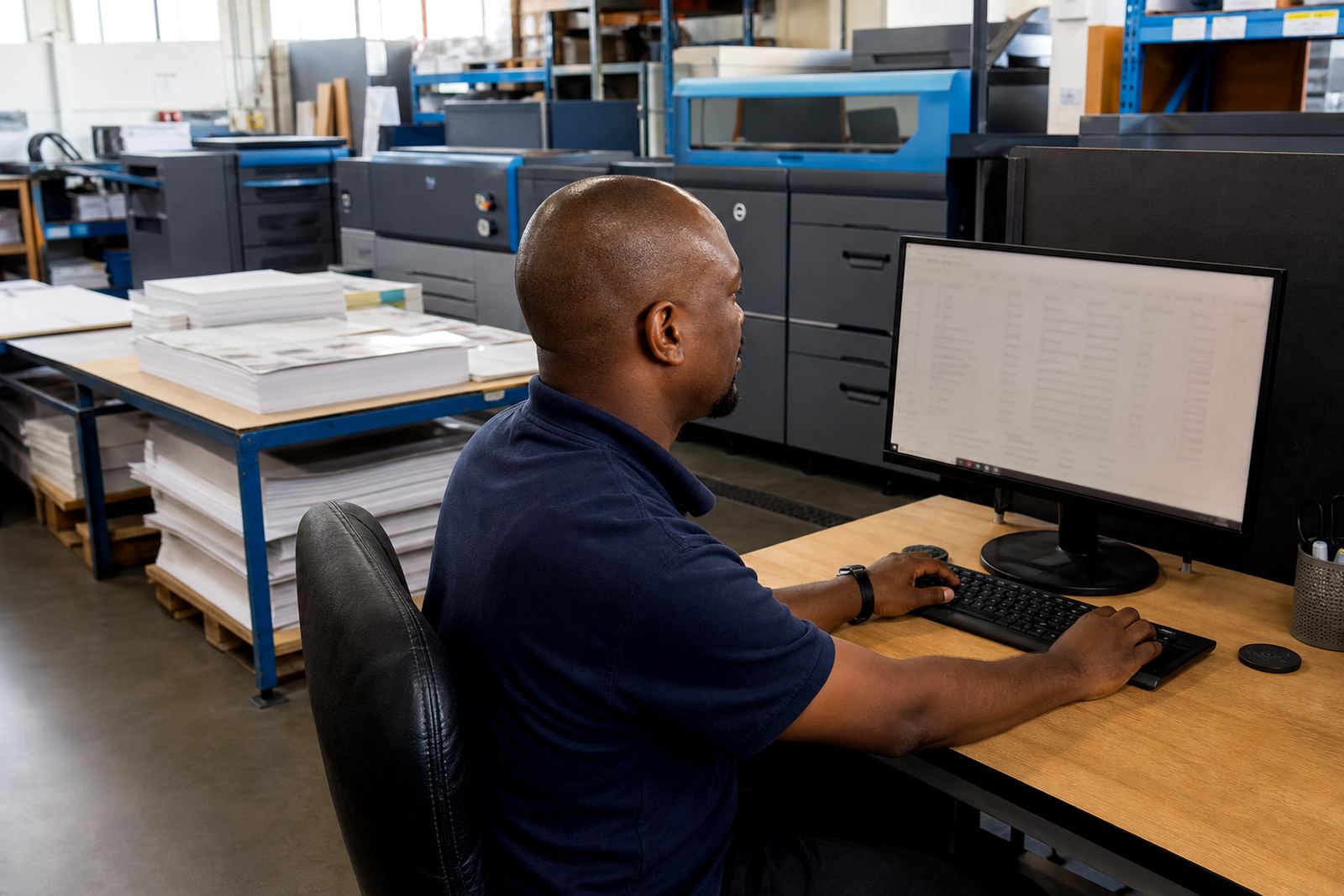
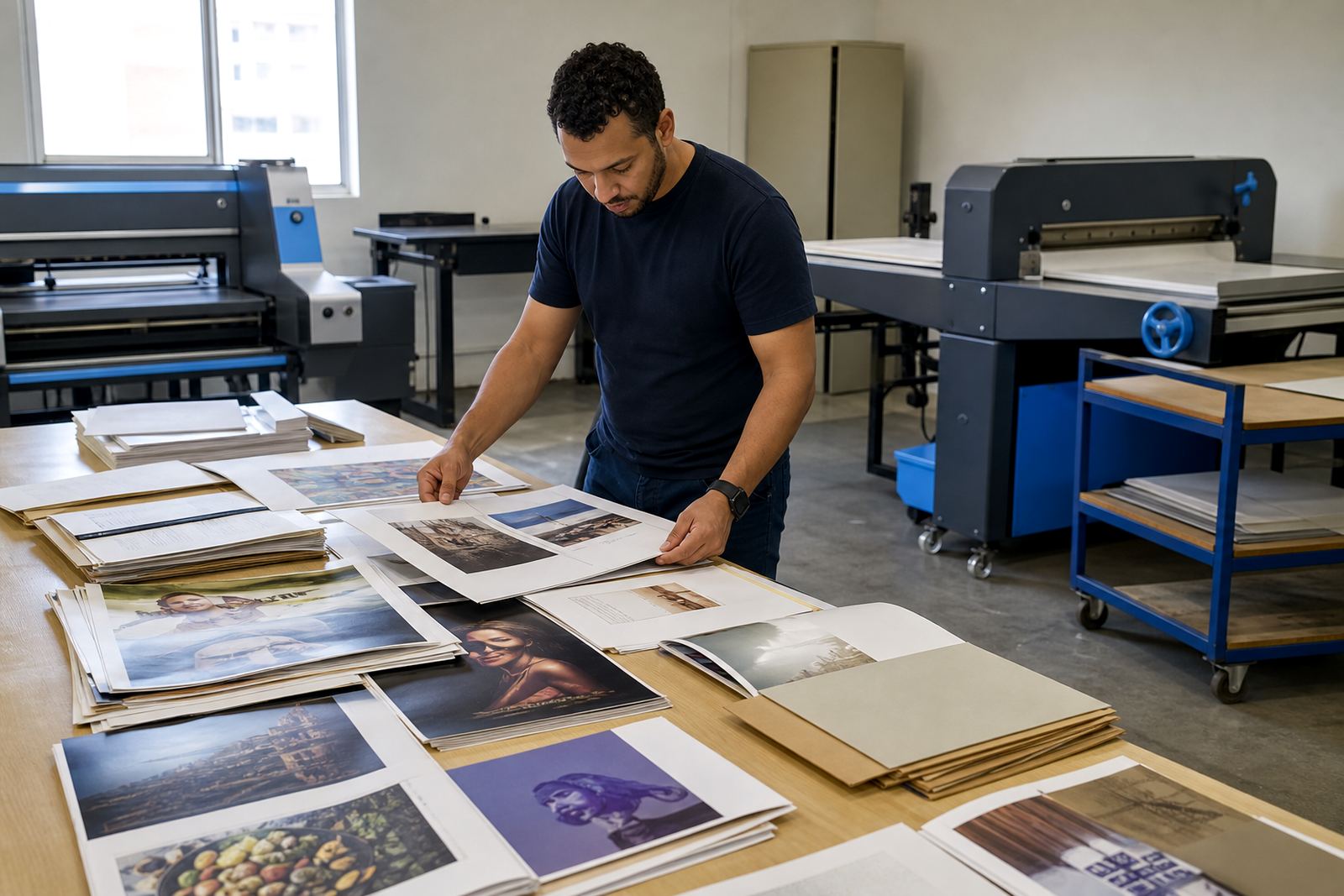
Artwork handling is where many print workflows slow down. A clear setup can require file upload, show the correct bleed or size notes, and push the job into proofing before it is approved. Some shops want every file checked by staff, while others only need certain products to trigger a manual review.
- Preflight notes for file size, bleed and resolution
- Proofing workflows for customer approval
- Staff review flags for problem files
- Release steps before production or dispatch
That structure is useful for shops that handle both quick-turn jobs and more detailed corporate work. It keeps the approval trail visible, which matters when several people touch the same order.
A fit for Durbanville teams serving the whole country
PrintEngine works with print shops that want a more orderly way to sell online, manage artwork and move approved orders into production. The setup can be shaped around the kind of shop you run, whether the focus is retail counter sales, trade work, corporate portals or mixed catalogues with multiple approval paths.
Located in Durbanville, Cape Town, the team assists clients throughout South Africa, including Cape Town, Johannesburg, Durban, Pretoria and Bloemfontein. Setup, product templates, staff training and launch support can be planned around the products you sell and the internal steps your team already follows.
To start a discussion, use our contact form and share the broad shape of your shop, the product range and the approval steps that matter most.