When event work hits the inbox all at once
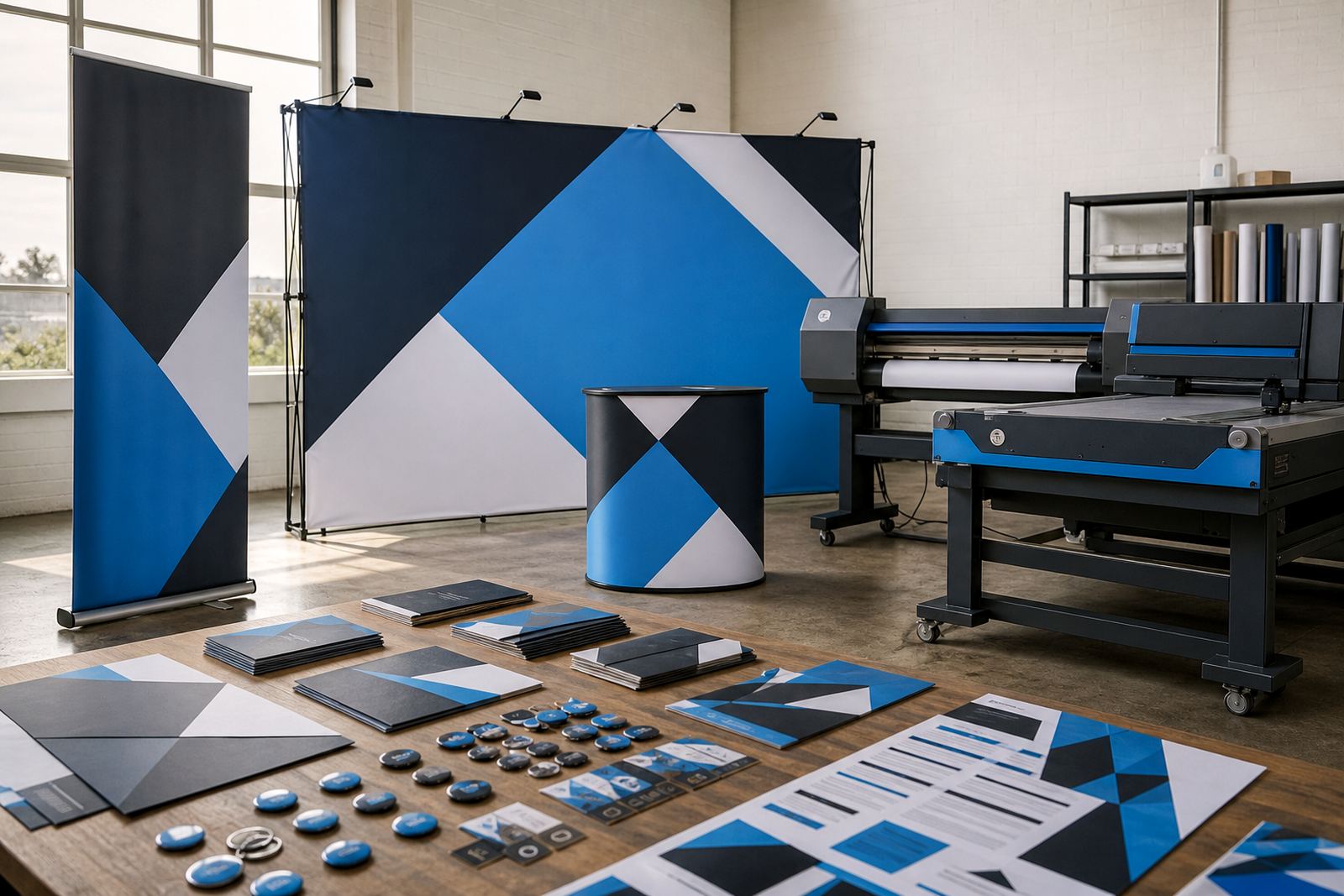
Event print suppliers often juggle pull-up banners, foam board signs, corflute panels, gazebos, flags, stage backdrops and wayfinding pieces for one launch or expo. The challenge is not only the volume, but the number of moving parts: artwork versions, frame sizes, finishing choices, delivery addresses and proof approval. A web-to-print storefront turns that scramble into a defined ordering path that staff can manage without chasing each job through separate messages.
For event graphics, the customer usually needs to see what is available, choose the right size, upload artwork, and confirm the production date before the order enters the shop floor queue. That matters in Durban, Cape Town and Johannesburg where venues, hotels and conference spaces work to fixed access windows and collection times. When the storefront carries the right product options, the job lands with clearer instructions and fewer back-and-forth corrections.
- Common event items include banners, posters, wall graphics and directional signs.
- Short-run changes are easier when the product page already holds size and finish rules.
- Multi-branch teams can route orders by location, department or event date.
Product builders that suit fast event ranges
For event graphics, product builders do more than list sizes. They let a buyer choose dimensions, material, single or double-sided printing, finishing and optional accessories from one page. That is useful when a venue needs a mix of rigid signs and hanging pieces, or when a corporate team is ordering matching displays for several rooms. The fewer assumptions built into the order, the less time staff spend correcting details before print.
Good templates also help with repeat event categories such as conferences, roadshows, product launches and trade shows. A builder can hold a basic structure for each category, then allow the customer to adjust the artwork and delivery notes. That gives your team a standard base while still allowing the layout to suit different spaces and schedules.
- Use clear size fields for common display formats, not open-ended free text only.
- Separate indoor and outdoor materials so customers do not mix up the finish.
- Group add-ons such as hanging systems, stands and installation notes where needed.
In many print shops the best results come from keeping the product page direct: one product, one build path and one proofing step. A busy event client rarely wants to hunt through a long catalogue to find a banner or board that should already be obvious.
Artwork rules that cut out costly rework
Event artwork is full of small traps. Low-resolution logos, incorrect bleed, thin type on dark fields and last-minute colour shifts can all delay approval or waste material. Artwork rules built into the storefront help the client upload usable files from the start, while preflight checks flag missing bleed, wrong page size or image quality issues before the job reaches print.
For shops handling event graphics across Cape Town, Pretoria or Bloemfontein, this is a practical safeguard. A corporate organiser may upload a full campaign pack in one go, while a local event planner may submit only a venue sign and a stage backdrop. The system can guide both users through the same requirements without turning the process into a support call every time.
- Set file-type guidance for PDF, JPG or PNG uploads where appropriate.
- Use artwork notes for safe zones, bleed and colour limits on each template.
- Allow proofing workflows so approval is captured before production starts.
Clear rules also help with shared jobs across departments. If marketing approves one version and operations approves another, the proof history stays attached to the order instead of sitting in scattered message threads.
Pricing structures for event quantities and add-ons
Event graphics pricing is rarely flat. One order may need ten identical signs, another may need a mix of sizes, finishes and courier delivery to different branches. Price matrices make that easier by linking quantity bands, material choices and finishing options to the storefront. The customer sees the cost move with the selections, and your team does not need to rebuild the quote each time the brief changes.
For South African print shops, this is useful when event buyers compare options in Rand before they approve. A small indoor sign set may sit in a lower bracket, while a larger exhibition package with rigid boards, hanging pieces and courier delivery will land higher. The point is not to force one price shape onto every job. The point is to keep the structure honest enough for the order to flow into production without correction.
Typical event graphics budgets can range from about R650 for a small single-item job to R8 500 or more for multi-piece displays with finishing and delivery. Larger expo runs, branded environments and recurring corporate event packs can sit above that depending on quantity, size and material choice. The storefront should show those differences plainly so customers understand what drives the total.
B2B portals for event teams with repeat approvals
Corporate event clients often need the same products ordered by different staff members, yet still keep one set of approved specifications. A B2B portal lets you assign buyers, branch accounts and approval paths so a central team can control the range while local staff place orders within it. That works well for event agencies, venue groups, franchise teams and companies running regular internal events.
Portal access also helps when the same display items are reordered for new dates or different sites. The user can repeat a saved build, update artwork and submit it under the same account history. For the print shop, that means cleaner order records and better visibility on what is moving through production.
- Restrict products by account group, branch or approval level.
- Keep order history visible for reprints, replacements and event date changes.
- Link payments and delivery choices to the account rules you want in place.
Where clients operate from Cape Town to Johannesburg, this approach keeps event work organised without forcing every branch to use the same internal process. The portal sets the rules, and the storefront does the repetitive admin work.
Delivery, dispatch and production handover
Event graphics are often time sensitive because venue access, setup crews and client sign-off all work to a schedule. Order tracking should show where each job sits, from submitted artwork to proof approval, production and dispatch. When the status is visible, staff can see which orders are ready for finishing and which still need client input before they move ahead.
Courier integration and collection options matter too. A banner heading to Stellenbosch may move differently from a conference pack leaving Durbanville for a city venue. The storefront can support location-based delivery notes, branch handover and shipping choice so the right box reaches the right place with fewer manual corrections.
- Build order statuses that match your actual production steps.
- Use delivery fields for venue names, loading bays and contact notes.
- Separate collection orders from courier orders so dispatch stays tidy.
Good handover details save time on the floor. When the pack list, delivery address and job notes are already attached, the production team has less guesswork and the client has less chasing to do about what is inside the crate or carton.
Setting the storefront for a real event week
PrintEngine sets up storefronts for print shops that sell event graphics across South Africa, with product templates, price matrix setup, proofing workflows, payment paths and training for staff. Pieter van Zyl, Ayanda Nortje, Johan Kotze, Naledi Ebrahim, Ridwaan Adams and Bianca Daniels work through the structure, then shape the site around the way the shop actually quotes and produces. That includes the practical parts, not just the front page.
For event work, the strongest setups usually keep the product range focused, the artwork rules direct and the approval flow visible. Shops in Durbanville, Cape Town, Johannesburg, Pretoria, Durban, Bloemfontein, Stellenbosch and Paarl can all use the same base structure while still keeping local delivery notes, account rules and production steps in order. That balance matters when the same team handles a school gala, a trade stand and a year-end function in the same week.
The value sits in fewer surprises between order and production. When the customer sees the right options up front and the shop gets usable files, event graphics move through the system with less rework and less confusion on dispatch day.