











Launch profiles that suit different print floors
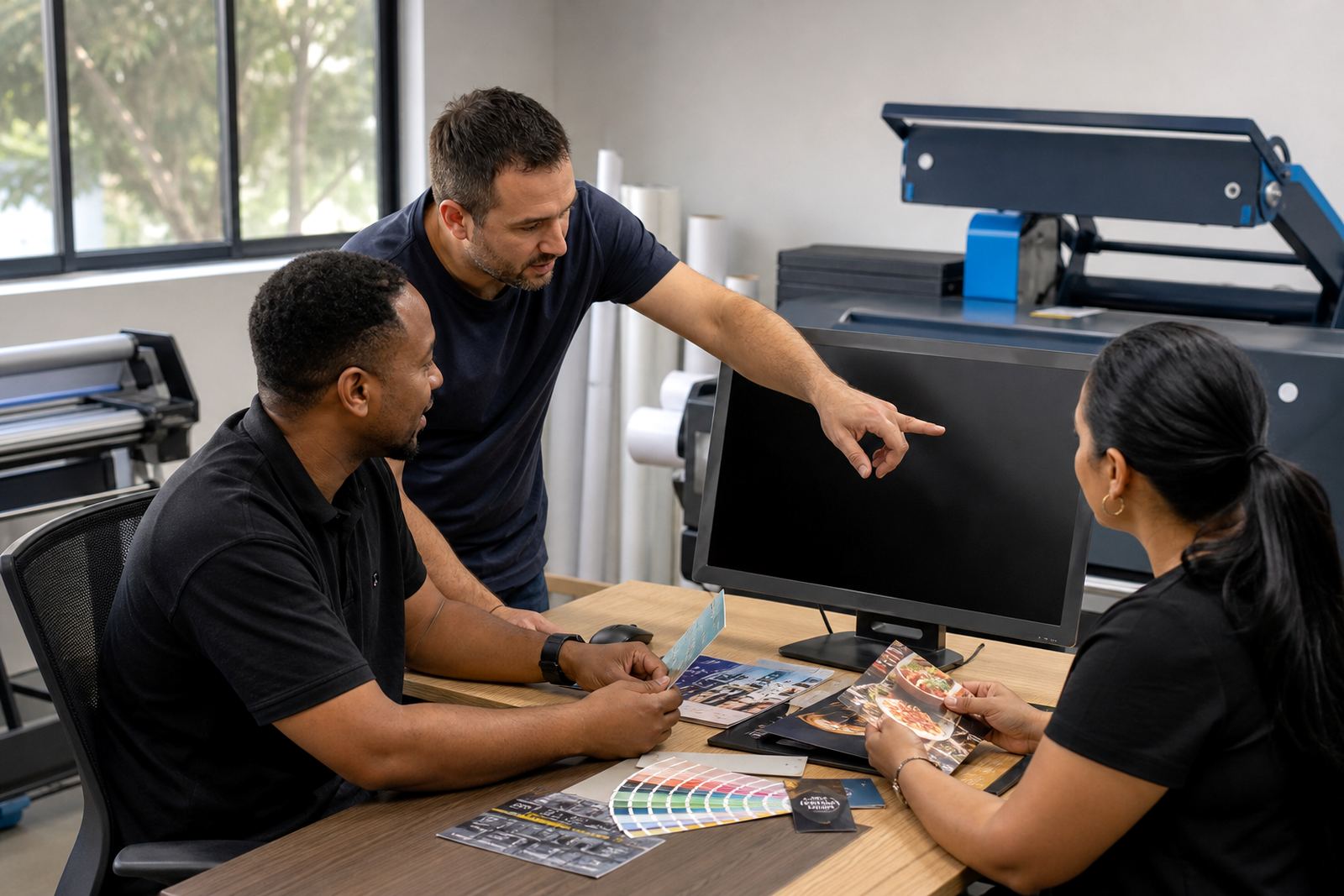
Some launches start with a single online catalogue and a clean checkout flow. Others need tighter controls for trade pricing, approval steps, artwork checks and separate views for corporate buyers. These profiles are set out as practical examples, so a print shop can compare a smaller first phase with a wider rollout across several branches.
- Retail-facing storefronts for quick quoting and standard products
- B2B portals with account-based pricing and order history
- Multi-site rollouts with shared templates and local production control
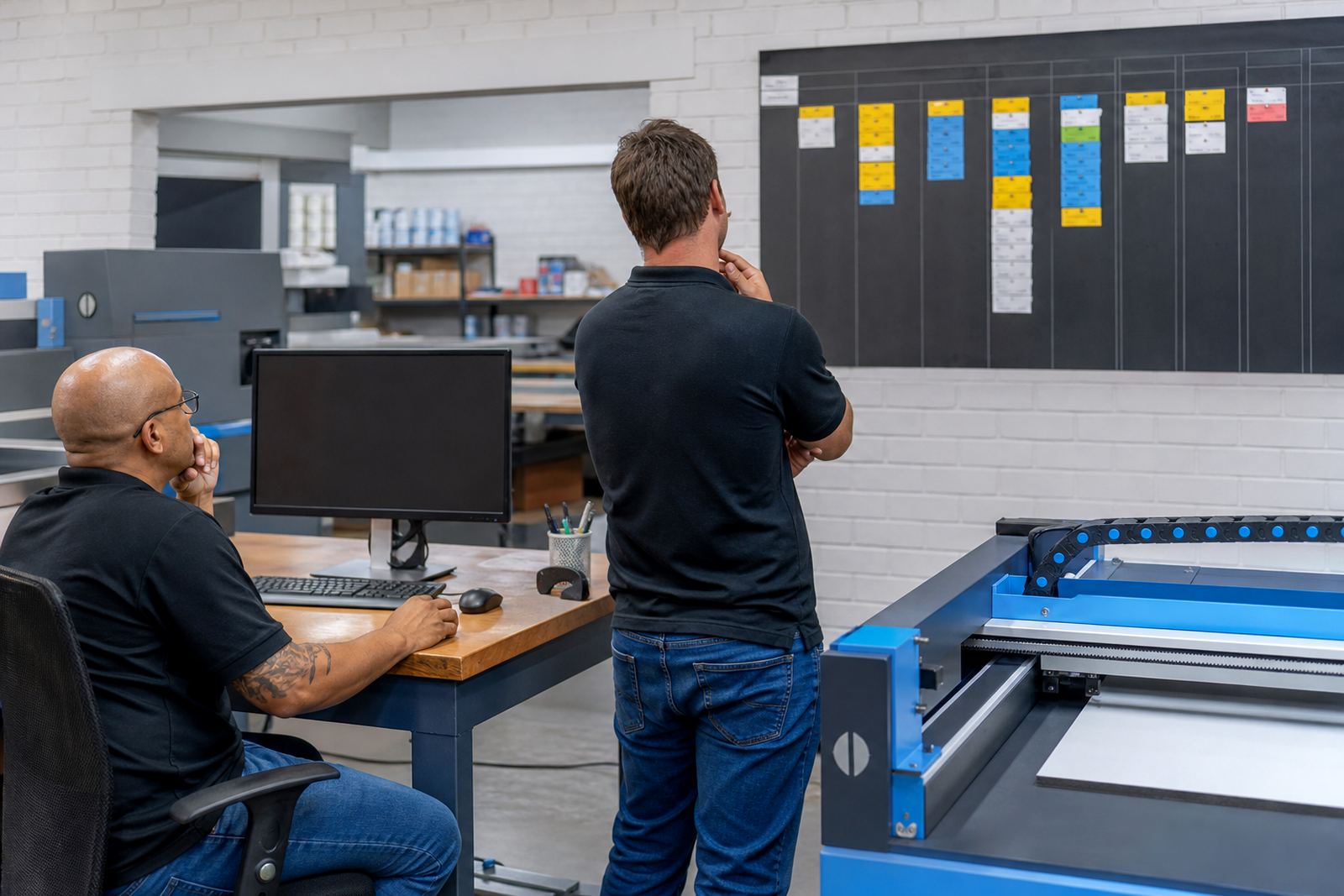
- Trade workflows that need proofing, corrections and sign-off before print
What sits inside a typical rollout
A launch can include product builders for common print items, price matrices for different quantities and finishes, artwork upload rules and proofing paths. It can also cover courier settings, payment options, order routing and status tracking once the job moves into production. That mix depends on how the shop handles quotes, artwork and dispatch, not on one fixed template.
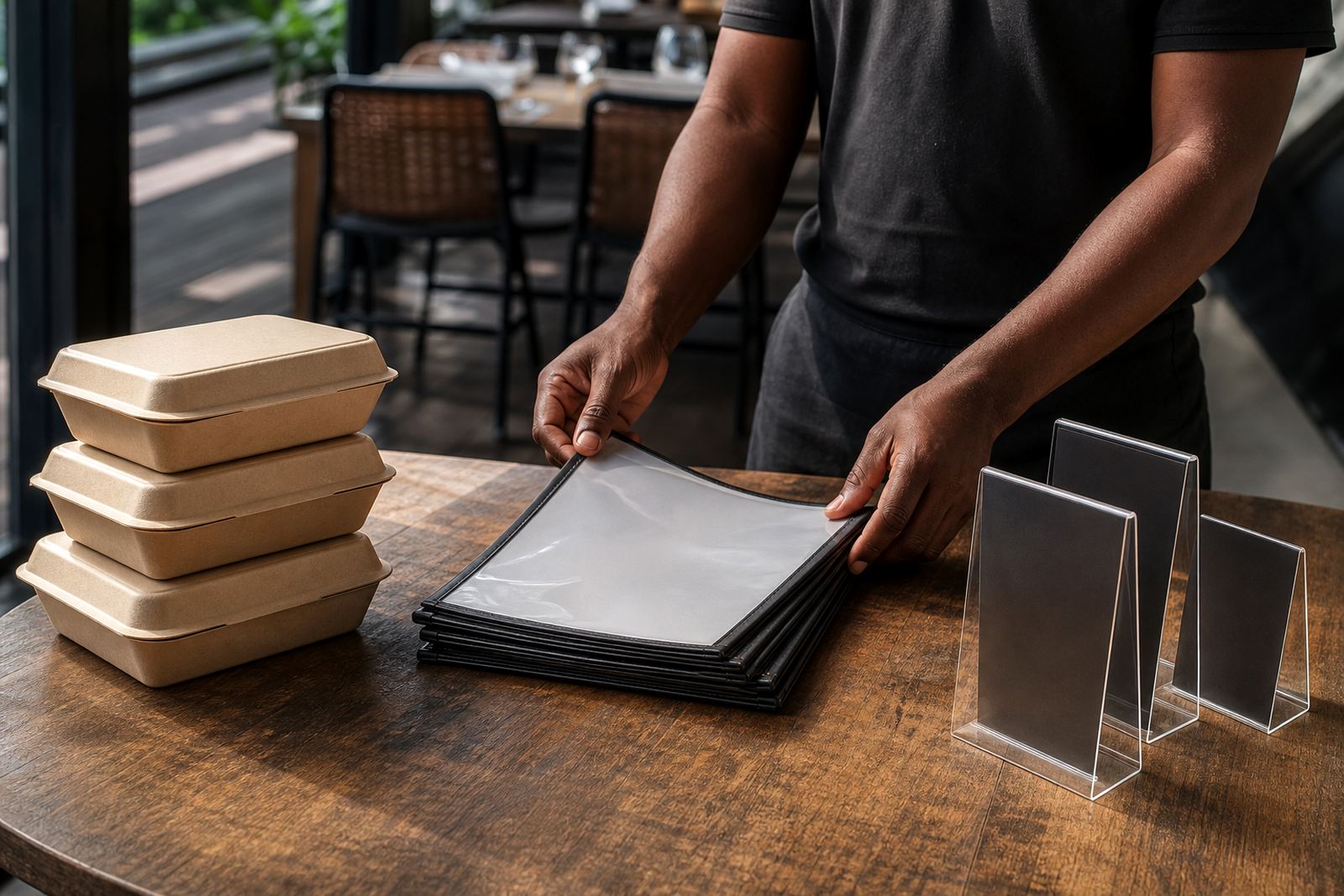
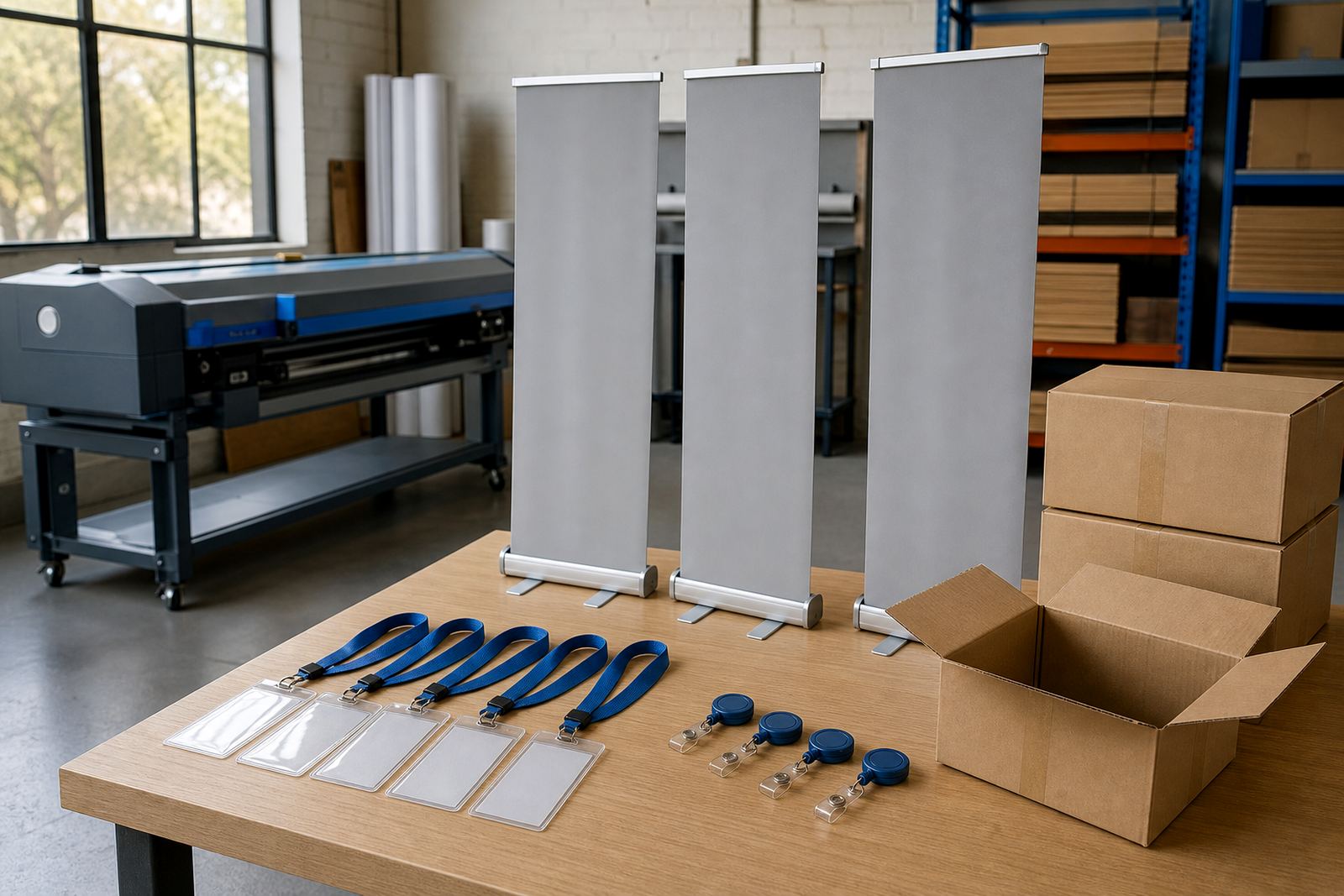
- Product templates for business cards, flyers, labels, books and folders
- Artwork preflight checks for bleed, trims and file type rules
- Order tracking that follows work from submission to dispatch
- Payment and courier setup matched to the shop's working method
Region-led rollouts across South Africa
Some clients need one base rollout from Durbanville that supports the Western Cape and the larger inland centres. Others need branch aware settings for teams in Cape Town, Johannesburg, Pretoria, Durban, Bloemfontein, Stellenbosch or Paarl. The location matters because stock holding, dispatch patterns and internal approvals can change from branch to branch.
These launch pages show how the same software can be shaped for different regions without forcing every site into one narrow process. A local digital shop may need simple repeat ordering, while a broader print group may need staff permissions, portal access and catalogue rules that match different teams.
How a print business can read the examples
Each profile is a practical snapshot of what was configured, which workflows were included and where the rollout sat in the business. That makes it easier to compare a small launch with a fuller setup, especially where artwork handling or B2B approvals matter more than a public price list.
Look for the parts that match your own shop rather than the ones that sound familiar on paper. A clean match usually comes down to the ordering flow, the product range and the way jobs move into production.
People and handover on the launch side
The work behind a launch usually needs more than software setup alone. Product templates must be built neatly, pricing rules need checking, and staff training must fit the people who will use the system every day. The team around a rollout often includes implementation, template building, training, support and client success so the handover does not sit on one person.
- Setup for storefront structure and product groups
- Template build work for common print items
- Staff training and admin training for day to day use
- Launch support for the first live orders and process checks
Where these examples lead next
It is useful when you need to match a launch style to the scale of your business. A short profile may suit a focused storefront, while a wider rollout can cover portals, workflow review and catalogue expansion for a growing print operation. If the shop already has production systems in place, the launch can sit around those processes rather than replacing them.
For the next step, our contact form is where to send the brief with the product range, branch list and any special artwork rules. That gives the team enough context to point a launch in the right direction without forcing it into a generic shape.