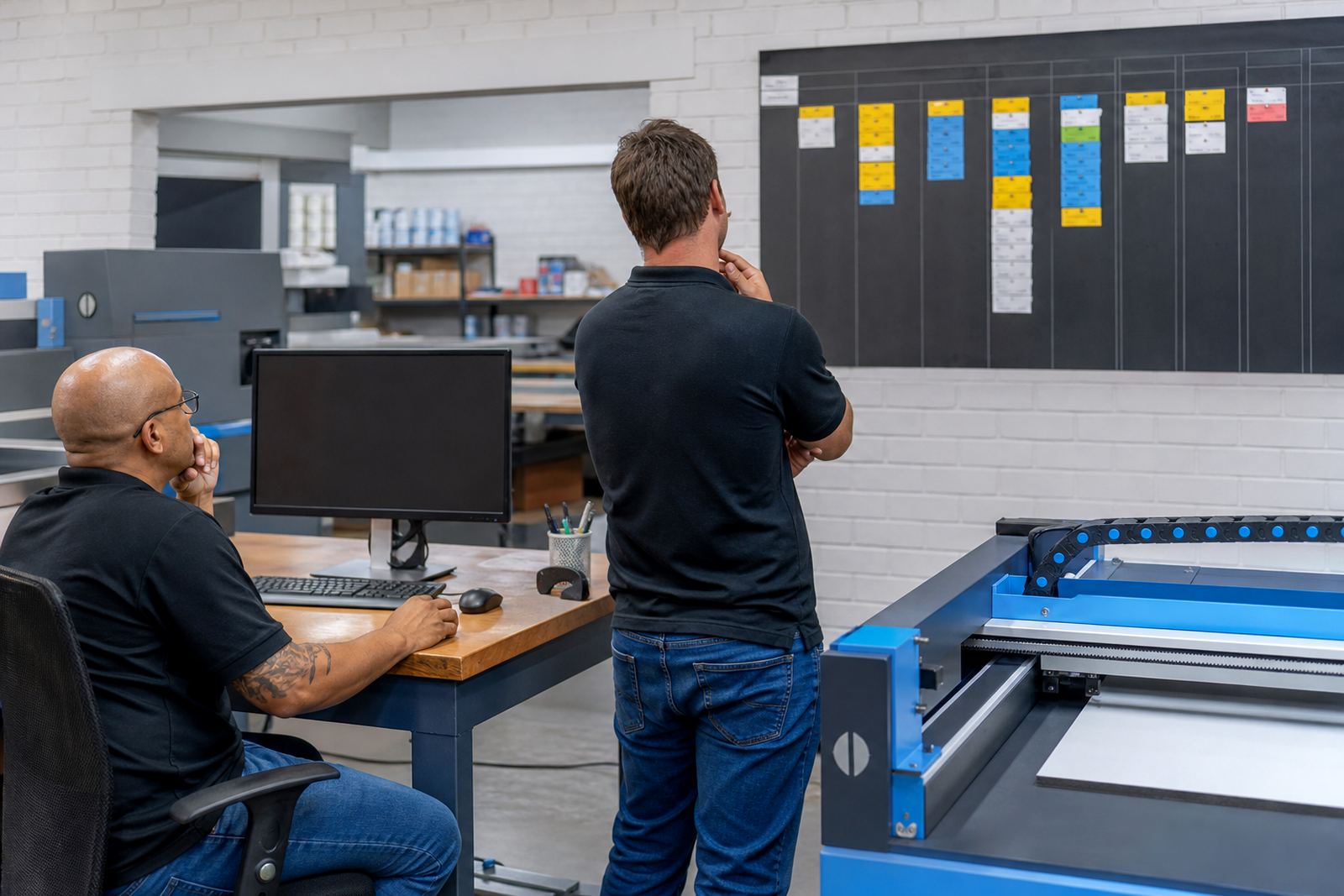
The intake problem inside the building
The client was an in-plant print centre in Centurion that handled repeat work for several internal departments, each with its own ordering habits, naming rules and approval chain. One group wanted quick reorders for stationery, another needed branded items with strict artwork rules, and a third kept changing quantities after the request had already been logged. That mix made the old intake method hard to control, especially when jobs moved from one team member to the next.
The brief was to standardise the front end without flattening the useful parts of the process. Orders still needed to be easy for staff to place, but the centre also needed cleaner data, fewer missing fields, and a proper handover into production. The team asked for product templates, conditional pricing, proofing checks, and a path that would let different departments see only the items and rules that applied to them.
- Internal departments needed one shared ordering route
- Artwork files had to be checked before release
- Pricing needed to follow quantity and finish rules
- Production staff wanted clearer ticket data
The structure we built around repeat work
We built the storefront around product builders rather than a flat catalogue. Each builder was set up with the correct options, print sizes, finishes and quantity breaks, so staff could place a request without guessing the format. Where the centre used common items across departments, we created template logic that reused the right settings and still allowed department-specific wording or approval fields.
Price matrices were arranged to reflect practical print rules, including quantities, colour or mono output, finishing steps and delivery method where needed. That meant the portal could calculate the order value from the choices made on screen instead of relying on a manual quote for every small variation. For the team handling the jobs, this removed a lot of backtracking around what was selected and what was actually approved.
Artwork preflight was added into the workflow so files could be checked for basic print issues before the order moved forward. The rules covered artwork size, file type, bleed expectations and missing image warnings, which helped the centre avoid avoidable rework. Online proofing then gave the internal requester a clear review stage before production release, with the approval trail kept against the order record.
Portal access for departments with different rules
Because this was an in-plant centre, the ordering model had to reflect internal access rather than public retail. We set up a B2B portal structure that allowed the centre to control who could order, what they could see, and which department or cost centre each request belonged to. That made the portal useful for recurring users without exposing every product to every person.
The workflow also carried the practical admin details that matter in a busy print environment. Order tracking was linked through to production stages, so staff could see whether a request was awaiting artwork, approved, in queue or dispatched. Payment handling was configured where it applied to the centre's internal billing flow, and courier integration was arranged for the items that left the site rather than staying on campus.
- Role-based access for different internal teams
- Department fields tied to the correct billing path
- Order status visible from submission to dispatch
- Courier handoff for outward deliveries
The working timetable and rollout pace
The rollout ran over five weeks. The first week covered intake mapping, product grouping and the rule set for the main order types. The second and third weeks focused on template build, pricing logic and artwork controls. By the fourth week, we were working through proofing steps, user access and production status mapping. The fifth week was used for staff training, practical testing and the final adjustments needed before launch.
Training was split for different roles. Admin users needed to understand the structure behind the portal, while department users needed plain ordering steps and proof sign-off habits. Production staff were shown how the order data would arrive, which fields mattered most, and where to look for artwork notes or delivery instructions. That separation kept the rollout manageable and reduced confusion in the first live orders.
- Week 1: intake mapping and product grouping
- Weeks 2 to 3: template build and price logic
- Week 4: proofing and status flow setup
- Week 5: training, testing and launch support
What changed once the portal went live
Once the portal was in use, the centre had a more predictable intake path for internal work. Staff no longer had to rebuild the same order details from separate messages, and the production team received more complete job information at the point of entry. That cut down on missing specs, duplicate messages and small errors that usually appear when several departments are ordering against one print unit.
The approval trail also became easier to manage because proofs sat beside the order record rather than floating in unrelated mail threads. For the print centre, that mattered just as much as the front-end experience. A job that arrives with the right quantity, finish, artwork status and billing link is easier to move through the shop floor, and less likely to stall because someone is waiting for a missing detail.
Internal users had one place to start, while the centre kept enough control to manage exceptions. That balance was the main outcome the client wanted, and the system was built to support it without turning every request into a custom admin task.
What we would carry into a similar rollout
On a similar job, we would still begin by mapping the real ordering paths before changing templates. In-plant environments often look orderly from the outside, but the working detail usually lives in side habits, team shortcuts and department names that never appear in a formal spec. Capturing those first makes the portal cleaner and keeps the build aligned to how the centre actually runs.
We would also keep the product structure tight from the start. Too many options in one builder can slow staff down, while too few leaves production guessing. A better result comes from separating repeat items, setting clear price logic, and using proofing rules that match the print method. That approach held up well in Centurion and would suit another internal print setup with the same mix of recurring orders and controlled access.
- Map the real order paths before the build starts
- Keep each product builder narrow and practical
- Link proofing to the actual approval step
- Set production fields to match the shop floor
Key facts
| Client type | In-plant print centre serving internal departments |
|---|---|
| Town | Centurion |
| Project scope | Storefront setup, product templates, price matrix setup, proofing workflows, B2B portal setup |
| Key features | Product builders, artwork preflight, online proofing, order tracking, payment and delivery rules |
| Rollout length | 5 weeks |
| Team involved | Pieter van Zyl, Ayanda Nortje, Johan Kotze, Naledi Ebrahim, Ridwaan Adams, Bianca Daniels |