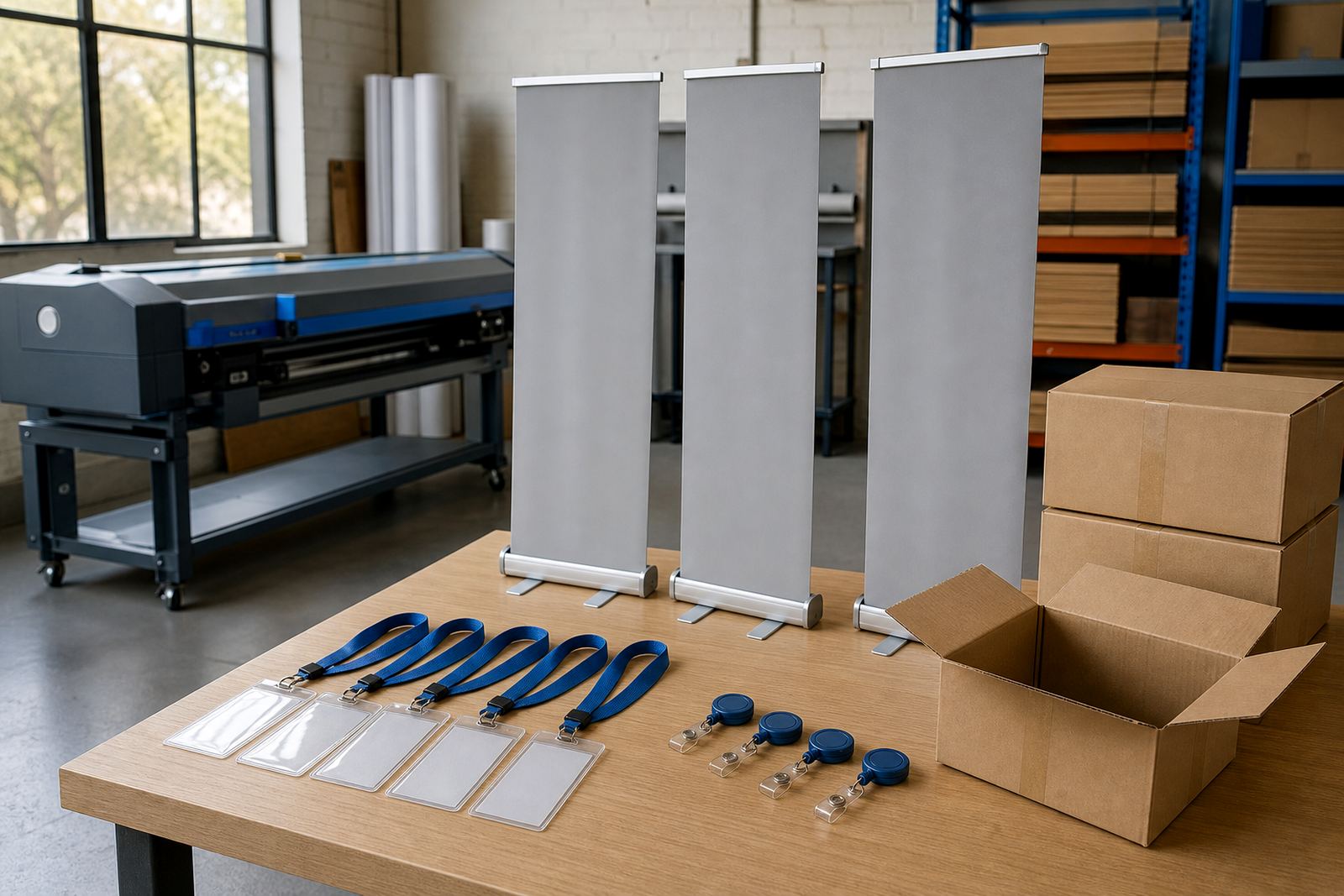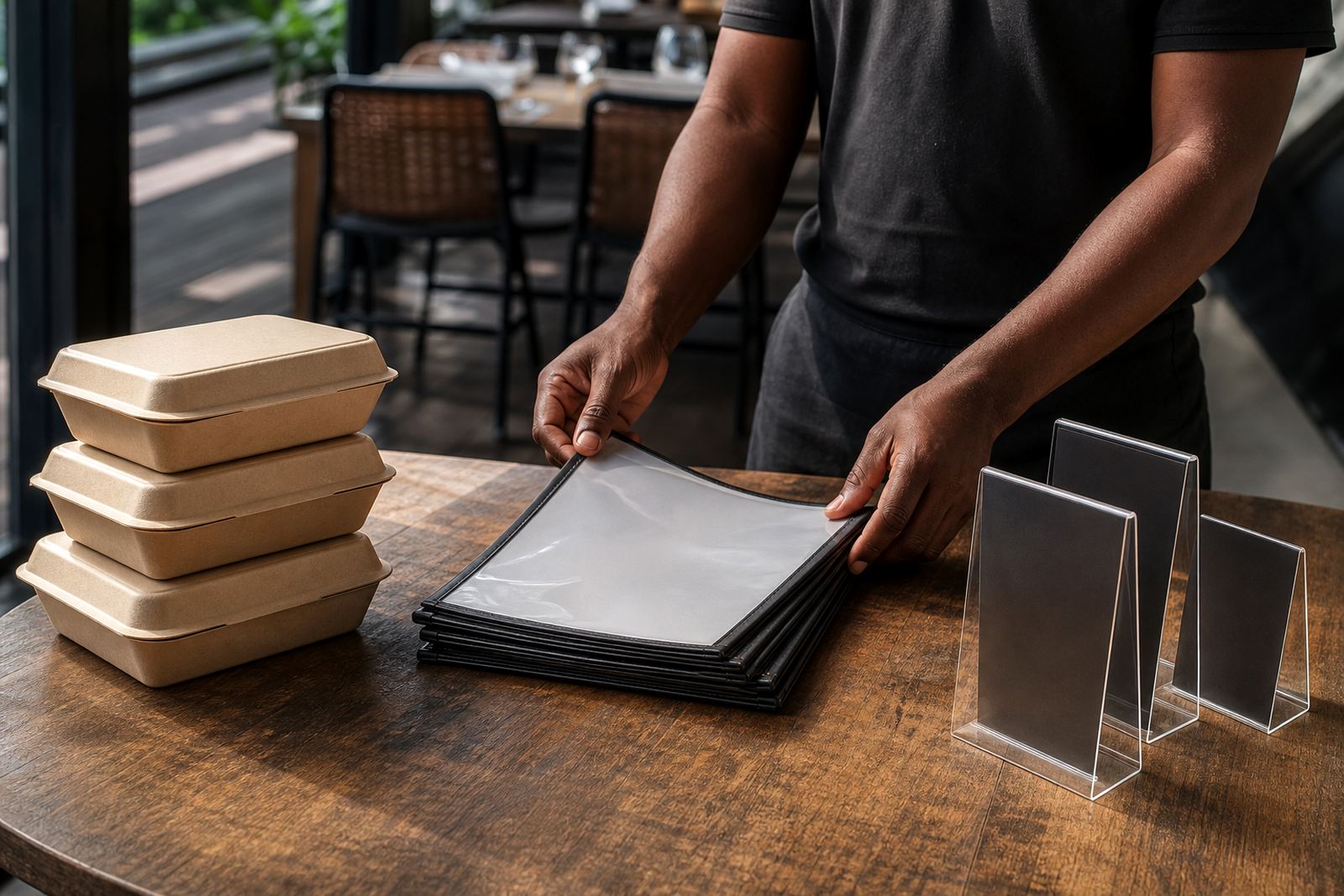
A portal built around daily branch orders
The biggest pressure was not volume alone. It was the number of small decisions hidden inside each order, such as size, stock choice, finish, version, branch name and approval status. Once those details sit in one place, branch teams stop guessing and the print process settles down.
Price matrices, artwork rules and proofing control
Menus and restaurant labels rarely behave like a single standard item. One branch wants a laminated menu board insert, another needs waterproof labels for chilled stock, and another asks for a table-top card in a different size. We set up price matrices so those differences could be priced by size, quantity and specification without forcing the branch to phone around for every variation.
Artwork rules were added to catch weak files before they reached production. That covered bleed, safe area, image resolution, file type and the practical checks that matter when a print item carries branding, allergens, pricing or legal text. Proofing workflows were added so branch staff could upload artwork, review a proof and approve the item before it moved forward.
- Product builders for common restaurant print items
- Artwork upload with preflight checks
- Proof approval before production release
- Tiered pricing for quantities and formats
- Branch-specific options for repeated items
Connecting branch staff to the print room
The client wanted the portal to feel useful for branch managers, not just for head office. That meant the interface had to keep repeated choices visible and remove the need to retype branch details for every order. We set up B2B access so approved users could place orders for their own branch, while the central team could still oversee the full order list.
Order tracking was mapped into the production flow so users could see where a job sat, from received to approved and through to print prep. The system also had to support mixed order types, because one branch might order a new menu run, a few label rolls and a batch of promotional cards in the same week. Those items follow different handling rules, but they need one practical ordering path.
- Branch user access with role control
- Order visibility for head office oversight
- Status tracking into production stages
- Separate handling for menu, label and POS items
Payments, delivery and the handoff into dispatch
Restaurant orders often move quickly between branches and print production, so the payment and delivery steps had to sit inside the portal rather than being managed in a separate trail of messages. We set up payment options and delivery choices to suit the order flow, with courier selection and destination details kept close to the checkout step.
For a multi-branch group, delivery detail matters as much as the artwork. A branch in one part of Cape Town may need a different delivery note, receiving contact or address note from another branch in Durban. We shaped the setup so those details could be stored with the order and applied where needed, without forcing staff to rebuild the same information each time.
Training the people who would use it every week
We handled setup with the practical side of restaurant work in mind, then moved into staff training for the teams who would place orders and manage the back end. Training covered product selection, artwork upload, proof handling, order review and the admin tasks that keep the portal tidy when branches are busy.
Because restaurant groups often have a mixed user base, the training had to work for branch staff as well as office admins. We spent time on common mistakes like wrong file sizes, missing branch names and incomplete delivery notes, since those are the problems that slow jobs down in the print room. The aim was to keep the process clear without making it feel heavy.
- Admin training for central order control
- Branch user training for everyday ordering
- Artwork and proof handling guidance
- Launch support around live use
What the six-week build settled into
The project moved through setup, template building, rules configuration and training over six weeks. Early work focused on the portal structure and the main product families, then the price logic and artwork checks were added, followed by branch access and order tracking. The last phase focused on launch support and small workflow fixes once the team began using the portal in real conditions.
After launch, the group had one ordering route for the items that were previously handled through too many channels. Branches could place print orders with clearer choices, the central team had better control over artwork and approvals, and the print room had cleaner handoffs. That reduced the amount of follow-up work around missing details and mismatched versions.
- Project duration: 6 weeks
- Main output: branch ordering portal
- Workstream: setup, templates, pricing and training
- Use case: menus, labels and point-of-sale print items
What we would repeat on a similar restaurant group rollout
For a project like this, we would keep the structure focused on the items branches order most often. Menus, labels and point-of-sale pieces each need their own rules, and trying to force them into one generic path usually creates more admin than it removes. The cleaner approach is to separate the product logic while keeping the ordering experience familiar.
We would also keep the approval step close to artwork upload, because that is where most of the risk sits in restaurant print work. Once the proofing and branch-specific rules are in place, the portal becomes easier to use for day-to-day ordering and easier to manage when menu changes land across several sites at once.
Key facts
| Client type | Restaurant group with multiple branches |
|---|---|
| Town | Durban |
| Project type | Branch ordering portal |
| Main items | Menus, labels and point-of-sale print items |
| Timeline | 6 weeks |
| Base | Durbanville, Cape Town |