When an internal print room is taking orders through our contact form
In-plant centres often start with a mix of message, walk-ins, WhatsApp notes, and a few forms that nobody uses the same way twice. One department wants letterheads, another needs event pull-up banners, and a third asks for short-run training packs with specific finishing. Without a storefront, the print room spends too much time retyping requests and checking artwork that should have been correct at upload.
A web-to-print setup gives each department a fixed route. The user selects a product, enters the right quantity, uploads artwork, and sees the price before submitting. That cuts out back-and-forth on size, finish, paper choice, and delivery notes, which matters when several internal clients share the same production team.
- One intake path for staff, branches, and satellite offices
- Approved product lists instead of free-text requests
- Clear status updates from received to in production
- Less time spent correcting incomplete briefs
What an in-plant setup normally needs on the floor
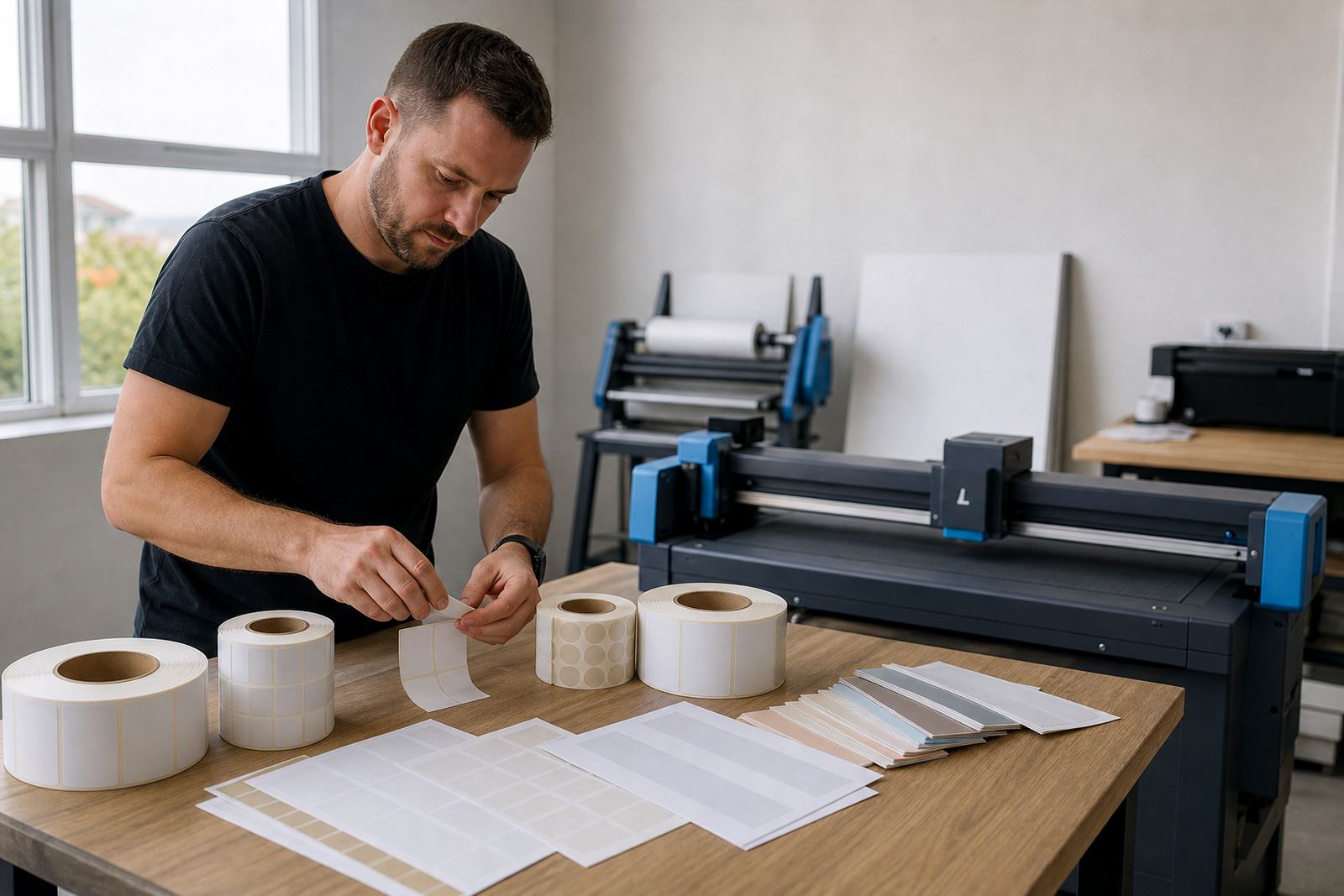
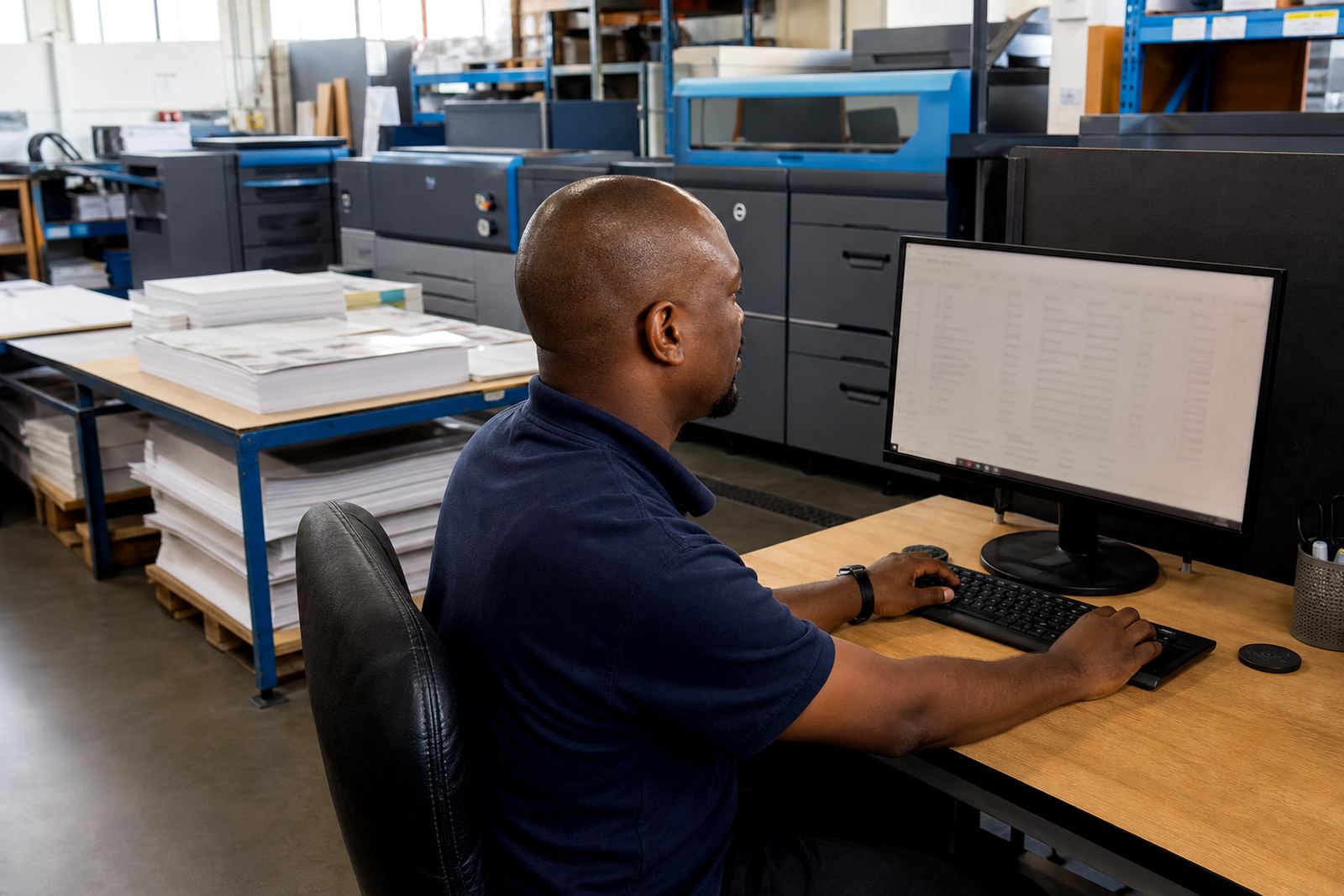
An internal print room usually runs a smaller but mixed equipment set. Digital presses handle short-run colour and monochrome work, while large-format devices cover posters, roll-up units, decals, and indoor signage. There may also be guillotines, booklet makers, laminators, folding equipment, and binding machines for reports or training packs. The software has to reflect those real items, not force every order through one generic form.
Template build matters here. If the product matrix mirrors the real stock, trims, sizes, substrate choices, and finishing steps, staff can order with less confusion. In Durban or Cape Town, where humidity can affect paper storage and print handling, clear product rules also help the team avoid last-minute quality problems on coated stock and self-adhesive media.
- Digital print devices for short-run internal jobs
- Large-format output for signs, posters, and display work
- Finishing machines for folding, laminating, and binding
- Artwork rules that match the actual production line
Layout choices that keep the print room moving
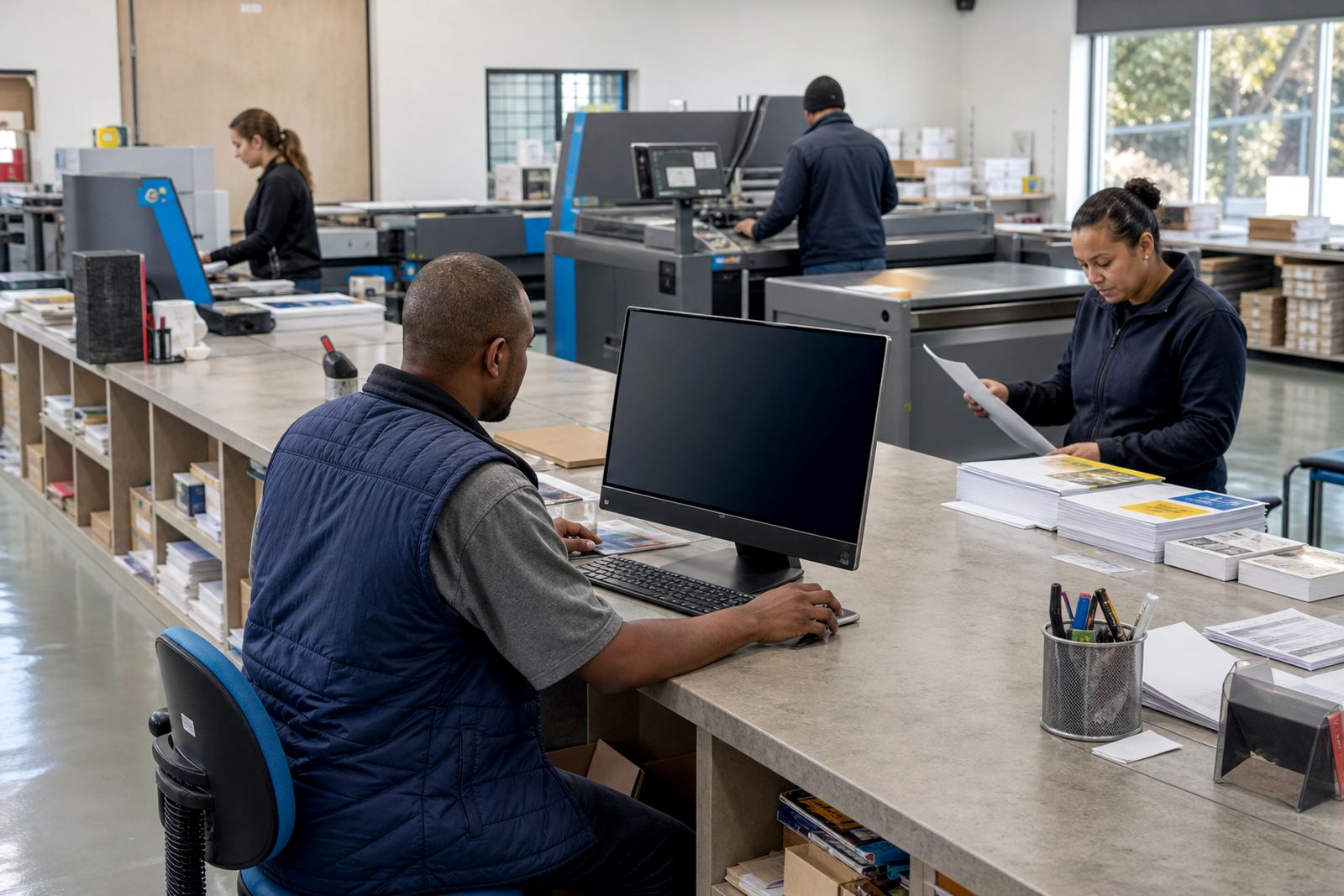
Most in-plant centres work better with a clean split between intake, production, and collection. The storefront handles the order front end, but the back office still needs enough structure to keep jobs visible. If the team can see which orders are waiting for artwork approval, which are queued for press, and which are ready for delivery, there is less crossing of wires between departments.
Planning should also reflect the physical room. Short-run work needs a shelf or rack area for approved jobs, while large-format work needs flat storage and enough space for trimming and packing. In a Johannesburg office tower or a Stellenbosch campus environment, delivery access and collection points may be different, so the portal should support branch labels, internal cost codes, and local delivery notes where needed.
- Separate intake from production and dispatch areas
- Use job statuses that staff can read at a glance
- Keep approved artwork and printed work in marked zones
- Match branch rules to the way the business actually moves
Common mistakes that slow an in-plant centre down
A frequent mistake is building too many open-ended products. Staff then order the wrong size, choose the wrong finish, or upload artwork that fails because bleed, resolution, or font handling was never defined. Another problem is pricing that is copied from old spreadsheets without checking whether quantities, trims, or finishing steps still match the real setup.
Proofing workflows need attention too. If every order waits for a manual decision, the queue gets clogged. If every file is accepted without checks, the production team inherits the mess. Artwork preflight should catch low-resolution images, missing bleed, and colour issues before the job reaches the press room, which saves hours of rework across a busy week.
- Too many custom fields on one form
- Price tables that do not follow the real workflow
- Manual approval for every single order
- No file checks before artwork reaches production
Budget bands for South African in-plant rollouts
Budget depends on how much of the print room needs to move online. A narrower setup with a few common products, basic artwork rules, and simple order tracking can start at roughly R45,000 to R120,000. A broader rollout with multiple departments, custom templates, price matrices, internal portals, payment rules, and delivery integration usually sits between R120,000 and R280,000. Larger environments with many branches, catalogue expansion, and staff training across several teams can move beyond that.
That range is shaped by the number of products, the amount of logic in the pricing, and how much existing process needs to be mapped into the system. It also matters whether the print room wants to expose costs to internal users, route invoices through finance, or keep some departments on monthly billing. We operate from Durbanville, Cape Town and support clients across South Africa, including Cape Town, Johannesburg, Durban, Pretoria and Bloemfontein.