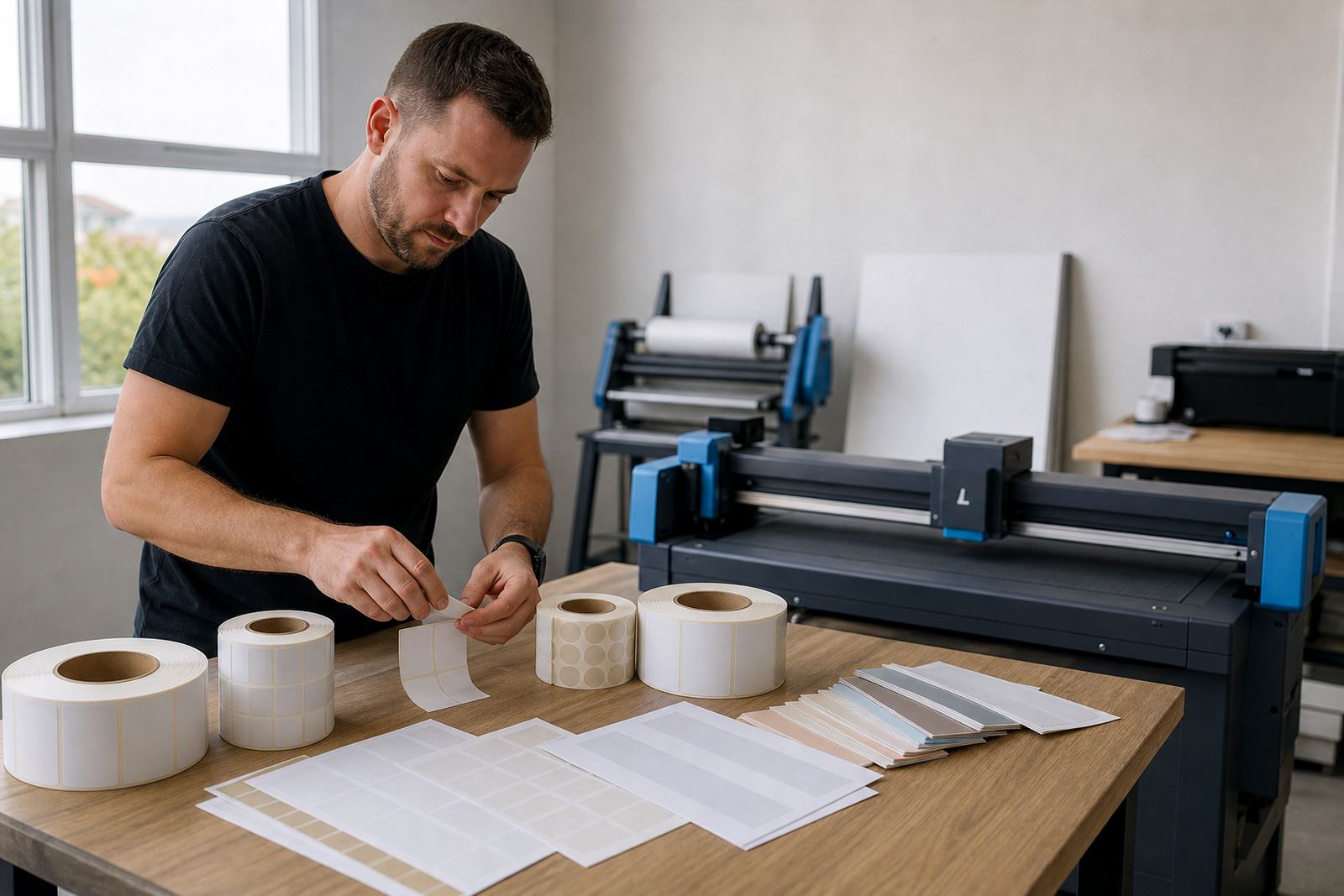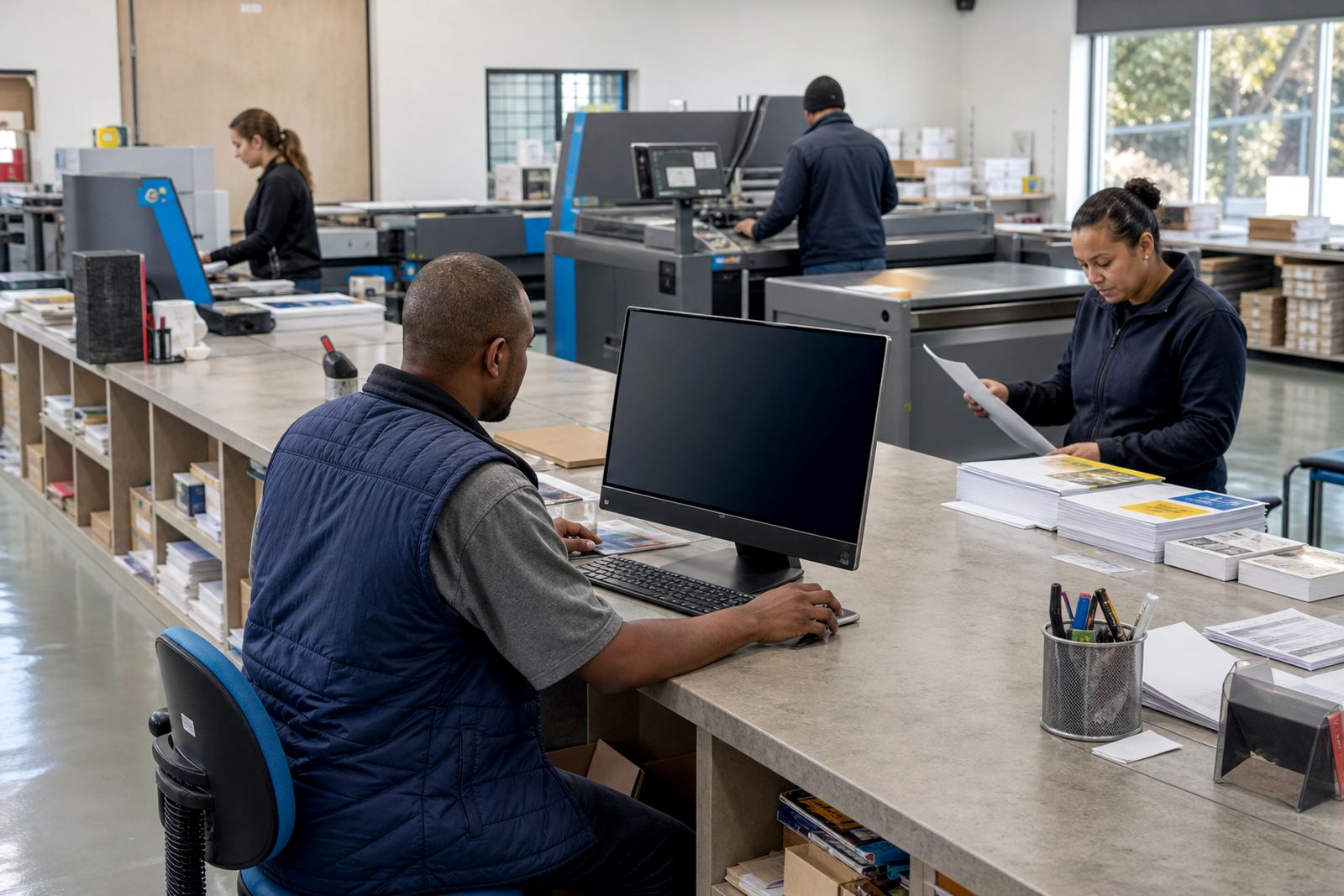
Short-run work needs fewer handoffs
Quick print shops work best when the order path is short and predictable. A customer should be able to pick a product, enter sizes or quantities, upload artwork and see the right price without a long back-and-forth at the counter. That is important for business cards, flyers, stickers, pull-up banners, NCR books and other jobs that move through the shop within a day or two.
For Durbanville teams serving Cape Town and the wider Western Cape, the pressure is usually not volume alone. It is the mix of walk-ins, phone calls, message quotes and repeat account work all landing at once. A web-to-print storefront trims that intake load and gives the production side cleaner information to work with.
When the ordering flow is set up properly, your staff spend less time retyping sizes, checking finish options and fixing artwork notes. That is where short-run jobs gain speed, because the order arrives with the right spec already attached.
Product builders that fit common print stock
Product builders are the front end of the shop. They should suit the real products you print, not a generic catalogue that forces customers to guess. For quick print work, builders usually need fixed options, quantity steps, finishing choices and print-area rules that stop impossible combinations.
A sensible setup often covers business cards, flyers, brochures, presentation folders, stickers, labels, posters, menus and point-of-sale material. It can also handle variants like single-sided or double-sided printing, gloss or matt lamination, folded or flat formats, and different paper weights where that matters to the job.
- Set clear size options for each product rather than one long free-text field.
- Use quantity breaks that match your press and finishing line.
- Keep add-on choices tied to the product, not floating across the whole store.
- Show artwork requirements inside the builder so the customer sees them early.
That structure reduces avoidable mistakes and helps the shop quote the same way every time. It also gives sales staff a cleaner base when a customer phones in with a variation that falls outside the standard template.
Artwork checks that cut avoidable rework
Short-run shops lose time on artwork more often than on printing. Files arrive with the wrong bleed, thin fonts, low-resolution images or the wrong page count, then the team has to correct the issue before the job can move forward. Artwork rules and preflight checks help filter those problems before they land in production.
For a quick print environment, the most useful checks are usually practical ones. File type, image resolution, page size, bleed, colour mode and font handling are the basics. A proofing workflow then gives the customer a chance to approve the layout before anything is sent to print.
- Make bleed and trim lines visible in the upload process.
- Flag missing fonts, low-resolution images and oversize files early.
- Use proof approval for jobs where the layout must be signed off.
- Keep a clear rule for edits so staff know when to adjust and when to hold.
In busy shops, those controls protect the machine schedule. They also help customers understand that a clean file is part of a clean turnaround, especially when the work is meant for same-week dispatch or collection.
B2B portals for repeat trade and branch buyers
Many quick print shops in Johannesburg, Pretoria, Durban and Cape Town carry regular corporate accounts. Those clients often need the same products over and over, with their own pricing, approval steps and delivery details. A B2B portal makes that relationship easier to manage without turning every order into a fresh manual quote.
With the right setup, a corporate client can see only the products assigned to them, order from saved templates and route purchases through internal buyers or approvers. That cuts noise at the counter and gives the account team a proper record of what was ordered, when it moved and where it needs to go.
Order tracking matters here as well. When a client can see that artwork is under review, production has started or the job is ready for dispatch, your staff do not need to answer the same operational question ten times in a morning. The result is less chasing and cleaner communication between sales, admin and production.
Shop layout and planning for a tighter workflow
A quick print shop usually needs a tidy path from order intake to production and out to dispatch. That means less loose paper, fewer handwritten notes and fewer people chasing the same file in different places. The software should sit alongside the floor plan, not fight it.
If your shop handles a lot of counter orders, keep the intake step simple and let the online system carry the repetitive parts. If you also run delivery work, build a clear split between collection jobs and courier jobs so packing and labelling do not slow the finishing table. For mixed in-house and outsourced finishing, the order stage should show exactly where each job is going next.
- Separate fast counter jobs from longer production work.
- Use one naming rule for orders across sales and production.
- Keep collection, dispatch and courier jobs visibly different.
- Leave space for proof checks, packing and reprints near the handover point.
That kind of planning works well in Durbanville where shops often serve both local trade and citywide accounts. It also suits branches or satellite teams in Stellenbosch and Paarl that need the same process across more than one location.
Budget ranges that make sense in rand
The budget for a web-to-print setup depends on how much product logic, artwork control and account access you need. A small quick-print site with a limited product range is priced very differently from a multi-branch portal with approval flows, price matrices and delivery rules.
As a broad planning range, a basic storefront setup with a few standard products often starts in the lower tens of thousands of Rand. A fuller build with product templates, artwork rules, proofing workflows and B2B features usually moves into a higher planning bracket, especially when several departments need training and the product list is more complex.
Other costs can include template expansion, workflow review, admin training and launch support. If a shop adds payments, delivery logic and several customer-specific portals, the scope should be planned carefully so the team knows where the money goes and what is being phased in first. For quick print shops, that usually pays off when the order mix is busy and repetitive rather than highly bespoke.
Common mistakes that slow quick print shops down
The biggest error is treating every product like a custom quote. That turns a short-run shop into a typing exercise. Another common issue is leaving the artwork rules too vague, so the customer uploads almost anything and staff have to clean it up later.
Some shops also overcomplicate the launch. They try to open with every product, every finish and every special case at once. A smarter way is to begin with the most frequently ordered products, sort out pricing and proof approval first, then widen the catalogue once the team is comfortable with the process.
Common traps to avoid:
- Too many free-text fields where dropdowns would be clearer.
- Pricing tables that do not match the actual press or finishing setup.
- Artwork approvals that are hidden too late in the process.
- Shipping rules that ignore collection orders and local courier work.
- Training that covers software screens but skips the real shop workflow.
For quick print work, the system should reduce admin pressure not add another layer of confusion. When the product structure is tight, the proofs are clear and the order path is visible, staff can handle more short-run jobs without turning every request into a manual rebuild.