When banners, boards and wraps need their own ordering path
Wide format print shops handle jobs that do not fit tidy product boxes. A customer may need a pull-up banner at 850 x 2000 mm, a shopfront signboard cut to size, or a vehicle wrap with trim lines and laminate choices. When those options sit inside one ordering flow, the front end needs less back-and-forth and the production team receives cleaner details.
The useful part is not just size selection. Wide format buyers often need substrate choices, edge finishing, eyelets, lamination, hole drilling, mounting and installation notes all captured before a file is checked. That is where product builders, artwork upload and online proofing help keep the job moving with fewer gaps in the brief.
- Custom size fields for variable-width work
- Finish options for hemming, eyelets and laminates
- Artwork upload with size and bleed checks
- Proof approval before release to production
Typical equipment line-up behind the order flow
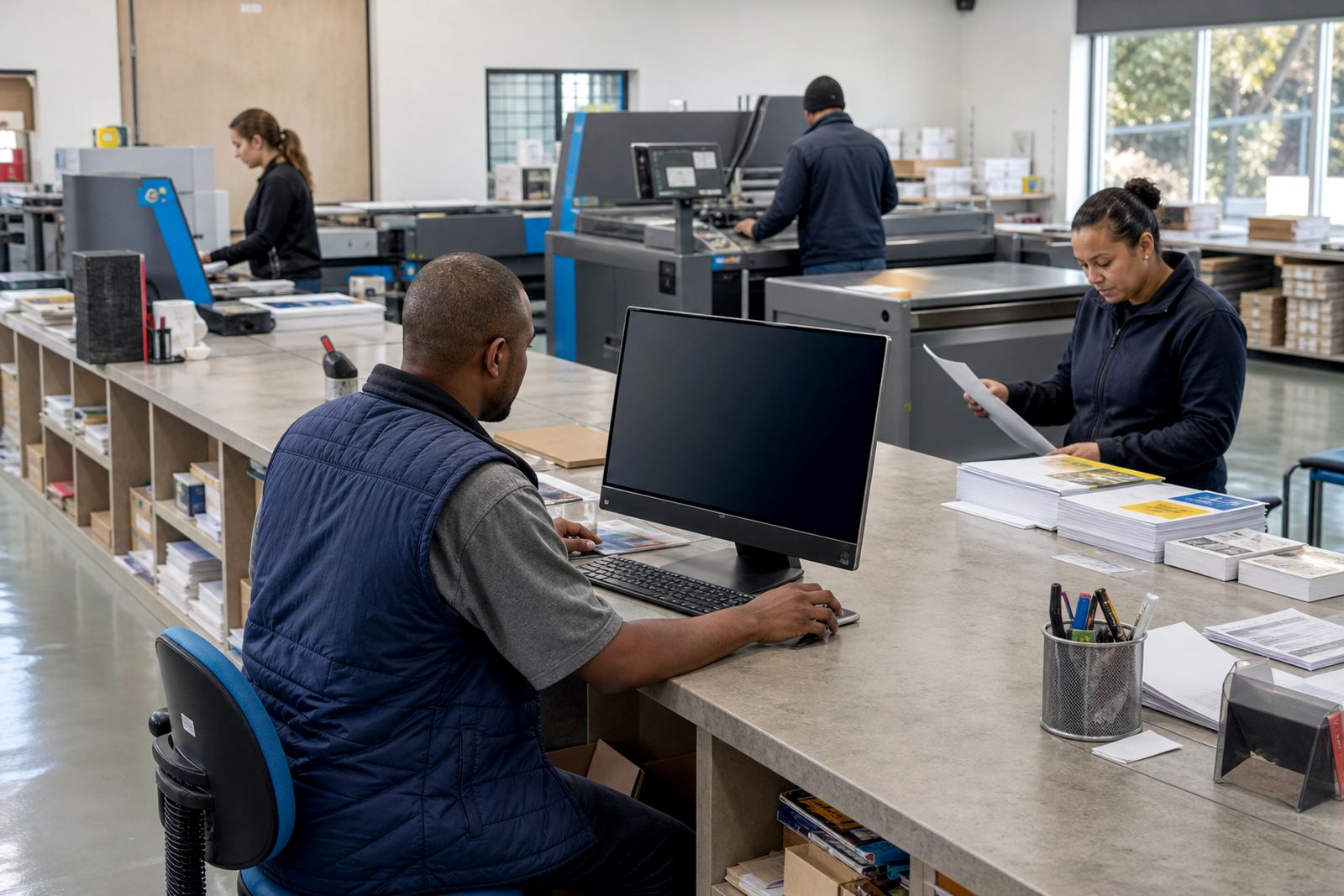
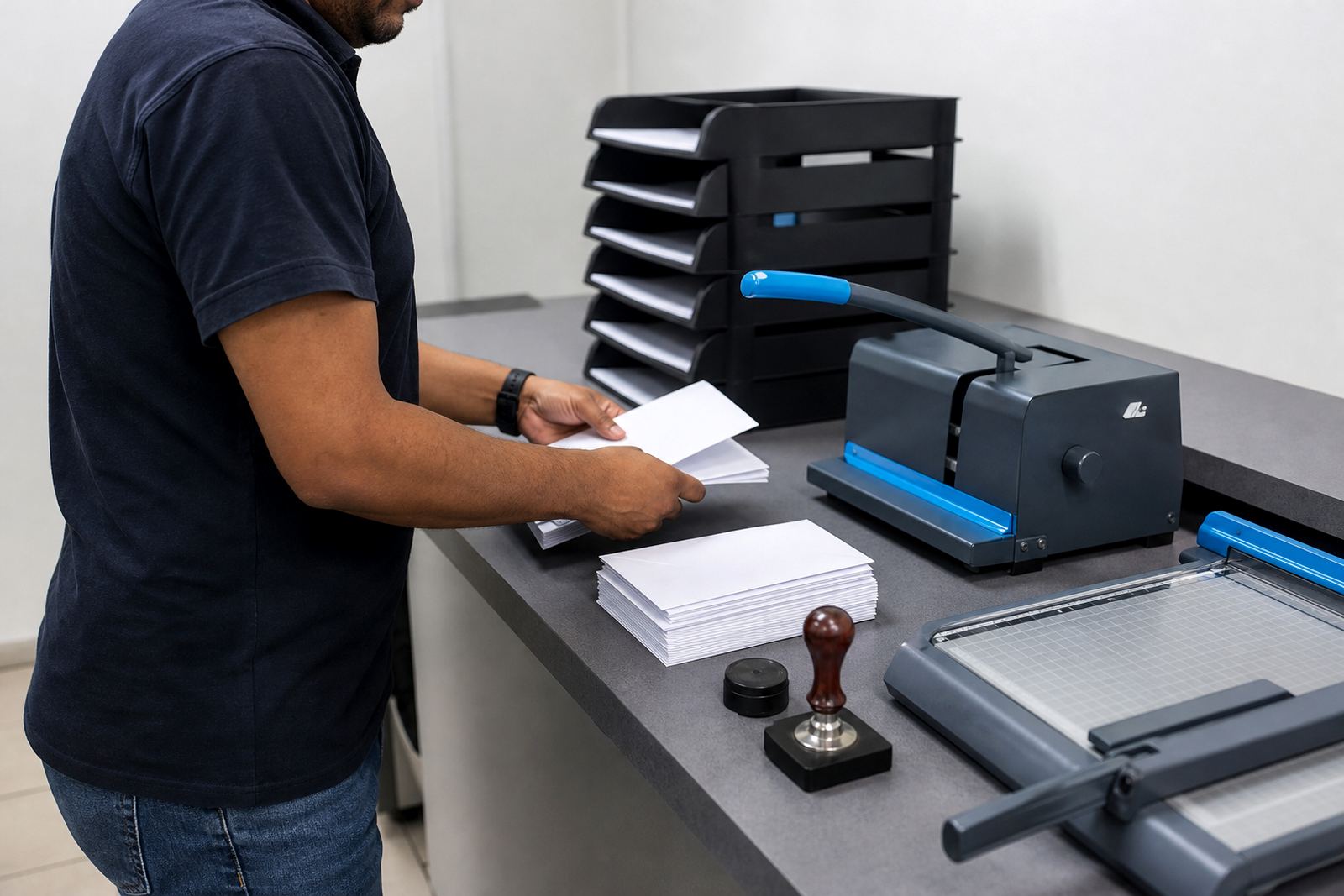
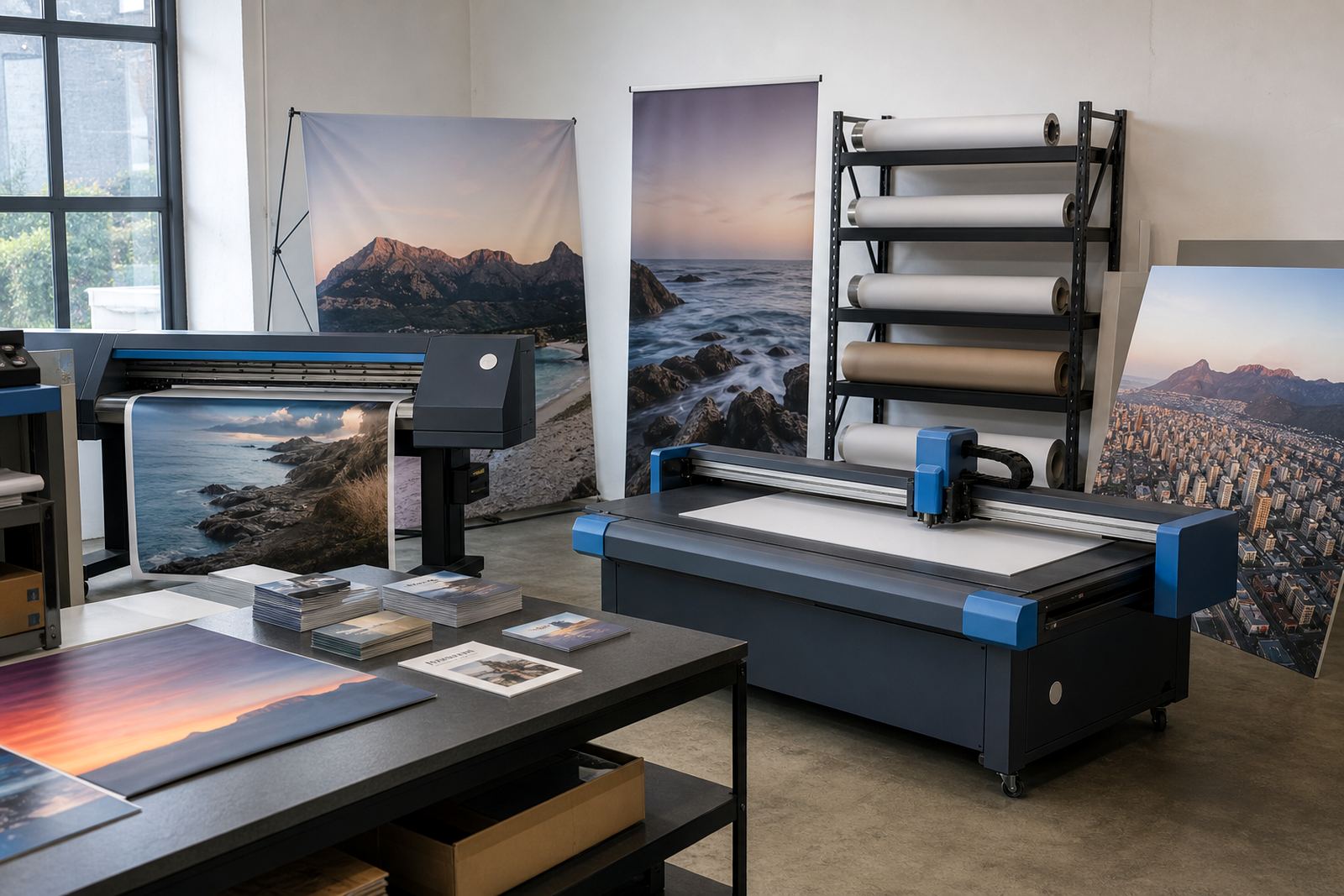
Most wide format shops work with equipment that covers both print and finishing. The line-up can include solvent, latex or UV printers, laminate machines, cutting tables, vinyl cutters, routers, trimmers and eyelet tools. Some teams also run flatbed printing for boards and rigid signage, plus sewing or welding equipment for fabric and banner finishing.
Those machines need a clean handover from the online storefront. A banner order should not arrive as a vague note on a spreadsheet. It needs the chosen size, file version, substrate, quantity and finishing method attached to the job. That helps the shop sort production by machine type and keeps rework down, especially when different jobs share the same day on the floor.
- Print method matched to the product type
- Cutting and finishing details captured upfront
- Job tickets linked to the ordered specification
- Artwork rules that flag poor resolution or missing bleed
For a Durban shop handling coastal humidity, or a Cape Town team working near the airport corridor expectations, the data needs to stay tight. When the order is clear, planning the print queue becomes far easier.
Planning the storefront so customers do less guessing
Wide format ordering works best when the layout mirrors how the customer thinks. Start with product families such as banners, boards, decals, window graphics and exhibition displays. Then build the pathway from size, material, finish and file upload. If the customer can see the choices in the right order, they are less likely to miss a detail or pick a material that does not suit the job.
Price matrices matter here because custom work needs pricing that changes with size, quantity and finish. A small corflute sign, a large fabric banner and a set of vinyl decals should not all follow the same calculation. The storefront should also show delivery options, payment steps and proofing status in a way that feels normal for trade buyers and retail customers alike.
- Group products by use, not by machine type
- Keep size, substrate and finish in one flow
- Show pricing rules that follow width and quantity
- Make proof status easy to find inside the account area
Artwork checks that save the print room from avoidable trouble
Many wide format issues start with the file, not the press. A banner may arrive at the wrong ratio, a board may be supplied without bleed, or a wrap panel may have text too close to the edge. Artwork preflight can flag common faults before the order moves forward, which gives the shop a chance to request a corrected file or record a proof approval with clear notes.
For South African print shops, that is practical when jobs come in from Johannesburg, Pretoria, Durban, Bloemfontein and the Winelands. The team does not need perfect design language from every buyer. It needs enough structure in the portal to see what was uploaded, what was approved and what still needs a decision. That is also where staff training matters, because the admin team has to read the workflow the same way every time.
Common mistakes in wide format setups include:
- Too many product variants on one page
- Finishing choices hidden too late in the flow
- No proof step before the file enters production
- Price tables that ignore size breaks and quantity bands
- Artwork rules written too loosely for real checking
Budget ranges that make sense in rand terms
A wide format storefront can be built in stages. A basic setup for a single shop with a tight product list, core artwork rules and standard payment and delivery settings may sit in the lower tens of thousands of Rand. A larger rollout with several product families, custom pricing bands, proofing workflows and a B2B portal for trade clients usually moves higher, especially when the catalogue needs careful template work.
Where the budget grows is in complexity. If you need multiple branches, separate customer groups, upload rules for different product types and staff training for both sales and admin teams, the project takes more time to map. The good news is that the work can be phased. A Durbanville team might launch the core range first, then add vehicle graphics, display boards and repeat-order tools after the main flow is stable.
Typical cost drivers include:
- Number of product templates needed
- Depth of price matrix rules
- Proofing and artwork rule complexity
- Portal setup for trade or corporate clients
- Training for staff who handle quotes, uploads and approvals
The parts of the job that need the most attention
In wide format, the weak points are usually not the machines. They are the handover points between the customer, the sales team and production. If the measurement rules are vague, the wrong size gets priced. If delivery options are unclear, an urgent board may sit in the wrong queue. If the proof step is hidden, a file can move forward before the client has checked the layout.
That is why a good setup includes more than a storefront and cart. It needs a working process for artwork, proofing, payment and order tracking that feels practical to the shop team. For a print business in Stellenbosch or Paarl serving trade clients across the province, the portal should reduce admin and keep repeat jobs easier to place. That is where clear templates and straight training pay off, even on awkward jobs that need extra finishing or size changes.
When the structure is right, wide format orders stop living in message threads and start moving through one controlled path from quote to production.