When municipal work stops fitting in a single inbox
In many municipalities, print requests arrive from finance, communications, roads, libraries, clinics and parks, each with its own wording, logo treatment and sign-off path. A single message chain can handle a few jobs, but it quickly becomes messy when one branch needs standard forms and another needs a new run of notices for ward offices.
Web-to-print software helps by giving each user the right menu, the right templates and the right approval path. A supervisor can see what is pending, a department user can build a job without starting from scratch, and the print room can move from a request to production with fewer calls and less back-and-forth. That matters when the work includes flyers, ring-bound packs, posters, envelopes, NCR pads, labels and stationery with fixed municipal wording.
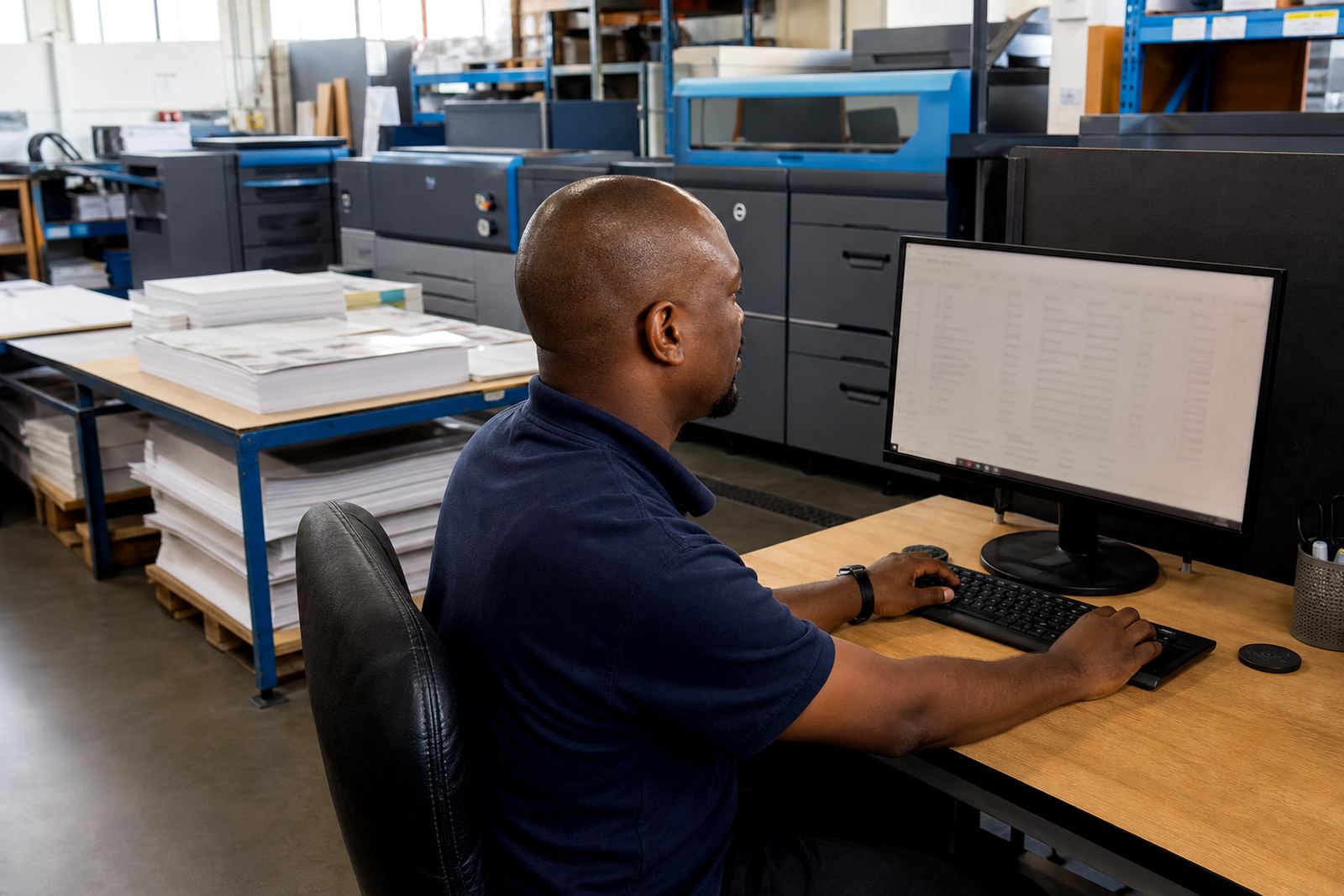
For South African municipal teams, the main pressure points are usually authorisation, traceability and repeatable output. You need to know who ordered the job, who approved the artwork, what version was printed, and where the final cartons went. Without that structure, small errors spread across departments and the print room spends too much time untangling them.
A typical print room setup for council work
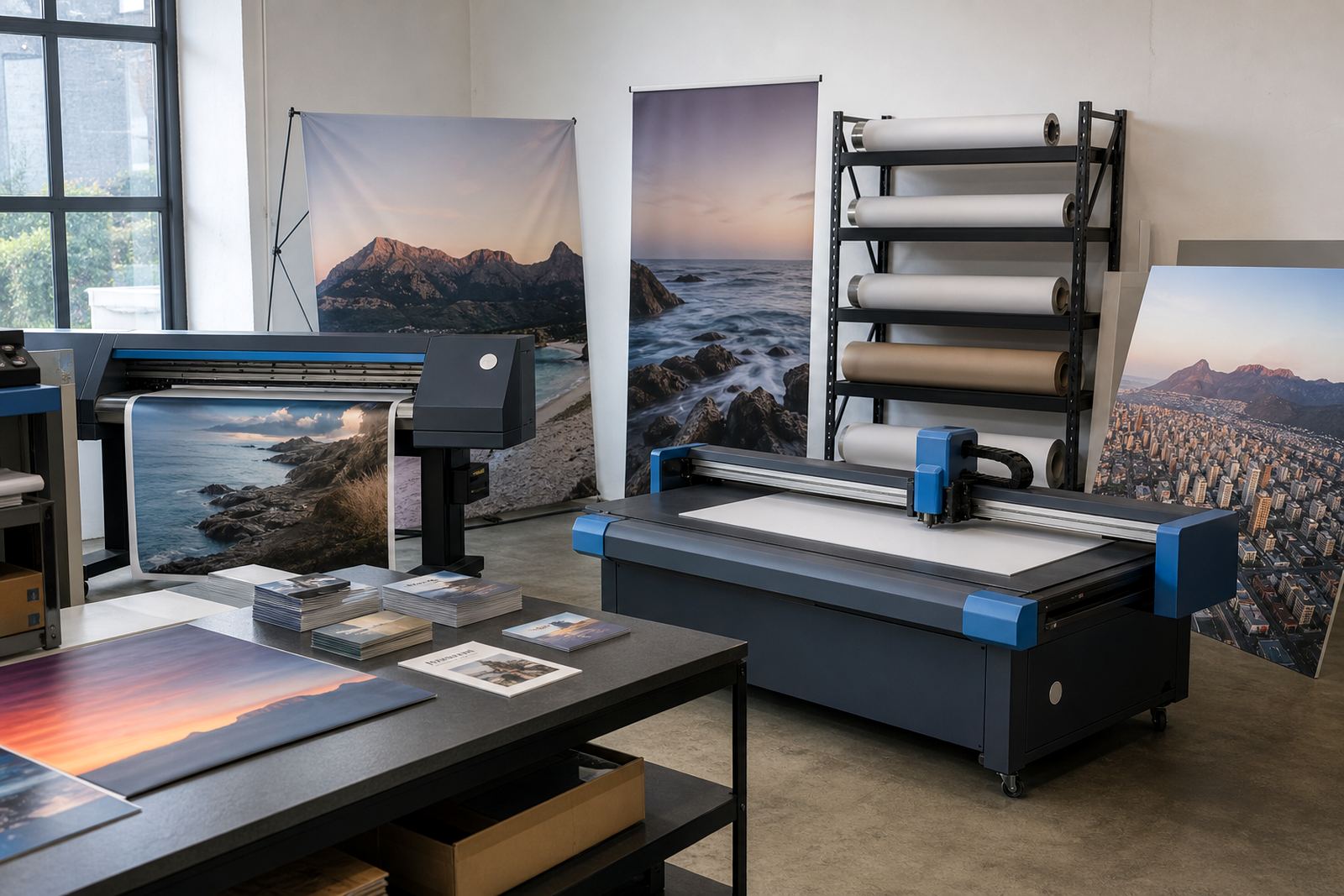
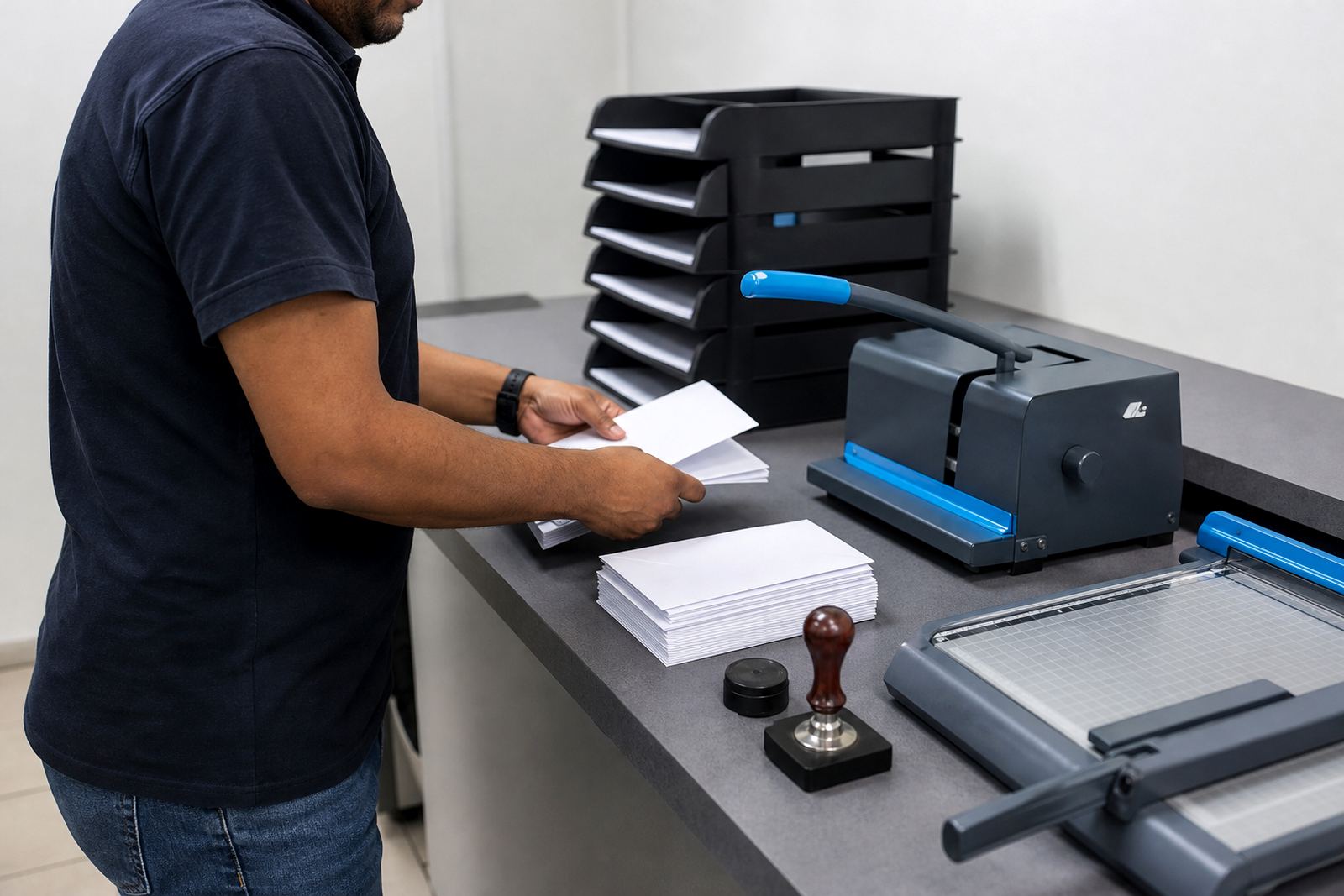
Most municipal print rooms handle a mix of short-run and standardised items. A practical setup often includes digital production printers, an A3 or SRA3 press, a cutter, a folder, a laminator, a binding station and large-format output for notices or directional signage. Some teams also manage internal copy and scan equipment for admin bundles, but the software layer is what keeps the queue organised.
PrintEngine fits around that environment by turning each item into a controlled product with fields, options and pricing rules. A clerk can select sizes, quantities, paper stock, finishing and delivery location, while the system applies the correct matrix in the background. That gives internal users a guided path, and it also helps contracted print teams receive cleaner orders when the municipality outsources overflow work.
- Reusable templates for notices, forms, certificates and branded stationery
- Artwork upload with preflight checks for size, bleed and resolution
- Approval routing for supervisors, managers or designated signatories
- Price matrices that change by quantity, stock, size or finishing
- Order tracking that shows where each job sits in the workflow
Layout choices that keep departments from tripping over each other
A good municipal portal should reflect how the organisation actually works. Departments need separate access, but not separate systems. The best layouts usually start with a landing page for repeat items, then add department menus, request forms and a clear approval step before the job reaches production. If the same artwork is used across branches, the template should lock the fixed elements and leave only the editable fields open.
That approach reduces rework. It also helps when procurement rules differ between internal jobs and outsourced jobs. A portal can show standard pricing for some items, request a quote for others, and route special work to the right staff member for review. In practice, that keeps print work moving from request to print room without every job feeling like a special case.
For municipalities with offices in more than one town, the setup should also separate delivery addresses, contact people and billing references. Durbanville may not be the only office receiving cartons, and a good portal keeps the destination clear from the start. That helps departments in Cape Town, Johannesburg, Durban, Pretoria and Bloemfontein where the same item may need different quantities or local delivery.
Artwork rules that prevent avoidable municipal errors
Municipal print often carries names, meeting dates, public notices and reference numbers that must be exact. Artwork rules help by checking file size, image quality, trim area and safe area before the job moves forward. The software can also flag a missing logo, a low-resolution file or a document that arrives in the wrong format.
Common mistakes tend to be practical rather than dramatic. A user uploads an old version of a notice, the wrong ward number gets used, or someone sends a print-ready file that still needs editing. Those are the jobs that cost time and create tension across departments. A structured proofing workflow gives each team a cleaner path, especially where multiple people sign off before production.
- Lock static artwork and expose only the fields that should change
- Set approval stages for draft, review and final release
- Use version control so older files do not slip back in
- Require uploaded artwork to pass basic preflight checks
- Keep print and proof notes attached to the same order record
For teams that print notices for public viewing, layout consistency matters as much as speed. Fonts, spacing and alignment should stay steady across branches and departments, because a mixed file set looks untidy and can create compliance problems. Even a small shift in paper size or margins can make a job harder to finish neatly.
Budget ranges in rand for municipal rollout planning
Budgets depend on how many products need templates, how many departments will use the system and how much workflow control is required. A smaller municipal office with a focused set of standard items may need a modest rollout. A larger group with several user levels, delivery points and approval layers will need more time for setup and testing.
As a rough planning guide, a starter setup for a limited set of municipal items often begins in the tens of thousands of Rand. A broader deployment with multiple department menus, custom price matrices, advanced proofing and staff training can move into a larger budget band. Complex portal builds for several offices, many product templates and recurring workflow review will sit higher again, depending on how many items must be converted into controlled online orders.
Costs are shaped by the amount of product detail, the number of user groups and whether delivery, billing and payment paths need to be tied in. It also matters whether the municipality wants only internal ordering or a portal that handles both internal and contracted print work through one system. The most expensive mistakes usually happen when the build is too thin at the start and has to be untangled later.
Setup work for councils and public sector print rooms
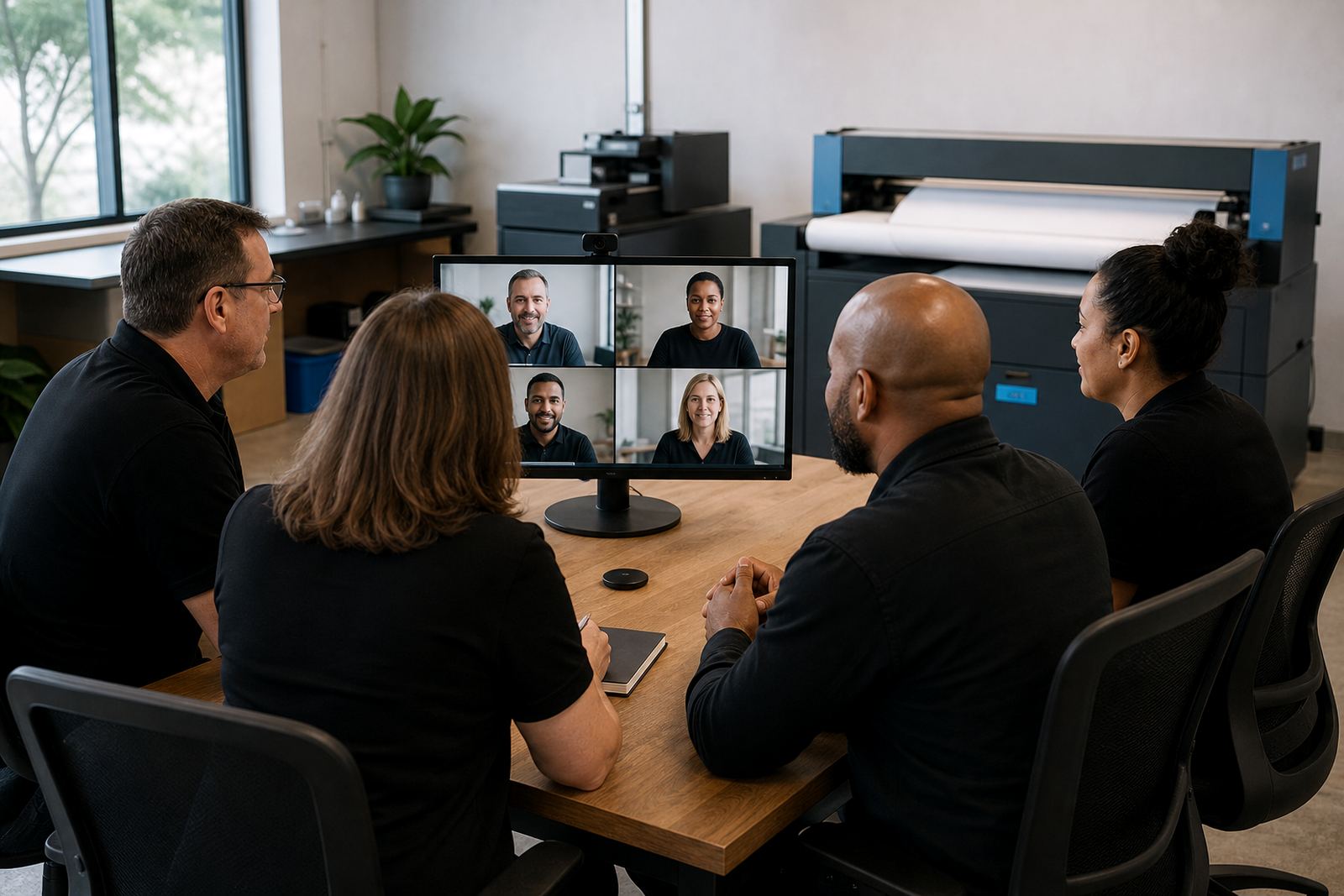
PrintEngine supports setup, product templates and staff training for municipal teams that need order control rather than loose request handling. Pieter van Zyl leads the business from Durbanville, Cape Town, with Ayanda Nortje on implementation, Johan Kotze on template structure, Naledi Ebrahim on training, Ridwaan Adams on support and Bianca Daniels on client success. That mix is useful when the portal has to work for both the print room and the departments placing orders.
Typical rollout work includes building the storefront structure, mapping prices, setting artwork rules, configuring proofs and linking delivery or payment steps where needed. Some councils also want an admin training stream so internal staff can manage users, change templates and review order history without calling in outside help for every small update.
For municipal teams, the value sits in clearer control. Each request gets a defined path, each user sees only what they should see, and production can work from a cleaner queue. That is a practical fit for councils that deal with steady repeat print, public notices and internal stationery with stricter approval rules than a normal office.