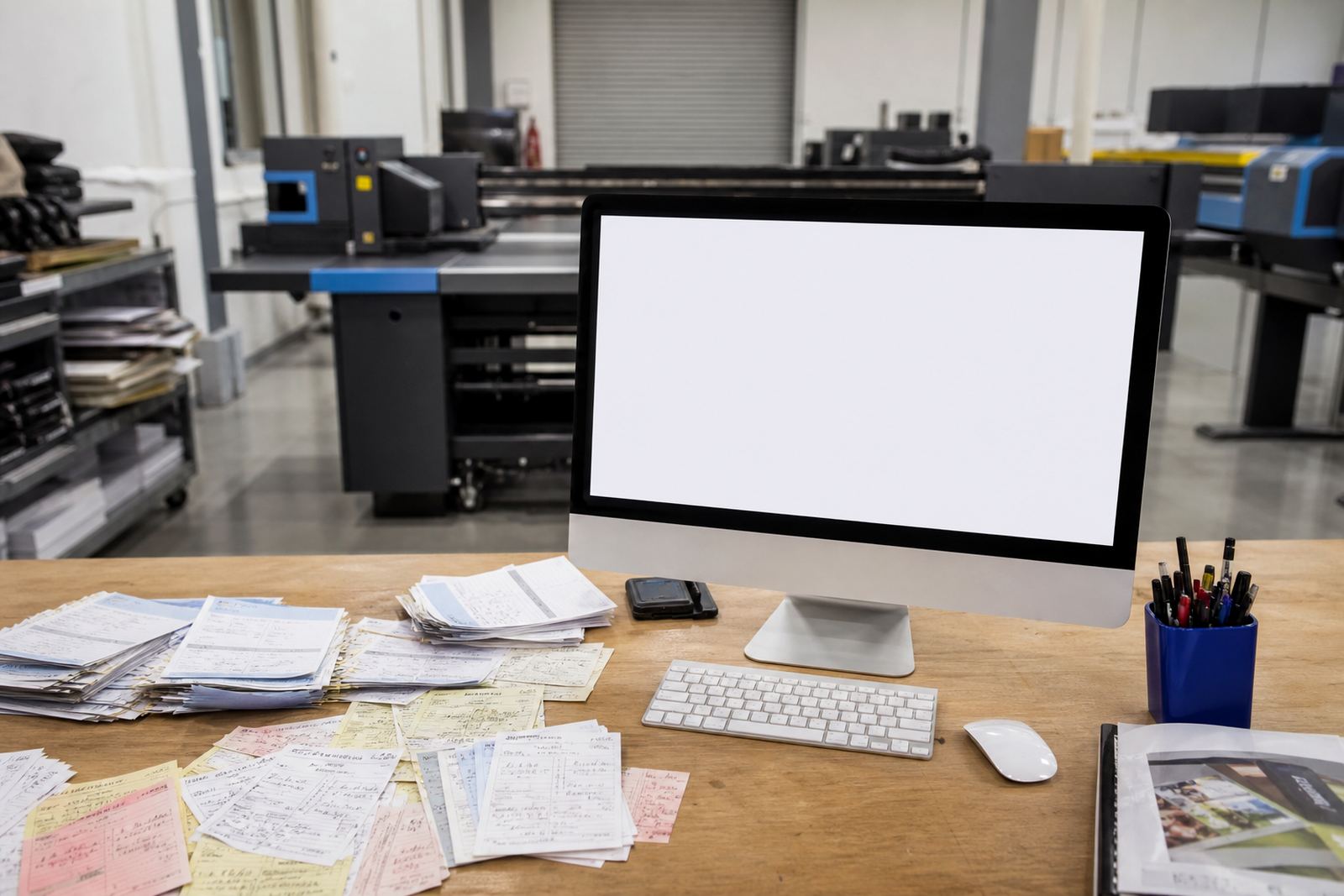
The small errors that turn into costly print delays
Most print teams know the pattern. A client sends a logo, forgets the final quantity, leaves out artwork size, then phones later to change the finish. Someone in the office has to chase missing facts, compare old notes and guess which version should move forward. The work is not difficult, but it eats time and creates room for mistakes.
A structured online order path reduces that drift. Product builders can ask for the right fields in the right order, so the customer cannot skip key choices such as size, stock, colour count or binding style. When the form is built properly, the shop gets cleaner information and the production team spends less time decoding messages.
Product builders keep the order honest from the start
A web-to-print storefront does more than list products. It can guide the buyer through a product builder that reflects how the item is actually made. If a business card needs rounded corners, the card size and finish must sit inside the pricing rules. If a brochure has multiple page counts, the builder can show only the valid options. That structure reduces guesses and avoids awkward calls after payment.
- Choose the correct product type before the customer reaches checkout.
- Link each option to the size, stock and finish that can be produced.
- Use price matrices so the quote changes with quantity and specification.
- Show only the artwork rules that apply to that product.
In practice, this helps the print shop work in a steadier way. The order contains the detail needed for pricing, proofing and production, without a staff member having to rebuild the brief from scratch.
Artwork rules and proofing stop back-and-forth
Artwork is where many jobs lose time. A customer uploads a low-resolution file, places text too close to the trim edge, or sends a layout with the wrong bleed. If the shop only discovers that after the order has moved into the queue, the team has to pause production and start the correction cycle.
Online proofing and preflight checks help before that stage. The system can flag missing bleed, thin borders, size mismatches and unsupported file types. It can also guide the client through proof approval, so the production team has a clear record of what was signed off. That does not remove the need for human review, but it gives the shop a better starting point and fewer surprises.
- Require artwork uploads where the job depends on supplied files.
- Set checks for bleed, trim, image resolution and safe margins.
- Separate proof approval from the order submission itself.
- Keep a record of the proof version attached to the job.
B2B portals work better than repeated message threads
Corporate clients usually have repeat ordering needs, multiple approvers and different delivery points. A B2B portal makes that cleaner. Each buyer can see approved products, saved pricing rules and past orders without asking the print shop to resend everything by hand. For a Durbanville team serving branches in Cape Town, Johannesburg or Durban, that can mean fewer interruptions and clearer control over recurring work.
A good portal also supports different permissions. One person may place the order, another may approve artwork and a third may view invoices or order status. That structure is useful for franchises, schools, clubs and companies with more than one buyer. It keeps the process tidy and reduces the risk of the wrong person changing the wrong detail.
Tracking the job through production helps the office and the floor
Once an order lands, it should not disappear into a pile of messages. Order tracking gives the office, the designer and the production team a shared view of where the job sits. If the file is pending approval, waiting for payment or already in production, everyone can see the same status. That saves a lot of checking around the room.
For a print shop in Cape Town or Pretoria, that visibility helps with handover too. The front office can answer the customer with facts, the production team can plan the run, and dispatch can line up courier notes or collection details. When the process is connected, the handoff between departments is less fragile and the job is easier to keep moving.
- Status labels should match real production stages, not vague wording.
- Payment and delivery details should sit inside the same order record.
- Courier integration helps where parcel shipment is part of the workflow.
- Manual overrides still matter for special jobs and split deliveries.
A Durbanville rollout can fit the way South African print shops work
A local example makes the point clearer. A Durbanville print shop handling school stationery, signage and corporate collateral needs different rules for each line. Staff cannot rely on memory when the same customer orders posters one week and NCR books the next. The storefront has to carry the logic, from the product template through to the delivery method and the final proof.
That is where setup, template building and training matter. A proper rollout covers the structure of the catalogue, the price matrix, the artwork rules and the way staff handle new orders inside the admin area. It also helps the team understand what is automated and what still needs attention. When the system is configured for the real workflow, the shop spends less time fixing missing details and more time producing paid work.
PrintEngine builds web-to-print storefront software for print shops across South Africa, with support for Durbanville, Cape Town, Johannesburg, Pretoria, Durban, Bloemfontein, Stellenbosch and Paarl. If you are planning a new storefront, growing a catalogue or tightening proofing rules, our contact form is the place to begin.
What structured capture changes for the people inside the shop
The biggest gain is not the interface, it is the order quality. When the questions are ordered properly, the office does less chasing and the production floor gets clearer instructions. That reduces the chance of missing artwork details, price confusion and last-minute corrections.
It also creates a calmer handover between teams. Sales sees the quote logic, admin sees the payment status, and production sees the approved files and job notes. That shared view matters in a trade where many jobs move at once and each one has its own detail set. Structured capture does not remove the pressure, but it keeps the pressure in the right place.
Where the workflow usually needs the most attention
In most print shops, the trouble spots are easy to spot once the system is mapped out. The product page may be too open-ended, the artwork rules may be too loose, or the price matrix may not reflect how the job is actually priced. A workflow review helps identify those gaps before they become daily friction.
- Review the catalogue where customers hesitate or abandon the order.
- Check whether artwork uploads are being accepted without enough control.
- Confirm that delivery options fit local and national dispatch needs.
- Make sure staff training matches the way the portal is set up.
When those pieces line up, the storefront does a better job of gathering complete orders and keeping the team out of avoidable follow-up calls.