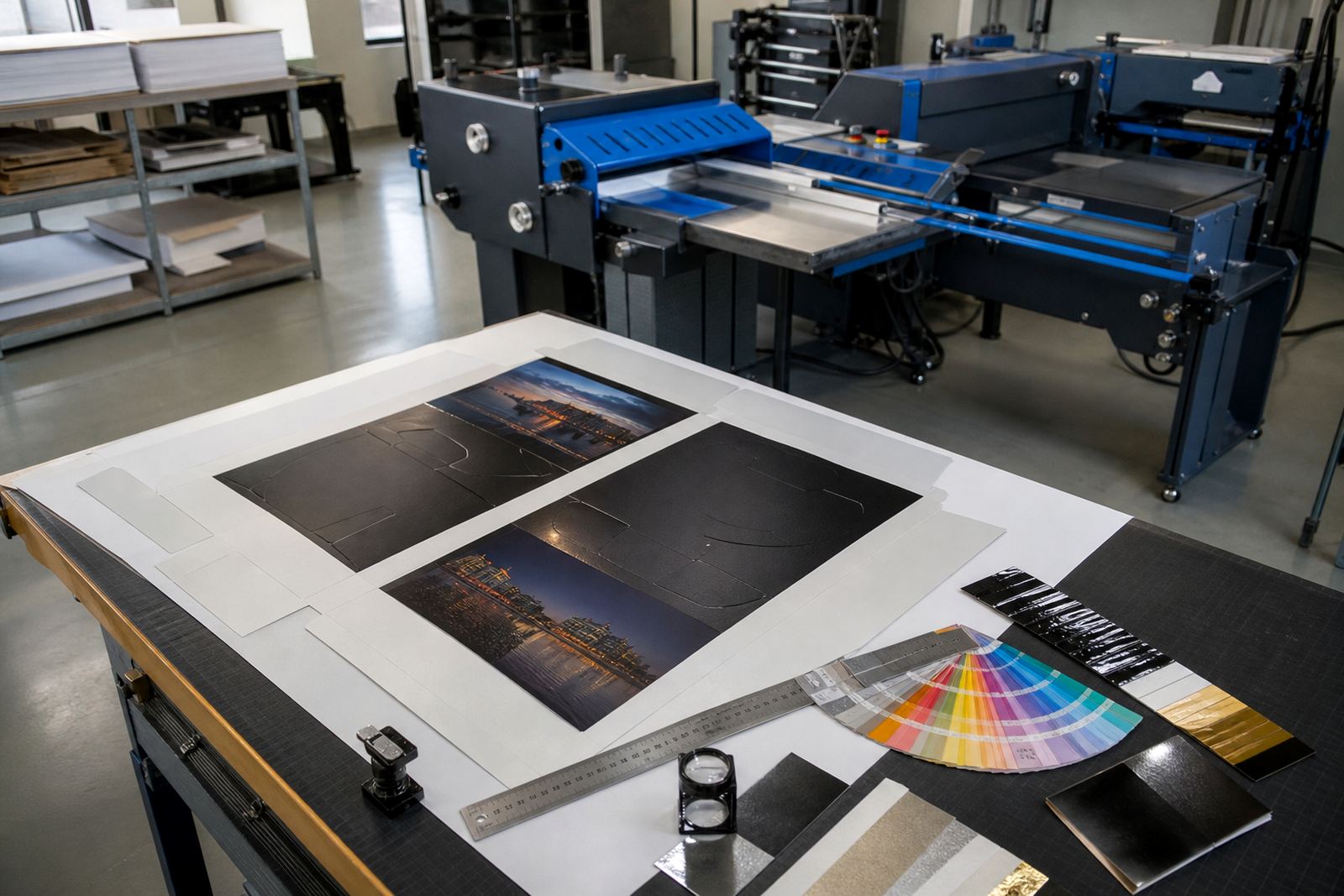
Proofing that sits inside the order path
Online proofing is the stage between artwork upload and production release. A client or sales user can open the artwork, mark corrections, add approval notes, and record sign-off against the order number instead of chasing loose messages and screenshots.
For print shops in Durbanville, Cape Town, Johannesburg, Pretoria, Durban and Bloemfontein, that matters on jobs where the layout changes after quote acceptance. It suits flyers, folded brochures, labels, business cards, shelf talkers, presentation folders, and larger campaign work where one clear proof saves time later in the line.
What the proofing module handles in daily use
The module is built around artwork review, annotations, and release control. It supports multi-page PDFs, low-resolution preview files, and versioned uploads so the latest file is never confused with an older one.
- Page-by-page comments and highlighted mark-ups
- Approval, revision, or reject status on each proof
- Version tracking for changed copy, colour, trim, or bleed
- Role-based access for staff, corporate buyers, and external clients
- Audit trail with date, time, and user notes
For higher-volume print rooms, the proof record helps separate a quick customer correction from a formal artwork change that must be costed or scheduled again.
Sizes, artwork types, and proofing options
Proofing works across common print sizes, from A6 cards and A5 leaflets through A4 documents, folded A3 jobs, large-format posters, and custom sizes set in the template. The system can show trim size, bleed, safe area, and finished size where the template demands it.
- Single-page or multi-page artwork review
- CMYK and spot colour notes where required
- Bleed guides, crop marks, and safe margins
- Fixed templates for repeat products, or variable layouts for custom orders
- Optional client comment fields for brand, spelling, or image swaps
It also suits B2B portals where the same client orders different branches, teams, or stores. A proof can be routed to the right reviewer, which keeps approval tied to the account and the order, not to a random inbox thread.
Where online proofing fits best
This product suits print shops that already handle frequent artwork changes, brand-controlled work, or jobs that move through more than one approval stage. It is useful for trade printers, in-house print teams, franchise artwork portals, and shops that manage corporate stationery, signage, packaging, and promotional items.
It also helps when production needs a clean handover. Once the proof is signed off, the job can move into estimation, queueing, or print preparation with fewer queries about what was approved. That is useful on short deadlines and on jobs where more than one person has to sign off before print.
Setup needs inside the storefront
Online proofing is set up as part of the storefront workflow, with product templates, approval steps, and staff permissions mapped to the way the shop works. The template builder usually needs finished artwork sizes, bleed rules, proof notes, and which products must be held for approval before release.
- Artwork upload fields and file type rules
- Proof status steps such as draft, sent, amended, approved
- Staff permissions for sales, prepress, and admin users
- Client-side approval prompts and note fields
- Order tracking link between the proof and the production queue
Where a shop already has price matrices, the proof stage can sit after pricing and before payment capture or courier handover. That keeps the job path tidy from quotation through to despatch.
Keeping proofs readable and usable
Care is mostly about process. Staff should keep file names clear, use the latest artwork version, and avoid reopening an approved proof as if it were still open for comment. If a client changes copy after sign-off, the next file should be treated as a new revision, not a silent edit.
For fast-moving print work, file checks matter as much as the comments. Proofing works better when the system expects the right page count, correct colour mode, and a clean preview before approval. In humid coastal conditions around Cape Town and Durban, the software side stays the same, but the discipline around file checks helps prevent avoidable production errors.
Details to confirm before the workflow goes live
Before setup, it helps to confirm which products need proofing, who may approve them, and which jobs can move straight through. It also helps to decide whether proofs should be client-visible, staff-only, or shared with both sides depending on the account.
- Product list that needs mandatory proofing
- Accepted file types, page counts, and size limits
- Approval roles for internal staff and client users
- Whether revisions must restart pricing or production steps
- Courier, payment, and despatch points after approval
For shops across South Africa, a good proofing setup reduces back-and-forth on artwork and keeps the production team working from one approved version. That is especially useful where the same client orders from multiple branches or departments.
Key facts
| Product type | Web-to-print proofing workflow module |
|---|---|
| Core functions | Artwork upload, mark-up, approval, version control, sign-off logging |
| Supported artwork | Single-page files, multi-page PDFs, custom print templates |
| Workflow stages | Draft, review, revision, approved, release to production |
| Access control | Staff roles, client accounts, branch or team permissions |
| Typical use cases | Corporate portals, trade print orders, repeat stationery, short-run jobs |