Checkout paths that fit the way print orders move
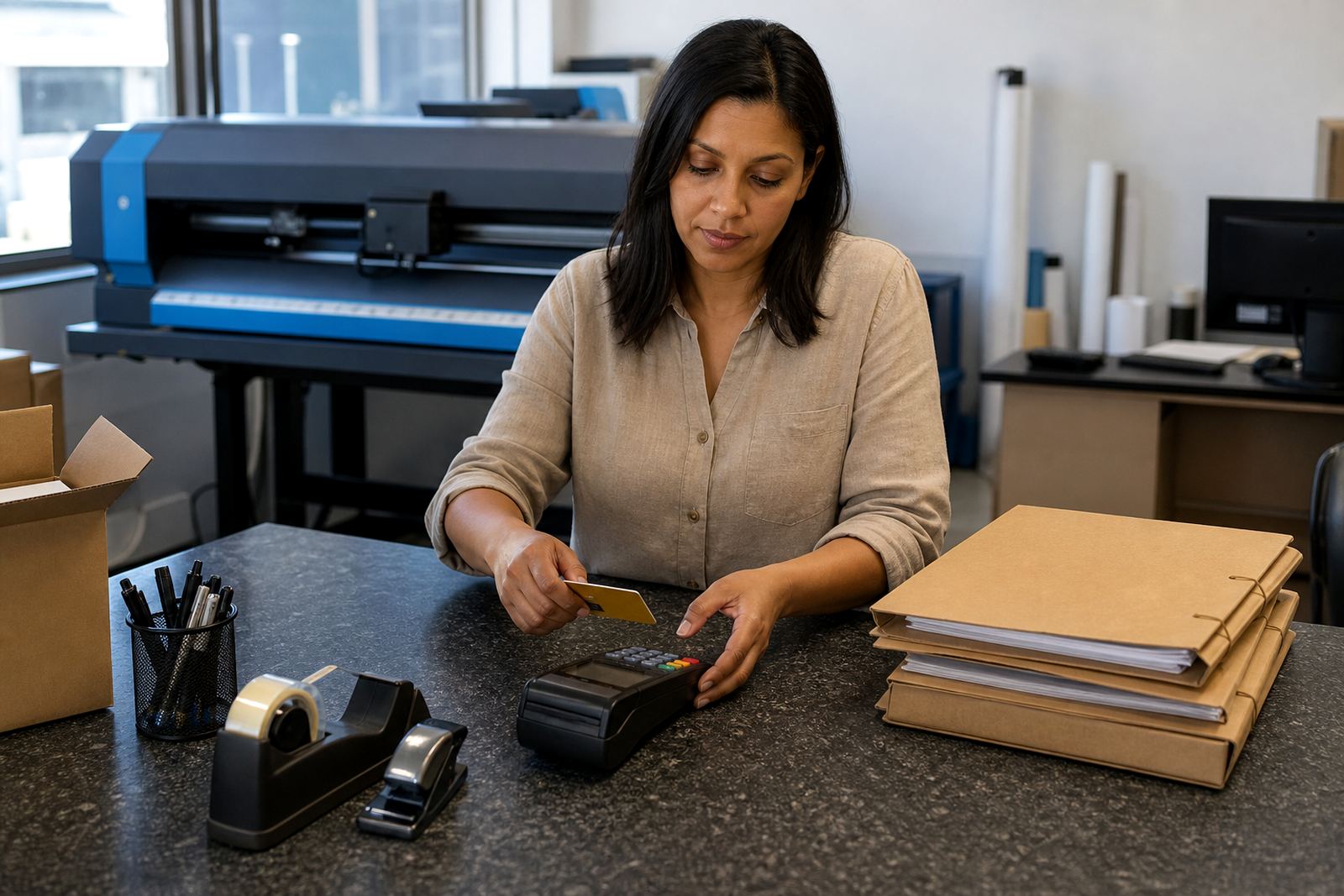
Payment options sit inside the storefront flow, so the customer can pay while the order is still linked to the correct product, artwork, delivery choice and job notes. For a retail walk-in style shop, that can mean card payment at checkout on a single order. For trade work, it can mean account billing, credit terms or a mixed model where some buyers pay immediately and others sit behind approval rules.
The setup is built for printed goods that often carry different production values, finishing choices and delivery costs. A business card run, a box of folded flyers, a stitched booklet and a labelled packaging job do not all need the same payment route, so the payment screen has to follow the price matrix rather than flatten everything into one fixed checkout. That is where the workflow matters most.
- Immediate online payment for public storefront orders
- Account-only ordering for approved B2B customers
- Deposit, balance or full payment rules for larger jobs
- Customer group pricing linked to the same product
Payment methods and account controls you can run through one storefront
The platform can be set to accept secure card payments, EFT style checkout instructions, or account workflows where a customer places an order and payment is handled on agreed terms. Print shops in Durbanville, Cape Town, Stellenbosch and Paarl often need one setup for retail buyers and a separate one for resellers, schools, corporates or event teams.
Permissions matter. A buyer may be allowed to see prices, place orders and upload artwork, but not approve a charge beyond a limit. Another customer may need a purchase order field, a reference field and a staff review step before the order moves into production. These controls help prevent messy handovers between sales and production, especially when several people touch the same account.
- Card checkout for public-facing storefront orders
- Account terms for approved business customers
- Manual approval rules for high-value orders
- Reference, PO number and billing fields where needed
- Customer-level payment visibility by group or role
Where payment setup suits different print operations
Payment options are useful anywhere a print shop sells online and wants fewer back-and-forth queries around invoices, deposits and payment confirmation. They work well for catalogue-style stores, repeat trade customers, schools, marketing teams and franchise groups that order the same items often enough to benefit from a fixed flow. They also fit shops that serve both one-off local buyers and corporate accounts in Johannesburg, Durban, Pretoria and Bloemfontein.
For a smaller store, the main value is clean checkout and fewer manual steps before production starts. For a larger operation, the benefit is tighter control over who can order what, which customers sit on terms, and whether an order should release only after payment clears or after staff approval. That sort of control keeps the production queue readable when volumes rise.
A payment setup can also be tied to delivery choices. If a customer selects courier delivery, the fee can sit in the same order total. If the job is collection only, the checkout can reflect that difference without staff recalculating it by hand. That keeps the order record clearer for dispatch and accounts.
What the setup needs from your shop team
Before payment rules go live, the shop needs a clean list of how customers should pay, who may buy on account, and which orders need approval before production. A sensible brief usually includes account types, tax treatment, delivery zones, cutoff rules for proof approval and any billing fields the team needs for reconciliation. If the payment flow does not match the way your staff already handle orders, it creates extra work instead of removing it.
The setup also needs a proper link between products and price matrices. A poster with gloss lamination and a separate calendar with variable quantities should not inherit the same payment rule by accident. The payment step should read the product correctly, take the right amount, and then pass the order into the next workflow without the production team having to retype details.
- Approved account types and credit controls
- Tax status and invoice fields
- Courier charges, collection rules and delivery regions
- Thresholds for manual approval or deposits
- Staff roles that may override or release an order
Specs for online payment and order handling
Payment options can be configured as a public checkout, a private account portal, or a mixed setup that serves both. The system can handle product-based pricing, delivery add-ons, order references and payment status tracking so the team can see whether a job is awaiting settlement, approved for production or already paid. That visibility matters when several branches or sales channels feed the same production line.
It also helps when the storefront has product builders and proofing workflows attached. A customer may upload artwork, confirm a proof, then move into payment on the same order record. If the job needs staff sign-off first, the payment stage can sit behind that step. The result is less manual checking across sales, accounts and production.
Some shops want payment rules for every product category. Others only need them on selected ranges such as branded stationery, trade print, packaging or display work. The setup can follow that split, so the customer path stays practical rather than forcing one payment method onto every order.
Care, account review and day-to-day housekeeping
Payment setup is not a set-and-forget corner of the storefront. Card rules, account terms, delivery fees and approval paths should be reviewed when your product mix changes, when courier zones shift or when staff start handling orders differently. A print shop that grows into new towns often finds that one payment rule no longer suits the full range of jobs on offer.
It also helps to keep billing labels consistent. A customer should see the same order reference, invoice reference and delivery note across the storefront and the production side. That reduces confusion when a customer phones the office in Durbanville or walks into the Cape Town base looking for a job that has already moved forward.
For staff, the best care is clean admin. Keep account names current, remove inactive payment methods where needed, and check that approval rules still match who is allowed to place orders. Small adjustments keep the payment side orderly without turning it into a separate job on its own.
Key facts
| Payment types | Secure card checkout, account terms, deposit and balance rules |
|---|---|
| Customer access | Public checkout, approved B2B portal, role-based permissions |
| Order status control | Awaiting payment, awaiting approval, paid, released to production |
| Pricing link | Works with product builders and price matrices |
| Delivery handling | Courier charges, collection options and zone-based fees |
| Business fit | Print shops serving retail and trade customers across South Africa |