Start with the file that matches the job
The first item on any artwork upload checklist is the actual working file. For print jobs, that usually means a print-ready PDF, but some workflows still need native files, linked images or editable artwork for a later correction round. A good storefront should ask for the right format before the job reaches production, not after someone has already priced it.
When a customer uploads artwork, the file should be checked for page size, final trim size and whether the layout matches the product selected in the builder. A business card file, a pull-up banner file and a folded leaflet file all need different handling. If the wrong size is supplied, the proof may look fine on screen but fail once it lands in the cutter or press queue.
The job notes that save time later
A strong upload form does not stop at the artwork itself. It should ask for the job notes that production staff need to make sense of the file. This is where the customer confirms the finished size, quantity, paper stock, single sided or double sided print, fold style, binding method and whether the order is for one branch or many delivery points.
- Final size in millimetres or metres, depending on the product
- Quantity per item and total quantity
- Paper or material choice, including finish where relevant
- Single sided, double sided or multiple pages
- Fold, slit, drill, crease or binding instructions
- Delivery suburb, branch or collection point
In Durbanville a shop might receive a rush for estate flyers heading to Cape Town and Paarl. If the notes only say flyer, the team still has to chase down the actual format before the order can be scheduled with confidence.
Image quality, fonts and colour settings
Artwork problems often hide in the technical details. Low-resolution images print soft, even when they look sharp in a browser window. Small type can disappear on dark backgrounds, and thin lines may break up on coated stock or textured board. The upload checklist should ask for artwork that is built for print, not repurposed from a social post or a screen graphic.
Font handling matters as well. If text has not been converted to outlines or embedded properly, a later system update can swap it out or alter spacing. Colour should be supplied in the format your workflow expects, and black-heavy layouts need care so the finished piece does not look muddy. A proofing stage only works properly when the artwork is already prepared for print conditions.
- Images need to be sharp enough for the finished size
- Fonts must be embedded, outlined or supplied in a usable form
- Black text and rich black areas should be separated correctly
- Brand colours should be stated clearly where exact matching matters
Bleed, safe area and cut lines
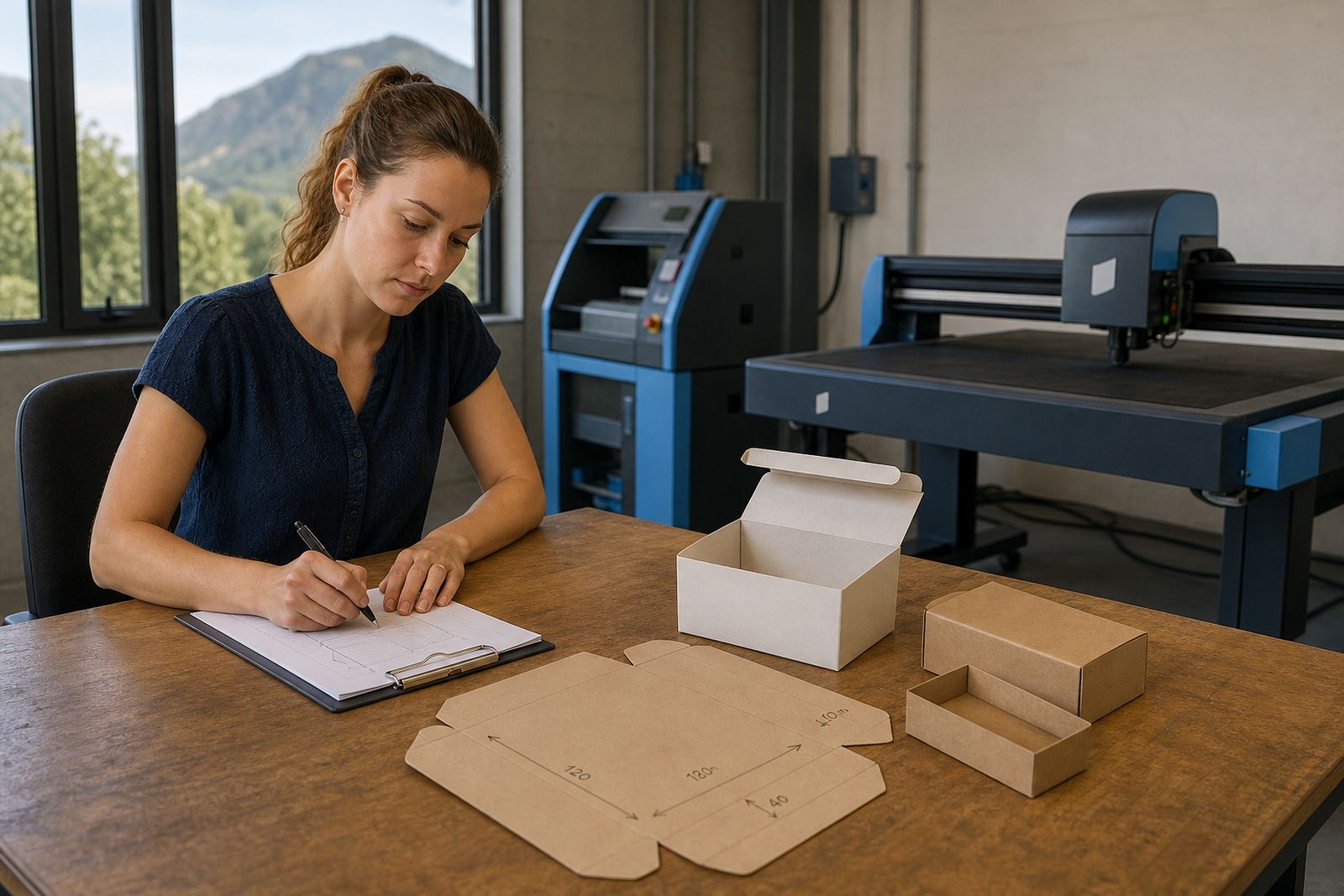
Many artwork uploads are rejected for one reason, the file stops at the edge of the design. Print products usually need bleed beyond the trim line so there is colour all the way to the cut. The safe area inside the trim is just as important, because logos, captions and contact details can vanish if they sit too close to the edge.
Product builders work best when they explain these rules before upload. A customer designing a label, menu, ticket or presentation folder should see the cut line and safe margin while building the artwork. That way the final proof reflects the real production size, not a guess. The clearer the rules, the less time staff spend fixing files that were built too tightly.
Proofing choices that stop avoidable mistakes
Proofing is where the upload checklist becomes a useful control point. The customer should know whether they are approving a digital proof, a text-only correction round or a final print-ready file. If the order includes artwork changes, the system should capture who approved what, and whether the correction affects size, colour or copy.
For corporate accounts, proofing often needs a second layer. Head office may approve the artwork while a branch manager confirms delivery details, store codes or internal reference numbers. A B2B portal can keep those steps in one place, so the production team is not working from scattered messages and old versions of the same design.
- Show the proof at the correct size where possible
- Separate artwork approval from delivery approval
- Record version numbers for revised files
- Keep notes on colour changes, copy edits and layout fixes
A Durbanville job that shows the point
Consider a Durbanville print shop handling a reprint for a group of branches across Cape Town, Johannesburg and Bloemfontein. The customer uploads a logo file, three separate PDF artworks and a note that says posters for stores. That sounds usable, but it leaves out the poster size, whether each branch needs the same copy and whether the artwork must be adjusted for wall space or window display.
When the checklist is tighter, the intake becomes easier. The customer selects the product in the storefront, uploads the right file type, adds the branch list, confirms the size and chooses delivery details for each location. Staff can then move the job into production with fewer questions and less rework. For print shops handling mixed orders across South Africa, that structure makes the whole front end far less messy.
What the upload form should capture before production starts
A practical upload form should gather the information that production staff need without turning the process into a long interview. The key is to collect enough detail for pricing, proofing and handover to production in one place. If the storefront is set up well, the customer can complete most of this while building the order.
- Artwork file and supporting images
- Product type and finish
- Dimensions, quantity and variant details
- Proofing instruction and approval contact
- Delivery or collection preference
- Internal reference, invoice note or purchase order number
That structure helps the print shop keep orders moving through intake, proofing and dispatch without guesswork. It also gives staff a clear record when a client orders through a B2B portal, or when a branch needs several items priced under one account.