Build the banner job around the right hardware
Pull-up banner orders usually start with the hardware, then the graphic panel follows to suit the frame. A storefront can present the common choices clearly: standard retractable units, wider display stands, double-sided units and premium bases for heavier foot traffic. The buyer should see the usable width, finished height and the exact print area, not a vague banner size that leaves room for costly rework.
For a print shop, the benefit sits in the product builder. The customer selects the stand size, chooses whether they need one graphic or more than one replacement panel, then uploads artwork against a layout that matches the actual template. That keeps the order tied to the correct base and panel dimensions from the start, which matters when a customer wants the same banner reused at expos, reception points or seasonal promotions.
Durbanville, Cape Town or Johannesburg buyers all tend to ask the same practical questions. Will the banner fit beside a counter. Does it fold into a carry bag. Is the base stable on a tiled foyer floor. A good online setup answers those points through product options, notes and artwork rules rather than a long message chain.
Sizes, print areas and options that belong on the page
Pull-up banners are usually sold by finished display size and print method. The page should carry the key measurements in millimetres and metres, with clear notes on whether the artwork includes bleed, a visible safe zone and trim allowance. The graphic panel often prints on banner film, synthetic blockout or another durable display substrate, with one-sided and double-sided options depending on the base.
Where a shop offers more than one standard, the storefront should show the difference in width and height without making the customer guess. Common display widths may include 800 mm, 850 mm, 1000 mm and wider formats for exhibition use. Height is often around 2000 mm, but the working template should drive the artwork layout. If replacement graphics are sold separately, that also needs its own product path so hardware and print items stay properly separated.
- Finished width and height in clear units
- Visible print area and safe zone notes
- Single or double-sided display choice
- Replacement graphic panel option
- Carry bag or transport case if supplied
- Base style for standard or heavier use
Where pull-up banners do the work best
These displays are made for places where people pass by quickly and need a message in seconds. They suit reception areas, trade counters, roadside activations, open days, school events, conference stands and mall promotions. A banner that works in a showroom can also travel neatly to a launch in Stellenbosch or a corporate briefing in Pretoria, provided the base, panel and bag are matched to the use.
The online product page should speak to that setting. A business client may want a neat branded display for a lobby, while a promoter may need a more hard-wearing option for repeated setup and pack-down. B2B portals help here, because the buyer can store approved versions, repeat the same template and place orders against a controlled account without rebuilding the artwork each time.
Where courier delivery is part of the order flow, the packed length and carton style matter. A banner that travels in a rigid case has different handling needs from one supplied in a soft carry bag. If your storefront tracks those details, the receiving side is less likely to open a box and find a missing base cap, bent pole or panel packed against the wrong accessories.
Artwork rules that keep the print sharp
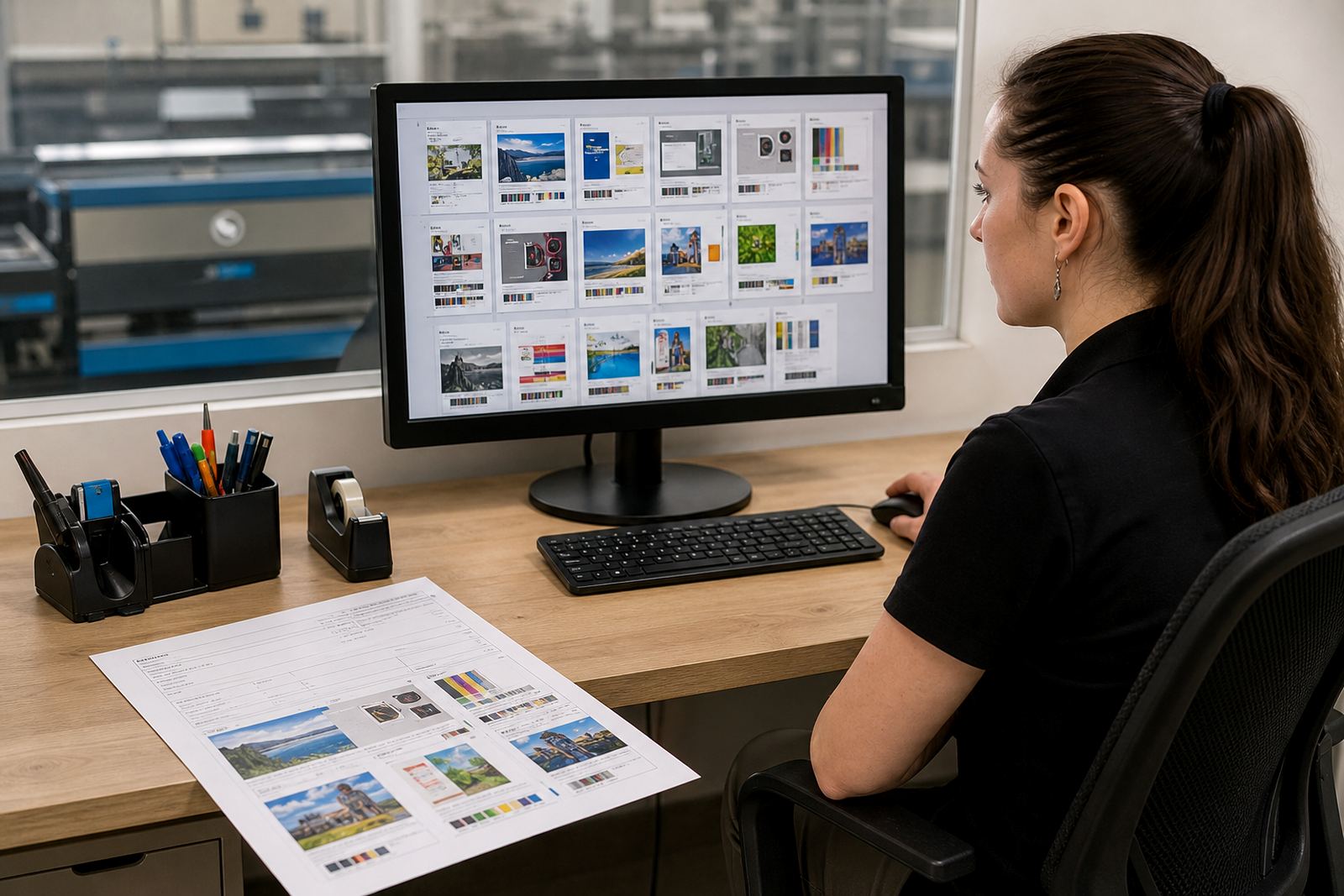
Pull-up banners look simple from a distance, but the artwork needs discipline. The top rail, bottom grip and pole position can cut into the live area if the file is built without the right template. Artwork preflight should check bleed, resolution, colour mode, embedded fonts, overprint issues and the safe area around logos or contact details. If a customer uploads a poster-style file with tiny type near the edge, the system should flag it before the job heads into production.
Proofing workflows are useful when the job passes between marketing teams and print staff. A customer may want to see a proof of the banner with exact crops and panel orientation before approval. That proof should show the actual finished size and not a generic mockup. For shops serving corporate clients across South Africa, the approval trail matters because one banner might need sign-off from a branch manager in Durban while the billing sits in Cape Town.
- Artwork supplied to the exact template size
- Fonts outlined or embedded as required
- Image resolution suitable for large-format print
- Colour space set for print production
- Proof approval captured before release
- Rules for logos near the top rail and base area
Installation, fitting and day-to-day handling
Pull-up banners are straightforward to assemble, but the listing should still explain the fitting steps. The panel locks into the base, rises on the support pole and sits under tension once the top rail is engaged. Buyers need to know if the unit ships with a carry bag, whether a support pole is included and if the banner can be swapped without tools. For event teams, that detail is part of the buying decision.
Care notes belong on the page too. A printed banner panel should be rolled or packed with the graphic facing the correct way, kept dry and stored away from tight bends that crease the print. In coastal areas such as Durban, humidity can affect how a banner is kept between events, so the shop should note that clean, dry storage helps the panel stay presentable. Bases should be checked for scuffs and loose fittings after repeated transport, especially where units move between branches or display venues.
If the banner is going into a high-use reception or exhibition route, the hardware finish matters. A heavier base, a steadier pole section and a panel with a suitable coating can extend the useful life of the display. Buyers do not need a lecture on hardware, they need the practical points that help them order the right unit the first time.
Ordering details the print shop should capture first
A clean order depends on a few exact details. The storefront should collect the display width, banner height, one-sided or double-sided print, hardware only or hardware plus panel, quantity, artwork upload, delivery town and any proofing requirement. If the customer already has a stand and wants a new graphic, the product path should make that clear so the order does not include a base the client does not need.
Price matrices are useful when a shop sells different combinations in one catalogue. One price line can cover the stand, another the replacement graphic and a third the pack with bag or case. That lets corporate buyers compare options without phoning around for numbers. Payments and delivery settings should sit inside the same checkout, with courier fields that suit a local dispatch from Durbanville to Cape Town, Johannesburg, Bloemfontein or beyond.
For admin staff, order tracking into production matters almost as much as the sale. Once the artwork is approved and payment cleared, the job should move through print, finishing, packing and dispatch with a visible status. That keeps the banner order tied to the physical work, rather than sitting in a general inbox where details get lost among other jobs.
PrintEngine builds these storefront flows for print shops that need product templates, staff training and a better order path for display products. The work sits in the structure of the catalogue, the template rules and the way each banner job is handed over to production.
Key facts
| Product type | Pull-up banner storefront product for hardware and graphic panel ordering |
|---|---|
| Common widths | 800 mm, 850 mm, 1000 mm and wider display formats |
| Finished height | Usually about 2000 mm, based on the chosen template |
| Artwork format | Print-ready upload with bleed, safe zone and proofing support |
| Display options | One-sided or double-sided, hardware only or hardware plus panel |
| Order controls | Price matrices, payment flow, courier fields and production tracking |