Artwork intake that keeps the brief together
The artwork upload step is built for print work where the customer may send a logo, a rework, a fresh layout and a few notes about trim, size and finish. Instead of scattering the job across message threads and WhatsApp screenshots, the storefront collects the files in one place and links them to the product, quantity and production notes. That helps the shop keep artwork, proofing and ordering tied to the same record.
Customers can upload print files in common artwork formats, add reference images and include instructions about colour, variable text, folding, bleed or backing. If a client uploads more than one version, the order can keep those versions separate for checking and sign-off. That matters on jobs where the final file changes after proofing, or where one item in a batch needs a different name, suburb or promotion.
- Single file or multiple file upload on one order
- Job notes field for trim, fold, finish and quantity details
- Reference images for mock-ups, samples or old artwork
- Version control for revised files and alternate layouts
File checks before artwork reaches production
The artwork upload workflow can include preflight rules that flag the problems print shops see every week: low resolution images, missing fonts, wrong colour mode, overset text, missing bleed and page sizes that do not match the product template. Those checks do not replace a designer or prepress operator, but they reduce back-and-forth on files that are clearly not ready for press.
For a Durban flyer job, a Johannesburg catalogue run or a Cape Town sticker order, the rules can be set to match the way the shop prints. A small format item may need a different file requirement from a large poster, and a business card may need stricter bleed settings than a basic memo pad. The system can pass a file for review, hold it for correction, or send it into proofing with notes for the customer.
- Resolution and bleed checks for print readiness
- Colour mode and page size validation
- Font and text issue alerts where possible
- Artwork hold, review or approval paths per product
Proofing paths for approval and rework
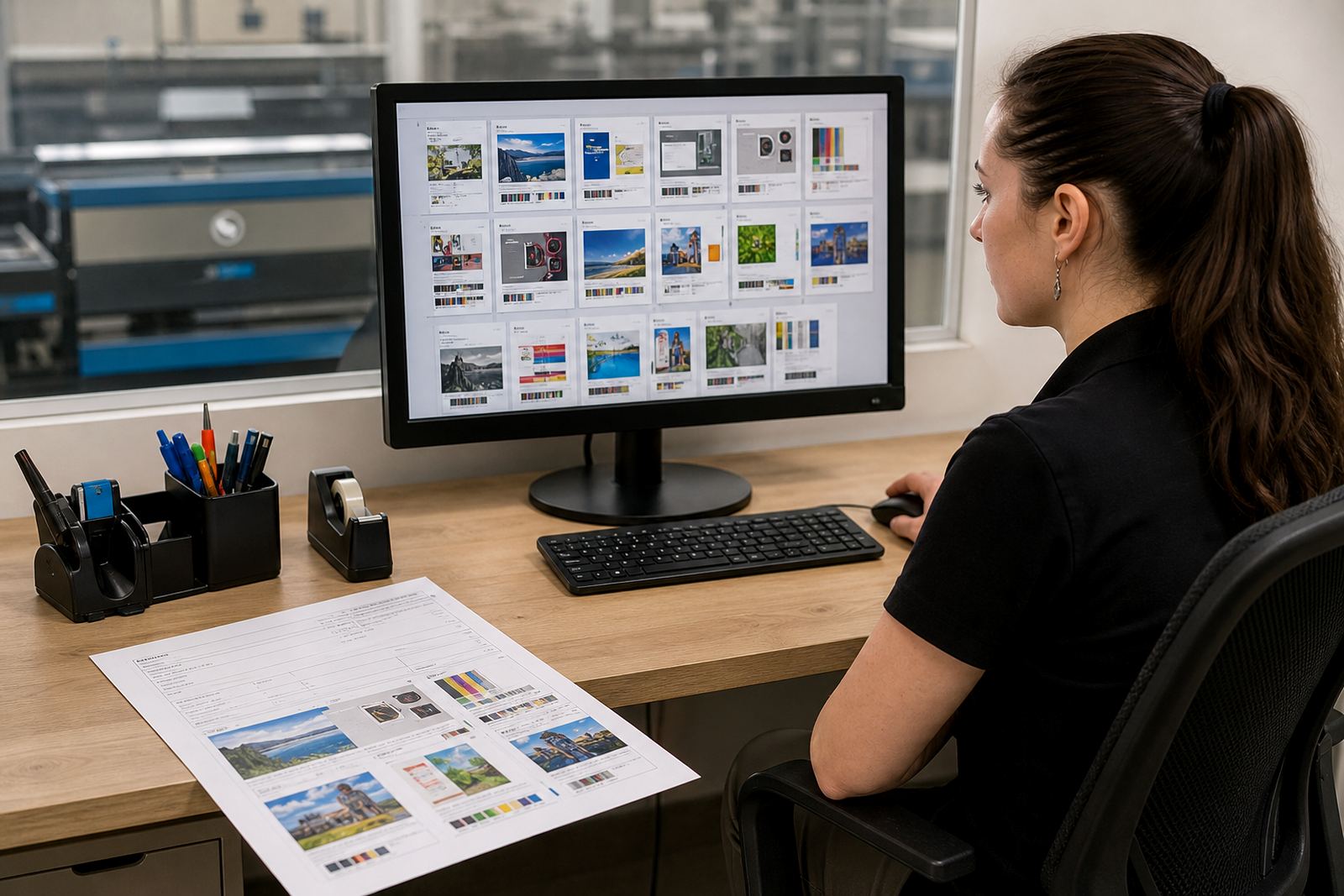
Many print shops need a tidy way to move from uploaded artwork to proof, then from proof to approval and production. The module supports that handover by keeping the artwork version, the proof file and the client approval record together on the order. That is useful when a corporate buyer wants to review a batch before release, or when a trade customer sends a revised layout after the first proof.
Proofing can be used for short-run jobs and larger print batches alike. A team can mark a file as approved, request a correction or attach a note that points to the exact panel, line or page that needs a change. On jobs with multiple variants, the shop can keep one approval trail per version so the production team knows which file is live and which one is only for review.
- Proof file linked to the uploaded artwork
- Approval, revision and hold states for each job
- Version history for changed layouts and corrections
- Notes tied to the proof rather than a separate message trail
Sized for the products your shop actually sells
Artwork upload works best when it matches the product range, not a generic file box. A good setup can reflect the shop’s real sizes and print types, from business cards and flyers to labels, folders, books, pull-up graphics and packaging sleeves. Each template can carry its own artwork rules, crop marks, bleed allowance and safe area requirements, so the customer sees only the files and guidance that apply to that item.
That also helps when a shop sells different orientations or size variations. A portrait poster and a landscape poster may need separate upload prompts, and a multi-page brochure may need a different artwork structure from a single sheet insert. If the shop handles custom sizes, the upload step can be set up to ask for width, height, units and any finishing detail that affects the final file.
- Product specific upload prompts and file instructions
- Custom size entry for items sold outside fixed templates
- Separate rules for single page, multi-page and folded products
- Safe area, trim and bleed guidance on each template
Where it fits in a real South African print shop
This module suits print shops that sell through an online storefront, service trade clients or manage orders from several towns at once. It is useful for Cape Town teams handling walk-in and online work, and for shops in Pretoria, Durban or Bloemfontein that need a cleaner file intake process for remote customers. A B2B portal can use the same upload logic for corporate users who place regular orders under account terms.
It also fits shops that want artwork captured before the rest of the job is released into production. When the file arrives with the order, the team can inspect the brief, check the artwork against the product template and route it to the right step in the workshop or prepress queue. For recurring work, the upload path can be tuned so the customer uses the same template each time, which cuts down on missing sizes and uncertain file naming.
- Trade order intake for repeat customers and account holders
- Online storefronts with product level upload rules
- B2B portals for corporate ordering and repeat layouts
- Multi-branch teams needing one consistent artwork process
Setup details, handover and day-to-day care
Artwork upload setup starts with the products, file types and approval steps the shop actually wants to use. The storefront needs the right prompts, the right limits for file size and the right instructions for each item, whether it is a simple one-colour job or a full colour run with variable data. If the shop wants stronger control, the upload step can be linked to artwork rules, payment status or a manual review before the order moves on.
Once live, the team should keep an eye on template changes, missing file guidance and job notes that keep getting misunderstood. Good care usually means checking whether customers still see the right dimensions, whether proof language matches the production process and whether staff are saving the correct file versions into the job record. That practical upkeep keeps the upload process readable for customers and manageable for the shop.
- File size limits and accepted format rules
- Upload prompts tied to the product template
- Optional manual review before production release
- Regular checks on artwork instructions and proof wording
Key facts
| File handling | Single upload, multiple files and revised artwork versions |
|---|---|
| Artwork inputs | Print files, reference images and job notes |
| Checks | Resolution, bleed, page size, colour mode and font alerts |
| Workflow | Upload, preflight, proofing, approval and production handoff |
| Setup scope | Product templates, upload rules and staff training |
| Best fit | Print shops, trade portals and repeat corporate ordering |