The file looks fine until you inspect the numbers
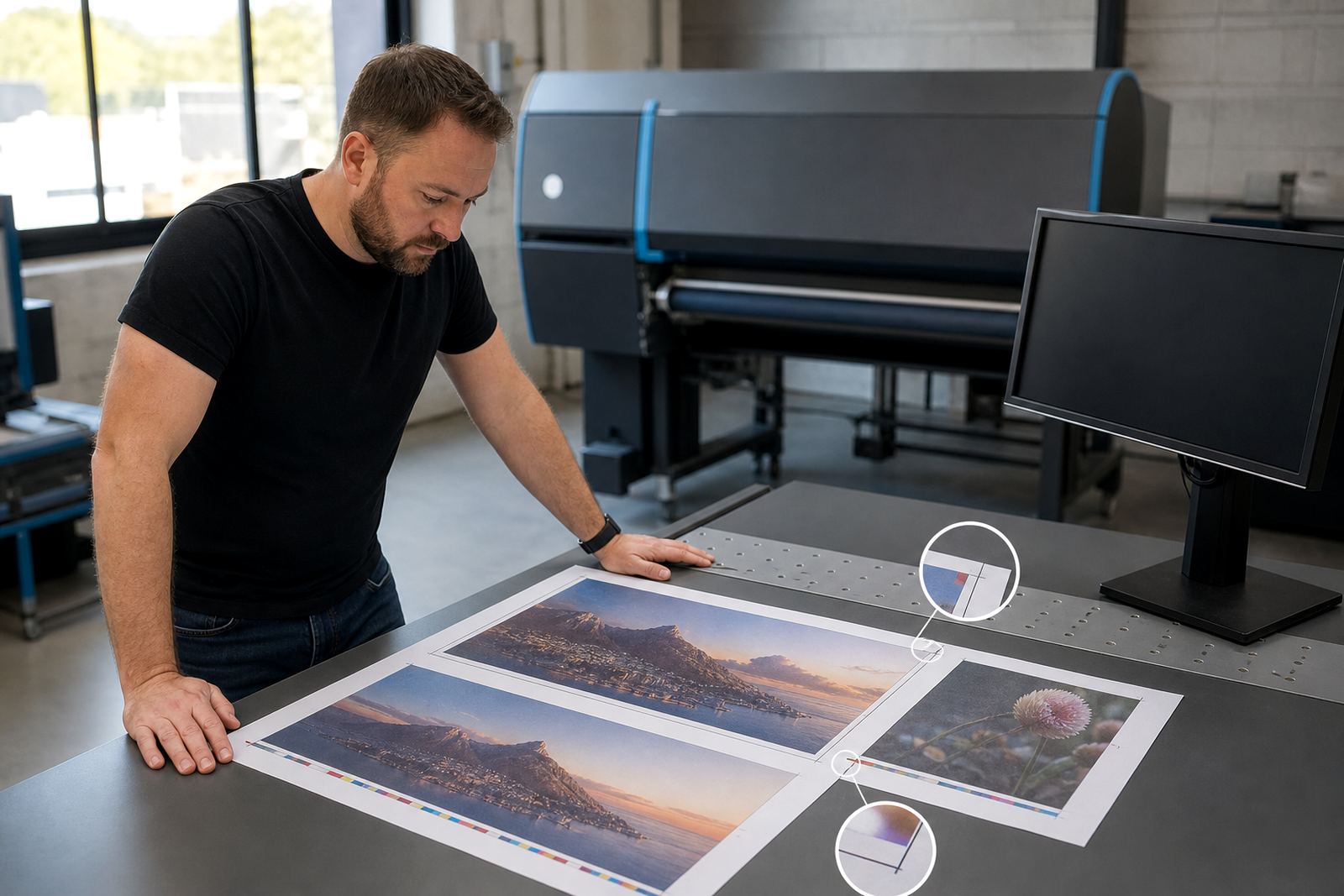
A picture can look sharp on screen and still fail at print size. Preflight checks the parts that are easy to miss in a quick review, like image resolution, font use, bleed, trim marks and colour setup. That is the point where many rush jobs quietly go wrong.
In a Durbanville shop handling stationery and short-run promo work, the team may receive a logo that was saved from social media, a flyer with no bleed, or a brochure where black text has been built from four colours. Those issues are not dramatic on screen, but they become visible once plates, digital output or finishing starts. Preflight turns those hidden faults into a practical checklist before the job moves on.
Low-resolution images are still the most common trap
Artwork that is meant for web use often arrives too small for print. Preflight can flag images that will soften, pixelate or break apart when enlarged. That matters for labels, menus, banners and packaging where the customer expects sharp type and clean edges.
A common fix is to replace the file or scale the artwork more carefully, rather than hoping the printer will rescue it later. For shops serving Cape Town and Paarl clients, that saves time on back-and-forth approvals and avoids the awkward moment when a proof is already looking fuzzy.
- Photos pulled from messaging apps are often too compressed.
- Images saved at screen size can fail at full print size.
- Stretching a small logo usually exposes blur around the edges.
Fonts, outlines and missing links cause quiet failures
Text can look perfect on one computer and still break on another if fonts are not handled properly. Preflight checks whether fonts are embedded, converted or missing, and it also flags linked graphics that are not included in the package. That keeps artwork from arriving in production half complete.
When a corporate client uploads a presentation cover or a branded brochure, the layout may depend on a specific typeface and several linked images. If one font is absent or a linked picture is broken, the final result can shift in ways that are not immediately obvious. The file may open, but it does not behave the same way.
Bleed and trim are small details with large consequences
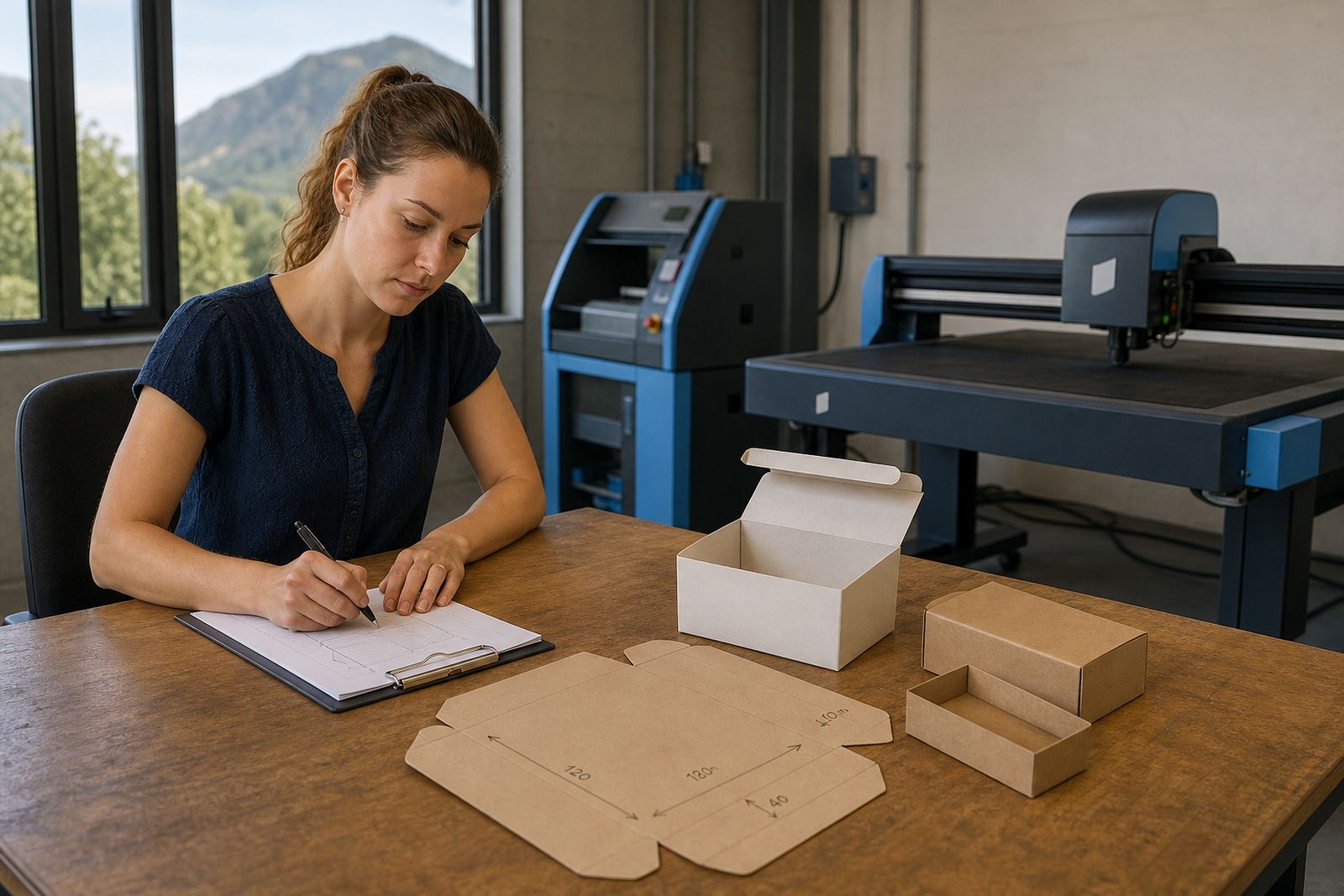
Bleed sounds technical, but the idea is simple. If artwork reaches the edge of a page or a card, it needs extra image area beyond the trim line so the final cut does not leave a thin white edge. Preflight checks that margin before the job is released.
This is especially important for business cards, shelf talkers, menus and booklets. A missing bleed can turn a clean design into a visibly cropped job. In a busy print shop, that can mean rework after the file has already been imposed, approved and queued for finishing.
- Full-bleed pages need extra image on every outside edge.
- Trim marks should not sit too close to text or logos.
- Safe margins protect information from being cut off.
Colour builds can shift the whole job
Colour issues often hide in plain sight. A file can look rich on a monitor and still print dull, muddy or inconsistent if it uses the wrong colour space or mixed colour builds. Preflight helps spot artwork that is set up for screen viewing instead of print output.
Black is one of the most common problem areas. Plain black text should stay clean, while larger solid blacks may need a stronger build to avoid a washed-out result. For print shops in Johannesburg or Bloemfontein handling corporate work, that sort of check protects brand consistency across repeated orders.
Colour warnings also help with overprint settings, spot colour usage and PDF files that carry unexpected tints. Those details are easy to overlook when a deadline is tight and several versions of the same artwork are moving through approval.
Proofing works best when the questions are specific
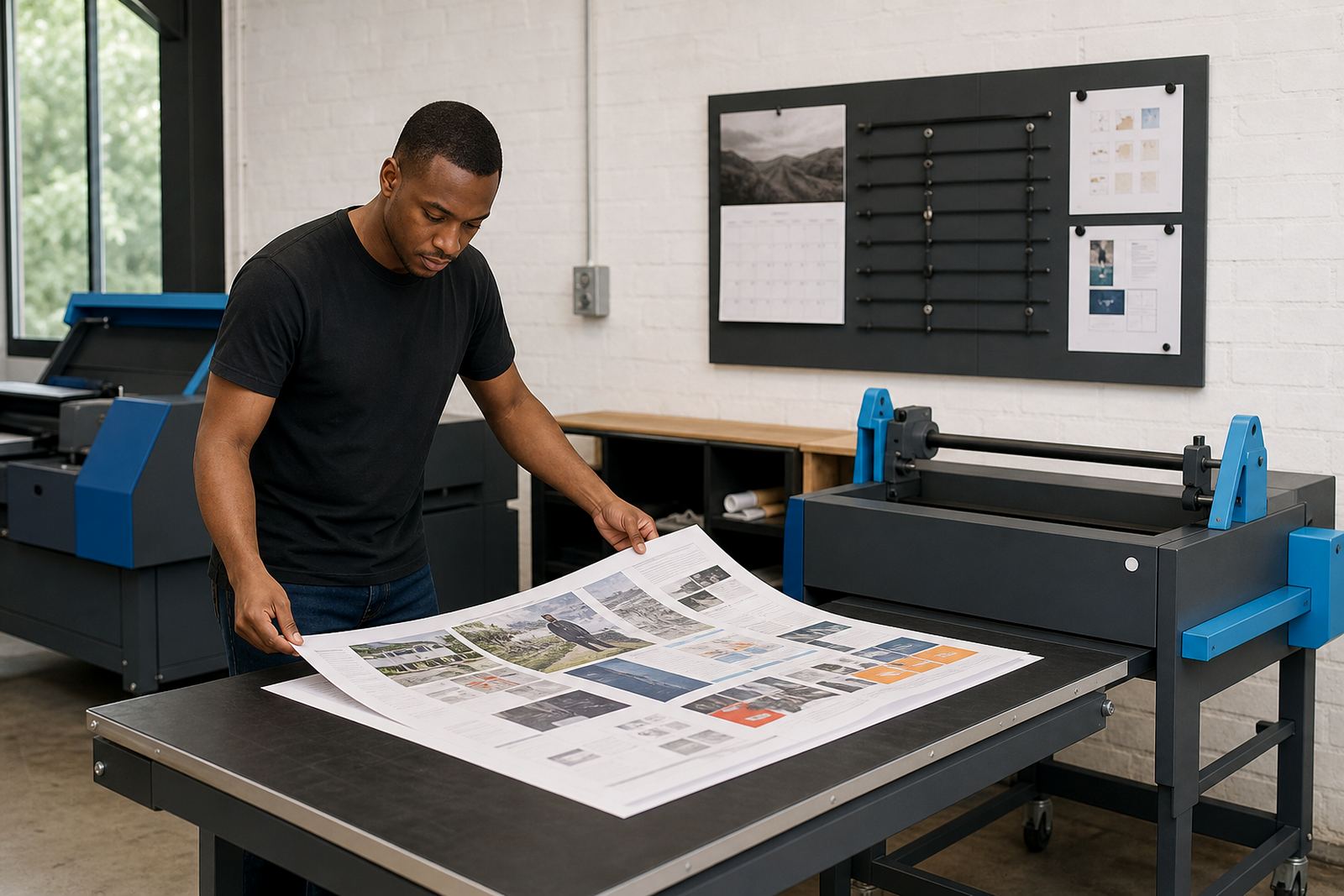
Online proofing is more useful when the customer sees the right issue at the right moment. Instead of sending a vague proof and hoping for a careful read, the system can highlight the exact item that needs attention. A client can then confirm spelling, layout, cut lines or image choice without guessing.
For example, a Durban print shop handling a multi-branch order for a local business may need the customer to approve each store name, delivery note and artwork version before production starts. That makes the proof less about general comments and more about practical sign-off. It also keeps later changes from slipping into the queue unnoted.
- Highlight the page, size or version needing approval.
- Show comments next to the problem area, not in a separate thread.
- Keep the proof linked to the exact job record.
Why preflight helps the production floor stay steady
When artwork is checked properly before release, the production floor gets fewer interruptions. Operators spend less time waiting for corrected files, and admin teams spend less time chasing missing elements. That is useful whether the job is a short-run flyer, a packaging proof or a corporate portal order.
It also supports staff training. New team members can learn the same rules each time, instead of relying on memory or informal notes. Once the error patterns are visible, the shop can set up clearer workflows for artwork upload, proofing, approval and order tracking. The result is not magic, just fewer avoidable surprises in the file path.
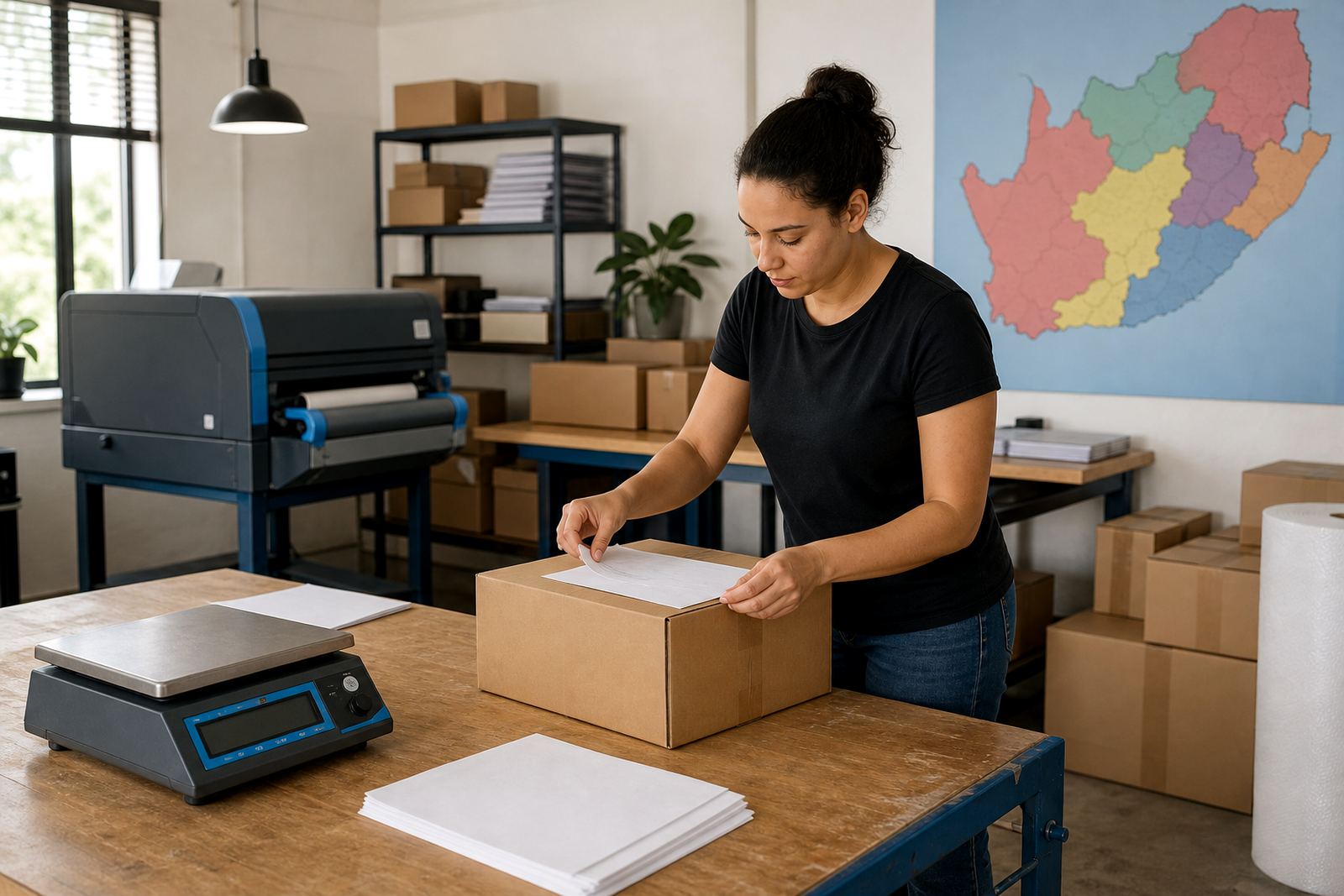
In South Africa, where print shops often serve different towns and different job types in the same week, that consistency matters. One client may upload from Stellenbosch, another from Pretoria, and both still need the same preflight gate before a job enters production. It is a small step, but it protects the rest of the workflow.