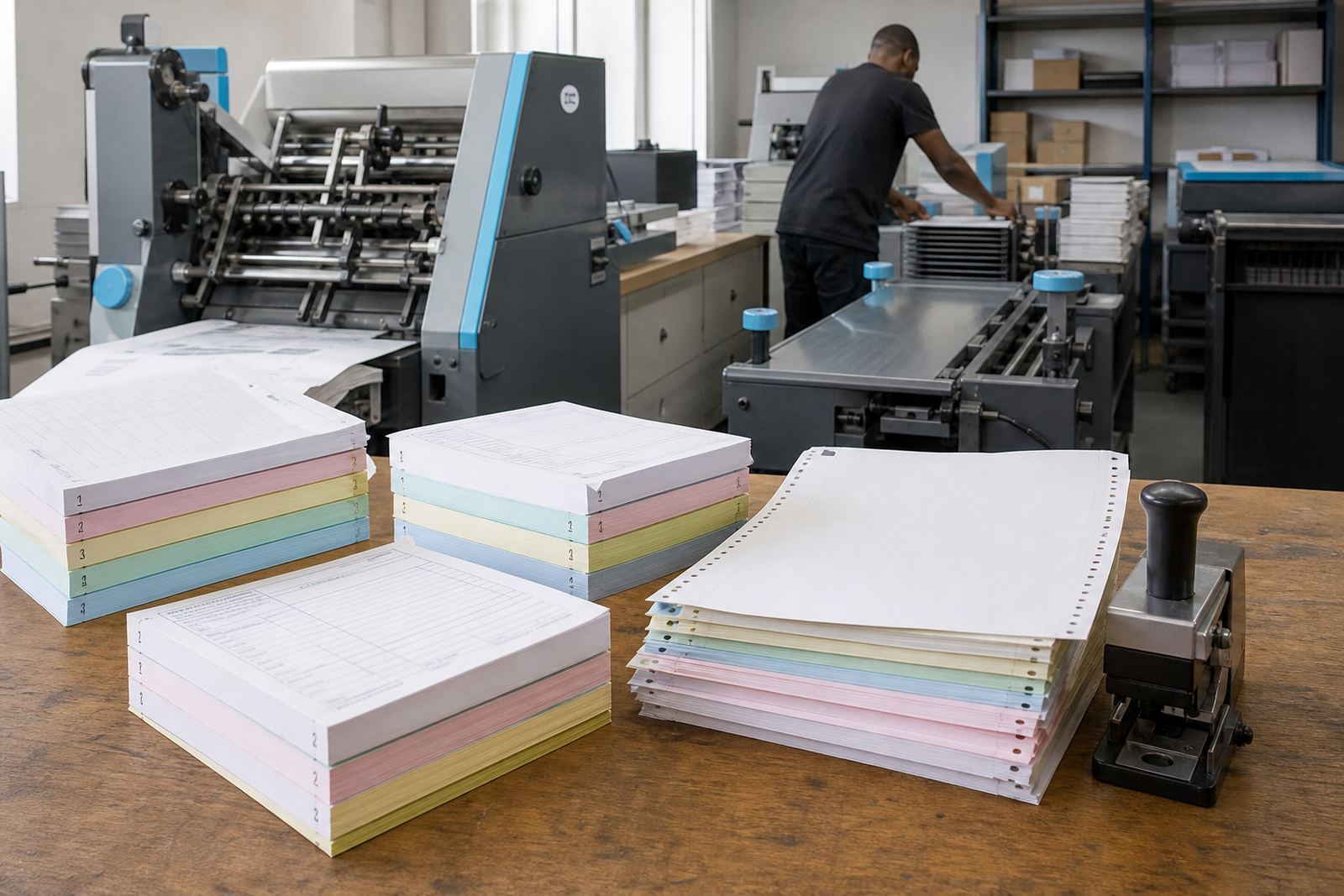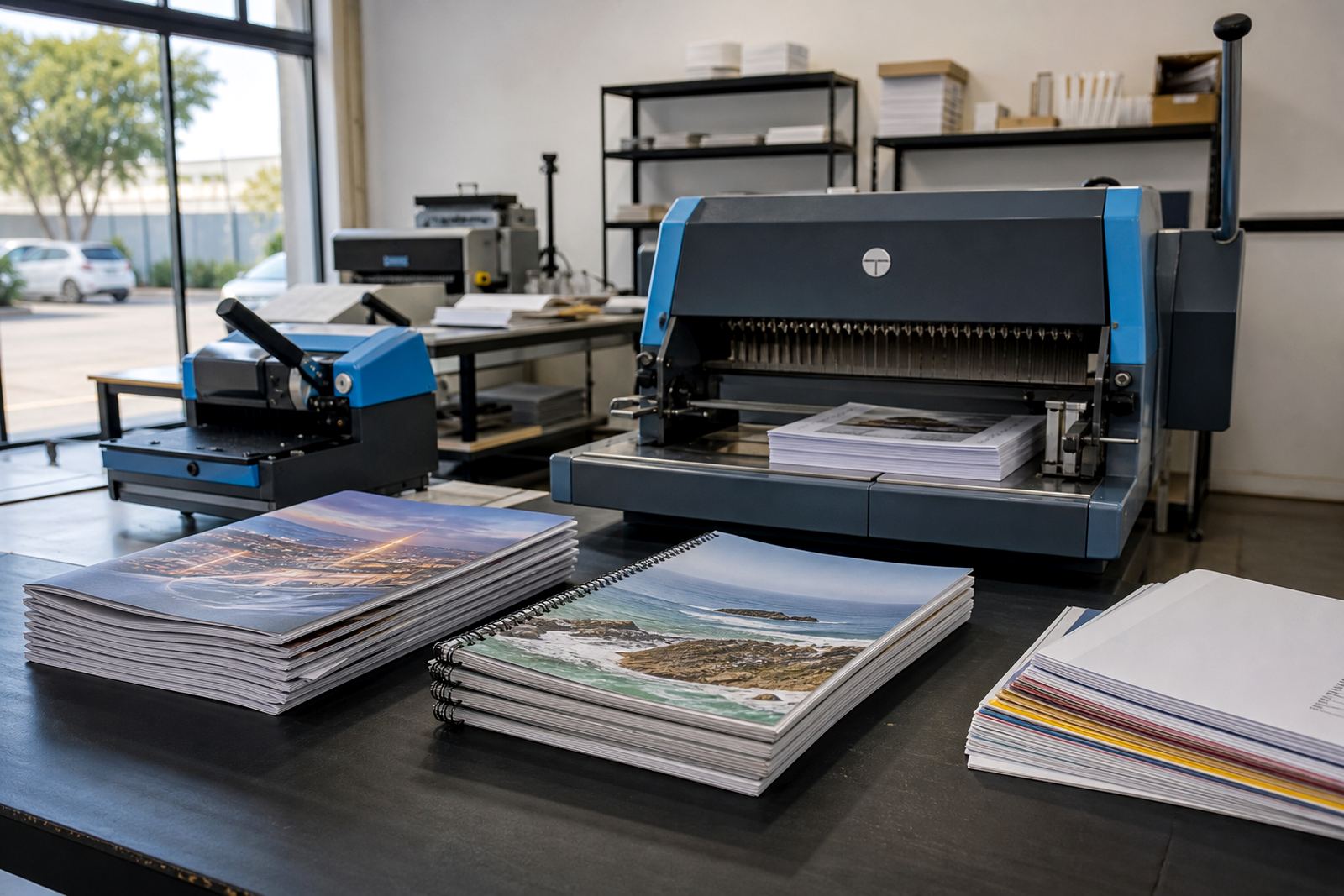
Booklet builders that match real print jobs
A booklet builder lets your team set up products by page count, finished size, binding style, cover stock and inside stock without rebuilding the job each time. For a print shop, that means one product can cover a 12-page saddle-stitched programme, a 40-page wire-bound training pack, or a short perfect-bound catalogue with cover lamination and heavier inner pages.
The software is set up around the way booklet work is quoted in South African print rooms. You can define page ranges, choose whether the cover counts as part of the pagination, and add rules for spine width where perfect binding is used. If your plant produces booklets in A5, A4, DL or custom trim sizes, the product builder can carry those options through the order flow.
- Page counts from short-run booklets to longer manuals
- Binding choices such as saddle stitch, wire bind or perfect bind
- Cover and inside stock options by gsm, finish and colour
- Trim sizes for standard and custom booklet formats
Artwork checks before the job reaches the press
Booklets need more than a file upload box. The artwork path should carry the client through cover pages, inside pages and final page order, then flag missing bleed, low-resolution images, wrong page size and blank pages where artwork is incomplete. For print shops handling corporate orders, that preflight stage saves a lot of back-and-forth in the production queue.
Online proofing gives the buyer a chance to check page order, spelling, pagination and the cover layout before release. Where a booklet contains variable page counts or mixed content, the system can show proof notes and prompt for approval before the order moves forward. That keeps your staff from having to chase every correction by phone or WhatsApp.
- Artwork upload for PDF and other common print formats
- Preflight checks for bleed, image quality and page size
- Proof workflow for approval before production starts
- Page-order checks for covers, inserts and internal sections
Sizes, stock choices and finishing that matter
Most booklet orders sit in standard sizes such as A6, A5, A4 and DL, but many shops also need custom dimensions for event guides, product catalogues and training packs. The builder should allow you to set stock options for the cover and inner pages separately, because a 300 gsm cover with 128 gsm insides is a common booklet mix and not every job uses the same paper through the whole piece.
Binding rules matter just as much as paper. Saddle stitch works for thinner books with an even page count, while perfect binding is better for thicker jobs that need a square spine. Wire binding suits handbooks and reference material that must lie flatter on a table. If you offer lamination, matt or gloss cover film can be added as part of the order logic.
- Standard sizes and custom trim sizes
- Separate cover and text stock settings
- Finish options for matt or gloss lamination
- Binding rules tied to page count and thickness
Where booklet ordering fits best
Booklet ordering works well for print shops serving schools, corporates, churches, training centres, events and manufacturers. In Durbanville, Cape Town and the wider Western Cape, we see booklet products used for council reports, property brochures, conference guides and customer-facing manuals. In Johannesburg, Pretoria and Durban, the same product setup suits internal handbooks, compliance packs and retail training material.
Because booklet work is often repeat business, the storefront should make reordering and file replacement manageable. A corporate client may need the same booklet layout each quarter with updated prices, meeting dates or training content. With a proper B2B portal, you can lock the template and let approved users place repeat orders without redoing the product setup each time.
- Schools and colleges ordering handbooks and learner packs
- Corporate teams ordering policy booklets and training guides
- Event organisers needing programmes and schedules
- Manufacturing and retail teams needing product and safety manuals
Production handover and order tracking
Once the buyer has approved the proof, the order should move into production with clear status stages such as awaiting artwork review, proof approved, in production, ready for collection and out for delivery. That keeps the sales counter, prepress team and finishing floor on the same page, especially when booklet jobs move through folding, trimming, stitching and packing.
If your shop offers courier delivery or collection from the branch, the storefront can carry those choices into the checkout flow. Payment settings can also be tied to your business rules, whether the order is paid upfront, invoiced for approved accounts or released after internal approval. The goal is to keep the admin side tight while your production team handles the actual print work.
- Status tracking from upload through to dispatch
- Payment paths for card, EFT or account order handling
- Delivery and collection choices for local and national orders
- Production notes that follow the job into the workshop
What we set up for booklet products
When we set up booklet orders for a print shop, we map the product around the way your team already prices and finishes the work. That includes the price matrix, page thresholds, stock combinations, binding rules, artwork requirements and proof steps. If your booklet range covers simple school readers through to thicker corporate manuals, the catalogue can carry more than one structure so the customer sees the right options at the right step.
We also train staff on how the product behaves once orders start moving through the portal. That covers template upkeep, checking submitted artwork, handling exceptions and reading the production notes that come through with each job. For teams in Cape Town, Bloemfontein, Stellenbosch or Paarl, that support helps the storefront match the way the shop actually runs rather than forcing a rigid order path.
- Storefront setup for booklet product lines
- Template build for cover and inside page layouts
- Price matrix setup for page ranges and stock changes
- Staff training for sales, admin and production handover
Details to pin down before a booklet order goes live
A booklet product works best when the key print details are fixed from the start. You need the trim size, page count range, binding style, cover stock, inside stock, print colour, lamination choice and any special finishing rules. If the booklet includes tabs, inserts, gatefolds or unusual pagination, those instructions should sit in the product logic too, not left for the operator to guess later.
It also helps to decide how strict the artwork path should be. Some shops accept print-ready PDFs only, while others allow a more guided upload flow with checks for margin, bleed and page sequence. The more clearly those rules are set, the less time the team spends correcting avoidable faults after the order has already entered production.
- Finished size and open page count range
- Binding method and spine rules
- Cover and inside paper specifications
- Artwork rules, proof approval and dispatch method
Key facts
| Product type | Web-to-print booklet ordering and pricing workflow |
|---|---|
| Page handling | Variable page counts with cover and inside page logic |
| Binding options | Saddle stitch, wire bind and perfect bind |
| Size range | A6, A5, A4, DL and custom trim sizes |
| Artwork controls | Upload, preflight checks and online proofing |
| Order flow | Payment, production status and courier tracking |
| Setup coverage | Templates, price matrix, staff training and launch support |